Controls and Settings
Minecraft Subtitles: A Practical Guide
Use sound subtitles as an accessibility and orientation aid.
Choose Your First Adventure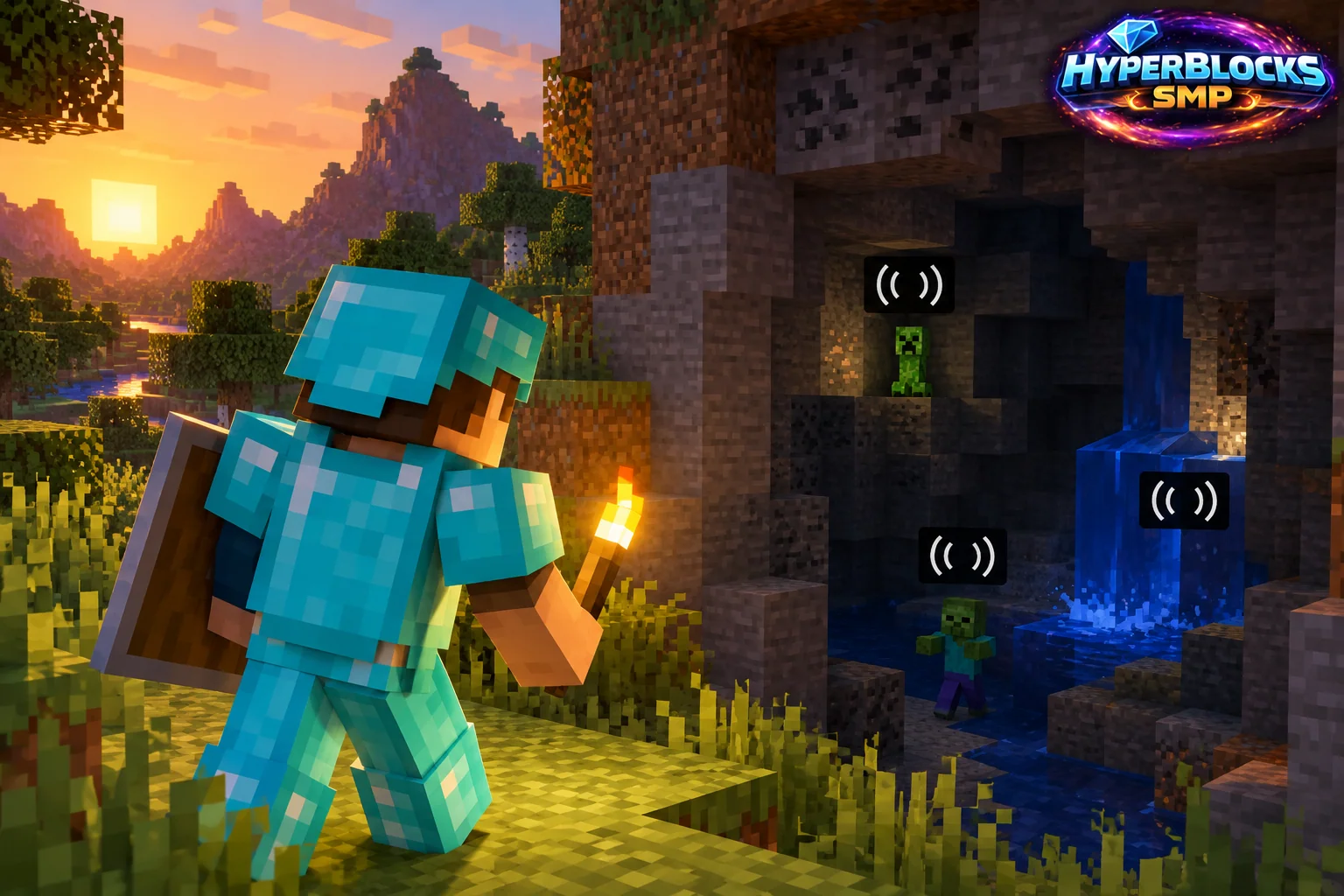
Add a Visual Sound Cue
Minecraft’s subtitle option can provide text cues for supported sounds. It can help with accessibility and awareness, but it does not replace every environmental cue or guarantee an exact location for every threat. Use it as another way to understand what is happening around you.
Try It in a Familiar Place
Enable the option through the current accessibility or sound-related settings, then walk a known base route. Open a door, use a workstation and listen or watch for nearby activity. Adjust the interface scale if the text is difficult to read, while keeping enough room to see the world. Test ordinary play before relying on the setting in a difficult area.
Use It During Exploration
When a cue appears, pause in a stable place and inspect the surroundings. Combine the text with the terrain and what you can see. If the information suggests activity behind a wall, investigate deliberately instead of immediately digging toward it with no return plan. Keep the route back recognizable.
Keep the Limits Clear
A subtitle is information about a sound event, not a complete map of every entity nearby. Continue to use ordinary lighting, cover and route planning alongside the visual cues.
Related planning: Minecraft Accessibility Options: A Practical Guide; Minecraft Sound Categories: A Practical Guide.
Put This Into Practice on HyperBlocks
Minecraft client settings and HyperBlocks server menus are different tools. Once connected, use /m for the Hyper Menu and follow the current joining instructions for your edition and version.
Reference and Further Reading
Check your edition, platform and saved bindings. Java defaults are identified explicitly.
Your Next Adventure
Get Comfortable, Then Make It Your World
Set up controls you can rely on, then join HyperBlocks and choose your first project. Survival offers a shared world for building and exploring. For PvP, read the Hyper Duels guide.