Live Inventory & Ender Chest
Open your Inventory & Ender in the browser: sort stacks, move items between columns, and use bulk arrows—kept in sync with the server while you are in-world.
 Play.HyperBlocksSMP.comJava 26.2
Now live: Java 26.2, Skyblock, and Dungeons
Java and Bedrock on the same address. Survival, Skyblock, and the Adventurer’s Guild. Link once on the website.


Survival ↔ Your browser
HyperCore is our in-network plugin that ties your Minecraft UUID to the HyperBlocks account portal. Once you link, the site stops being a static brochure: it becomes a live control room for the same permissions and data you have in Survival—refreshed when you are online so inventory moves, claim tweaks, and reward deliveries stay honest with the server.
That means full keyboard sorting for chests and storage, dashboard-grade views of homes and claims, MLS next to trust and settings, and Rewards you can claim without tabbing out of Discord on a second monitor. We built it for players who want the grind in-game and the organization out-of-game—one identity, two surfaces, zero “which copy is real?” confusion when the sync is green.
Website ↔ Survival
After you register and link your Minecraft character, these tools unlock. The gallery above starts in-game, then shows Profile, Marketplace, Survival Shops, Auction House, Dungeons, HyperTags, and Voting. Most live actions apply while you are online on Survival—the same rules you know in-game, with a full keyboard and big screen when you want them. More web account options are on the way—we keep expanding what you can do from the browser.
This section is about the account website and its guides, not in-game plugin releases, unless we say otherwise.
Open your Inventory & Ender in the browser: sort stacks, move items between columns, and use bulk arrows—kept in sync with the server while you are in-world.
Extra slots tied to your rank let you stash or retrieve gear through the site into a dedicated web chest flow—handy for prep, sorting, or moving bulk without standing at a physical chest.
Browse all claims and subclaims, open any claim for details, adjust trust or settings where the server allows, and use MLS from the same account hub.
Claim milestones, playtime, dailies, weeklies, and streak rewards from Rewards (or the Rewards section after login). Deliveries go to Survival when the server can accept them.
Your Profile pulls rank and play-facing stats from the network so you always see the same identity on the site and in chat.
Type /website on Survival anytime for a clickable link to the site—useful on Bedrock or when you are mid-session and need the account tools.
Full walkthrough: Wiki — Website integration.
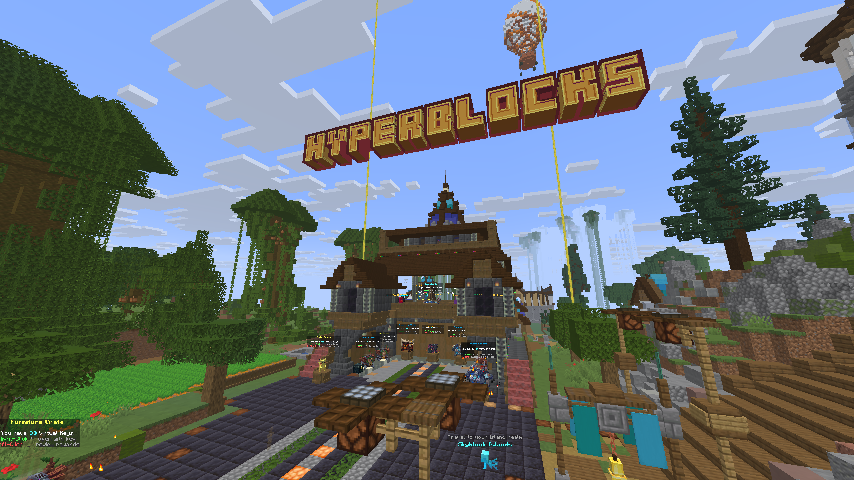
HyperBlocks SMP is a Java and Bedrock survival server on Java 26.2: one address, long-term worlds, and a stack of plugins built for builders and grinders alike. Ranks and kits from the store are delivered in-game.
Read the Rules, browse Ranks, and use the Wiki for commands and guides—including how the website connects to Survival. Sign up or log in to unlock everything above.
Survival is not vanilla-only—we layer fair, optional systems on top of classic play. Open the Hyper Menu with /m (help, rules, and shortcuts).
ClaimProtect protects your builds with claims, subclaims, trust levels, and tools like the golden shovel. MLS ties into buying and selling claim blocks and deeds—open both from the Hyper Menu tools row or with /claimprotect and /mls.
Earn and spend through server shops and systems tied to coins and gems. Jobs and orders-style goals reward playing the way you like.
Voting includes streaks and vote parties. Link Discord, use voice chat in-game, and express yourself with tags and cosmetics.
Collect and show off pets (/mcpets) and open crates for rewards—part of the long-term progression loop alongside ranks and the store.
Custom enchants and items extend vanilla gear. The site’s enchant overview and full Wiki stay in sync with what players actually have access to.
Play on Java 26.2 or Bedrock using the same hostname. Bedrock players get the same network experience behind our proxy setup.
A free HyperBlocks account connects your email to your Minecraft character. That is the key to the live integration in the wiki and account tools—dashboard, rewards, inventory, claims, and MLS all read and write through the same secure link. See the wiki guide for the full setup path. We are actively building more browser-side features; treat today’s list as a growing set, not the final word.
Ranks, kits, and perks are available in our store. Your support keeps the server running.
Open StoreUse Contact Us to send questions, concerns, and server issue reports with optional screenshot or file attachments up to 100 MB.
Open Contact Us