Claims and Building
Minecraft Base Lighting: Visibility Without Clutter
Plan lighting around entrances, work areas and paths before adding decorative fixtures.
Start Building on HyperBlocks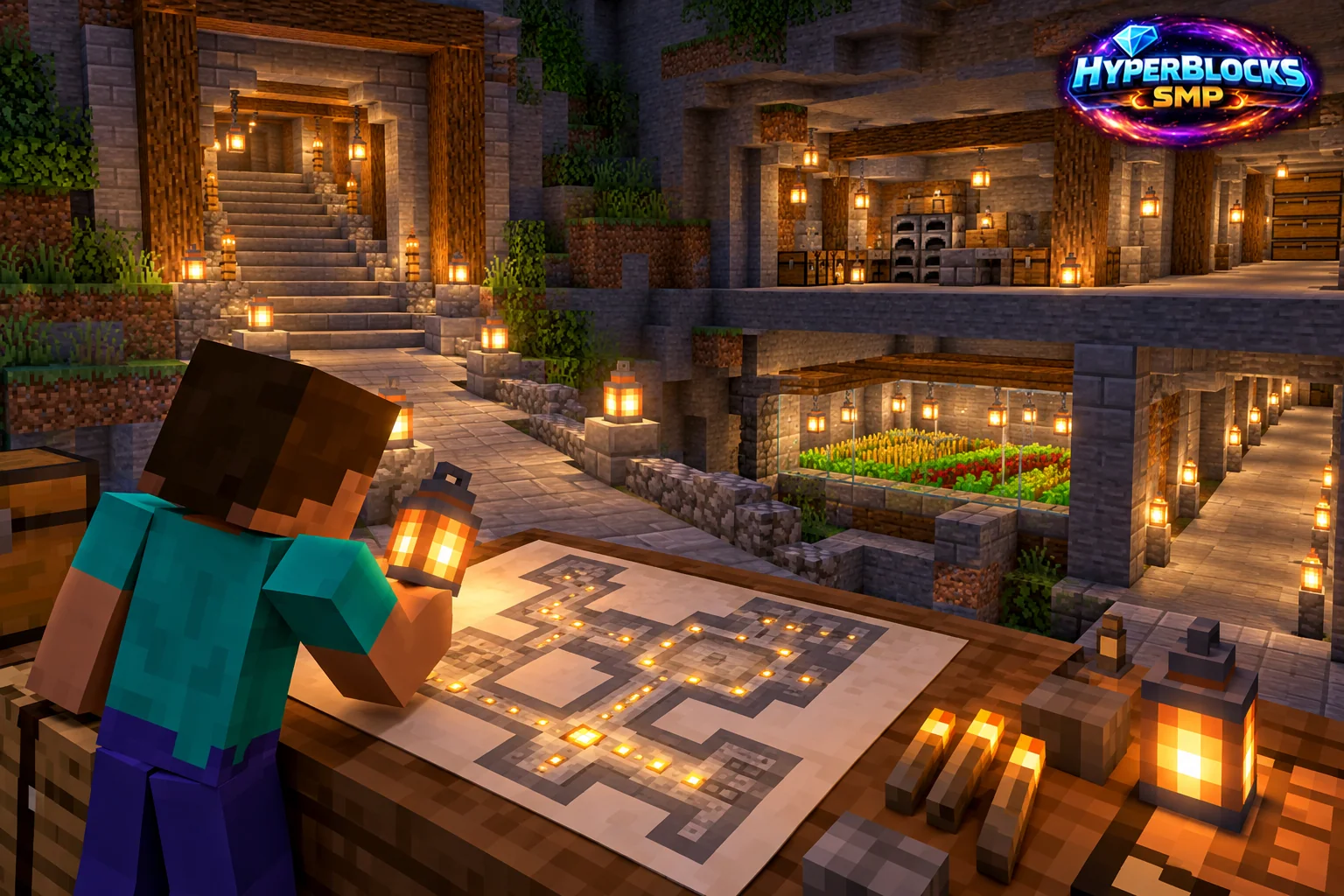
What to Know
Lighting serves more than appearance. You need to see entrances, changes in floor height and the surfaces where you work. Begin by walking the base at night and identifying the places that are difficult to read. Decorative lighting can follow, but it should not hide an unlit stair or make a workstation harder to use.
A Practical Approach
Place a simple set of lights along the main route, then inspect the result from normal eye level. Keep fixtures out of doorways and away from the space needed to open or approach storage. Use a consistent rhythm in long corridors. Test one section before repeating a decorative pattern through the whole build.
Make It Work for Your Base
Different materials and enclosed spaces can make the same fixture feel different, so check the actual room rather than judging from a daytime screenshot. On HyperBlocks, keep lights and supporting blocks inside the intended claim. If helpers maintain the build, leave a labeled supply of matching replacements. A clear night route is more useful than adding a different light to every available surface.
Make a Night Inspection Route
Start at the home arrival point, walk to the workshop, then the farm and the main exit. At each turn, check whether the next step and doorway are visible. Add lighting to the awkward location before decorating the rest of the wall. Inspect roof cavities and newly enclosed corners separately for spawning concerns. Brightness settings on one player’s screen are not a substitute for the world’s actual lighting.
Put This Into Practice on HyperBlocks
On HyperBlocks Survival, land claims let you set permissions around your build. Plan the boundary before placing shared storage, then give friends only the access they need.
Reference and Further Reading
Use the current HyperBlocks menus and linked reference for server-specific requirements.
Your Next Adventure
Give Your Next Build a Place to Grow
Turn your building plan into a Survival home, then choose who can build, open containers and visit. Start with a small claim around your first workshop and expand when you need more room.