Claims and Building
Minecraft Map Rooms: Give Exploration a Place in Your Base
Organize maps around a clear area and display plan so exploration work remains understandable to you and your visitors.
Start Building on HyperBlocks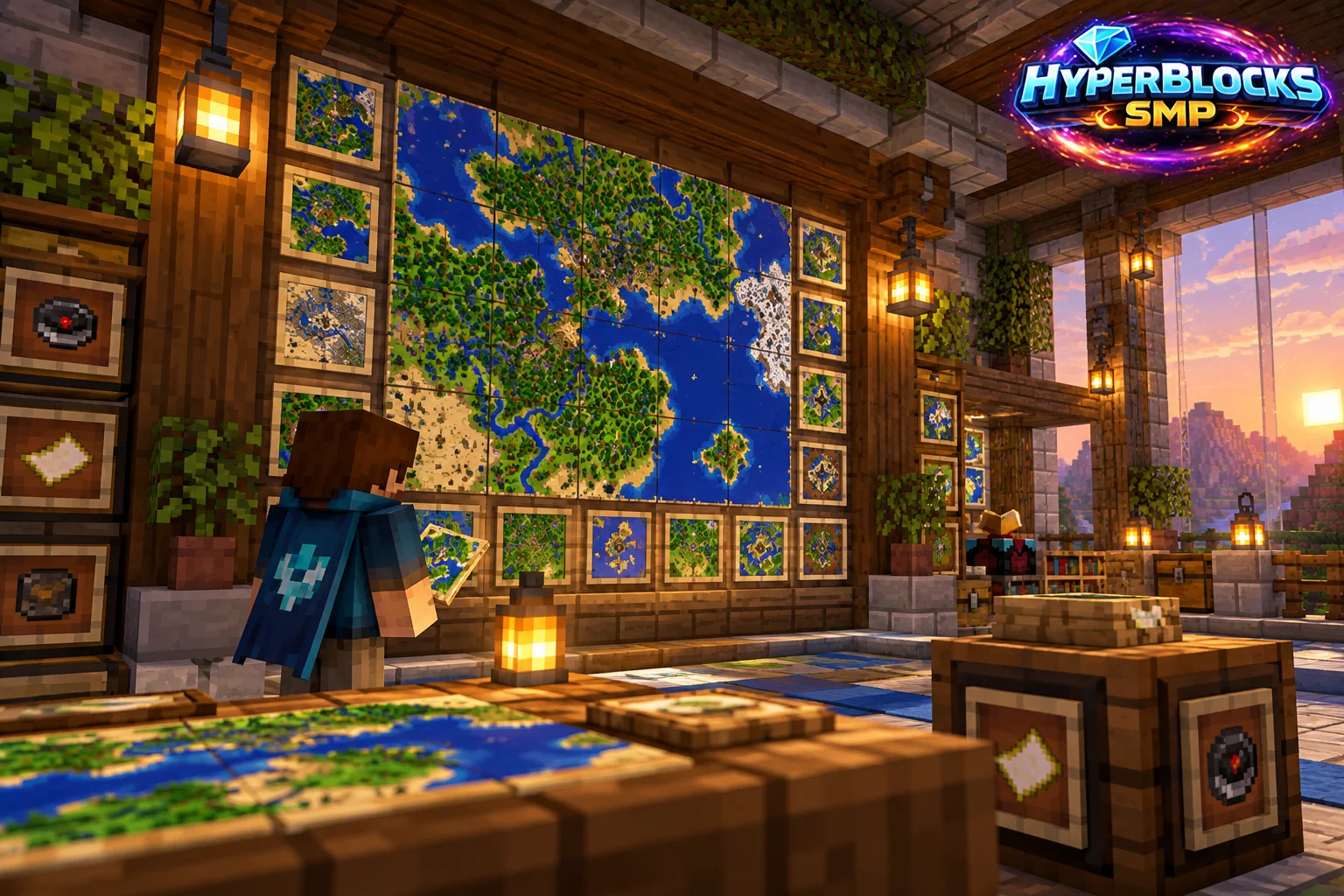
What to Know
Decide what the room should document, such as the area around your base, a community route or a broader exploration project. Keep that scope consistent while planning the display. A collection of unrelated maps can be interesting, but it is harder to use for navigation when visitors cannot tell how the pieces relate.
A Practical Approach
Make space for the display and a nearby work chest containing mapping supplies. Label the area and direction clearly. Keep finished maps separate from blank or spare materials so completed exploration work is not mistaken for generic crafting stock. Test a small display before committing a whole wall to a layout you may reorganize.
Make It Work for Your Base
On HyperBlocks, connect the room to a safe home or player-warp route if others should visit. Use claim permissions to protect the display and control access to the supply chest. Paper production and resource gathering support the project, but the value comes from clear organization. Update labels when the surrounding build changes so the room remains useful after the first tour.
Start with a Small Labeled Display
Begin with a 2-by-2 map display and label the covered area. Keep adjacent maps at a consistent scale when you want them to form a continuous picture. Leave wall space for expansion and put the cartography workstation beside the supply chest. Check orientation and coverage before filling the whole wall, then update the labels when the displayed routes or settlements change.
Related planning: Minecraft Community Squares: Plan a Useful Public Space; Minecraft Starter House Layout: Build the Rooms You Need.
Put This Into Practice on HyperBlocks
On HyperBlocks Survival, land claims let you set permissions around your build. Plan the boundary before placing shared storage, then give friends only the access they need.
Reference and Further Reading
Use the current HyperBlocks menus and linked reference for server-specific requirements.
Your Next Adventure
Give Your Next Build a Place to Grow
Turn your building plan into a Survival home, then choose who can build, open containers and visit. Start with a small claim around your first workshop and expand when you need more room.