Claims and Building
Minecraft Starter House Layout: Build the Rooms You Need
Plan a compact starter house around storage, crafting, a bed and a clear route to the farm.
Start Building on HyperBlocks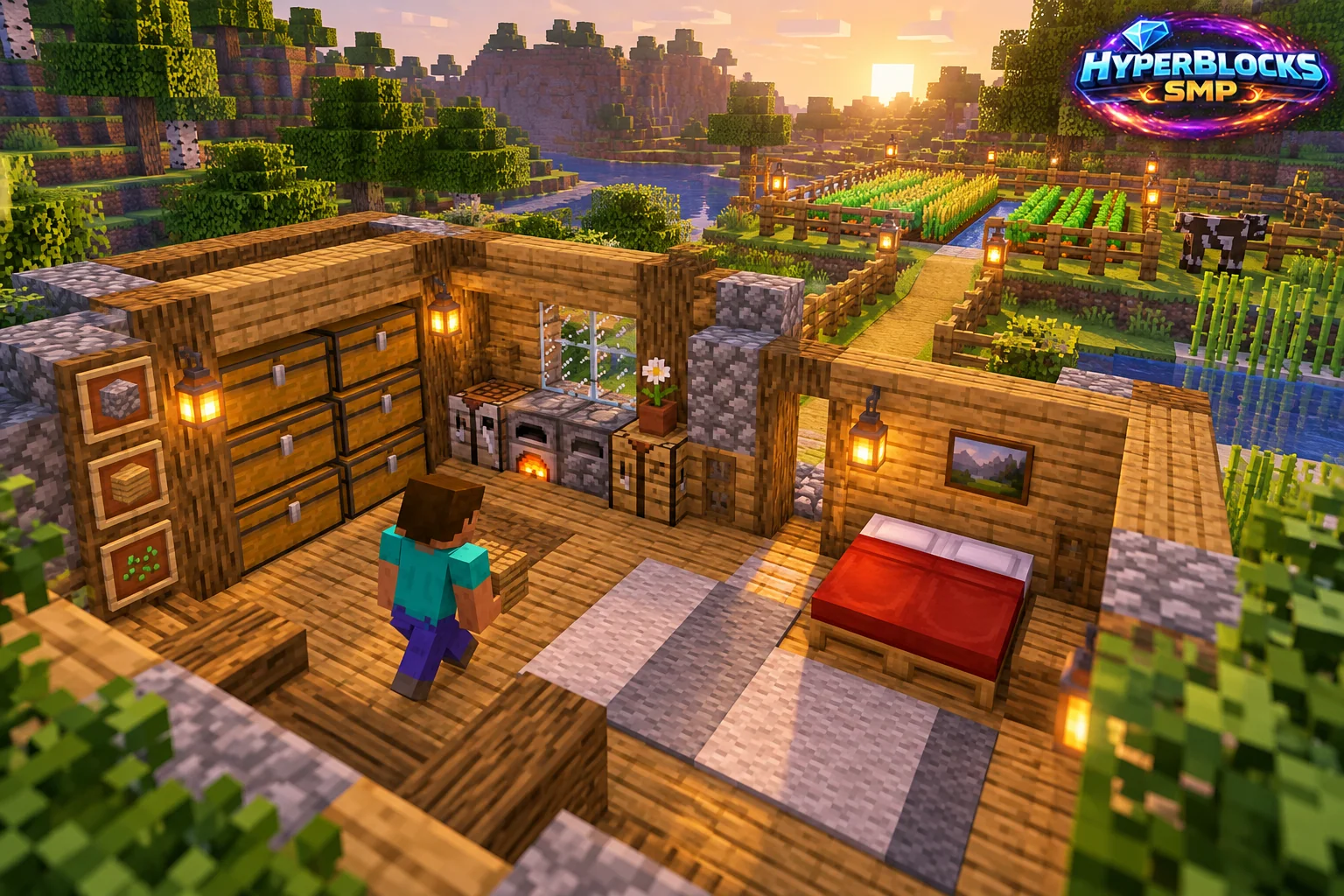
What to Know
Begin with a floor outline rather than finished walls. Mark the entrance, bed, crafting area and storage positions using temporary blocks. Leave walking space between them. A small rectangular footprint is easier to expand than a decorative shape that forces every useful object into the doorway. Decide which wall could become an extension later.
A Practical Approach
Build the floor and test the room before adding the roof. Walk from the entrance to each working area while carrying your normal equipment. Place windows where they help you see the surroundings, and keep lighting reachable. Put the most frequently used chest near the crafting station, with food or travel supplies near the exit.
Make It Work for Your Base
On HyperBlocks Survival, create a land claim that includes the house and the immediate working area, then inspect the boundary. Add a recognizable home destination once the arrival spot is safe. Expand only after the first layout has been used for a few sessions. A workshop or farm connection should improve the route through the base rather than burying the original entrance behind new rooms.
Try a 7-by-9 Footprint
As an original starter design, mark a 7-by-9 outer rectangle and reserve a two-block-wide route from the doorway to the back wall. Place sleeping space on one side and crafting with storage on the other. Build only one wall section first so you can judge the window height from inside. Keep a rear corner clear for a later workshop doorway. These dimensions are a design suggestion, not a game requirement.
Put This Into Practice on HyperBlocks
On HyperBlocks Survival, land claims let you set permissions around your build. Plan the boundary before placing shared storage, then give friends only the access they need.
Reference and Further Reading
Use the current HyperBlocks menus and linked reference for server-specific requirements.
Your Next Adventure
Give Your Next Build a Place to Grow
Turn your building plan into a Survival home, then choose who can build, open containers and visit. Start with a small claim around your first workshop and expand when you need more room.