Build Projects
Build a 5 by 5 Minecraft Starter Cabin
A compact cabin with an exact starter shell and enough room for a bed, crafting and basic storage.
Start Building on HyperBlocks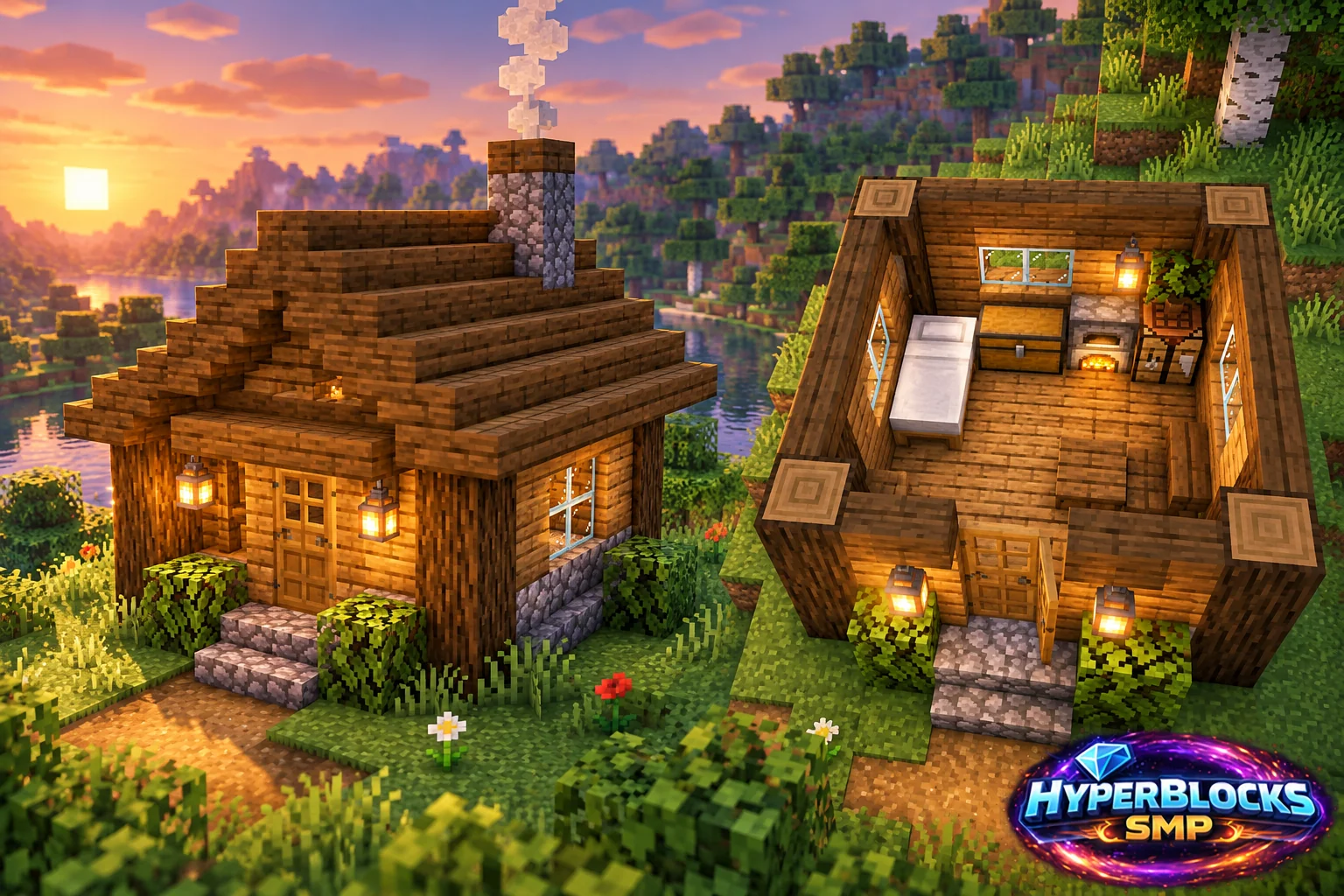
Plan the Footprint
Suggested working layout: 5 by 5 exterior; 3 by 3 interior; three-block-high walls. Mark this space with temporary blocks before collecting decorative materials. The article’s illustration is a concept view; use the dimensions and instructions here for the working layout. Keep the entrance, storage access and any neighboring structures visible while planning.
Build the Working Layout
Lay a 5 by 5 floor at one level. Build a three-block-high log at each corner, then fill the perimeter walls. Leave a two-block-high doorway centered on the front and four single-block windows across the remaining walls. The listed shell uses 25 floor planks, 30 wall planks and 25 roof planks.
Arrange the Daily Routine
Put the bed along a side wall and the crafting table and furnace against the rear wall. Keep the center connected to the entrance. Place the chest where its lid has clearance, then check that the bed’s exit space is usable. Install lighting before the final roof blocks close the room.
Check Before Expanding
Walk through the doorway with the workstations in place. Open the chest, use the furnace and inspect the bed area before decorating. The flat roof is a starter choice; a pitched roof needs additional blocks. On HyperBlocks, claim the cabin and a small exterior working area before expanding.
Quick Reference
| Suggested Footprint | 5 by 5 exterior; 3 by 3 interior; three-block-high walls |
|---|---|
| Starting Materials | 80 planks for floor, wall infill and flat roof; 12 logs for corners; 4 glass blocks; 1 door; bed, chest, crafting table, furnace and lights separately |
| Scope | Original suggested layout; quantities exclude optional decoration unless stated |
Play This on HyperBlocks
On HyperBlocks Survival, land claims let you set permissions around your build. Plan the boundary before placing shared storage, then give friends only the access they need.
Reference and Further Reading
Build layouts are original suggestions. Check your edition, version and current server menus when applying game mechanics or server settings.
Your Next Adventure
Give Your Next Build a Place to Grow
Turn your building plan into a Survival home, then choose who can build, open containers and visit. Start with a small claim around your first workshop and expand when you need more room.