Build Projects
Build a 9 by 9 Minecraft Crop Plot
Use a centered water source and a surrounding path to make a compact manual crop bed.
Start Your Survival Farm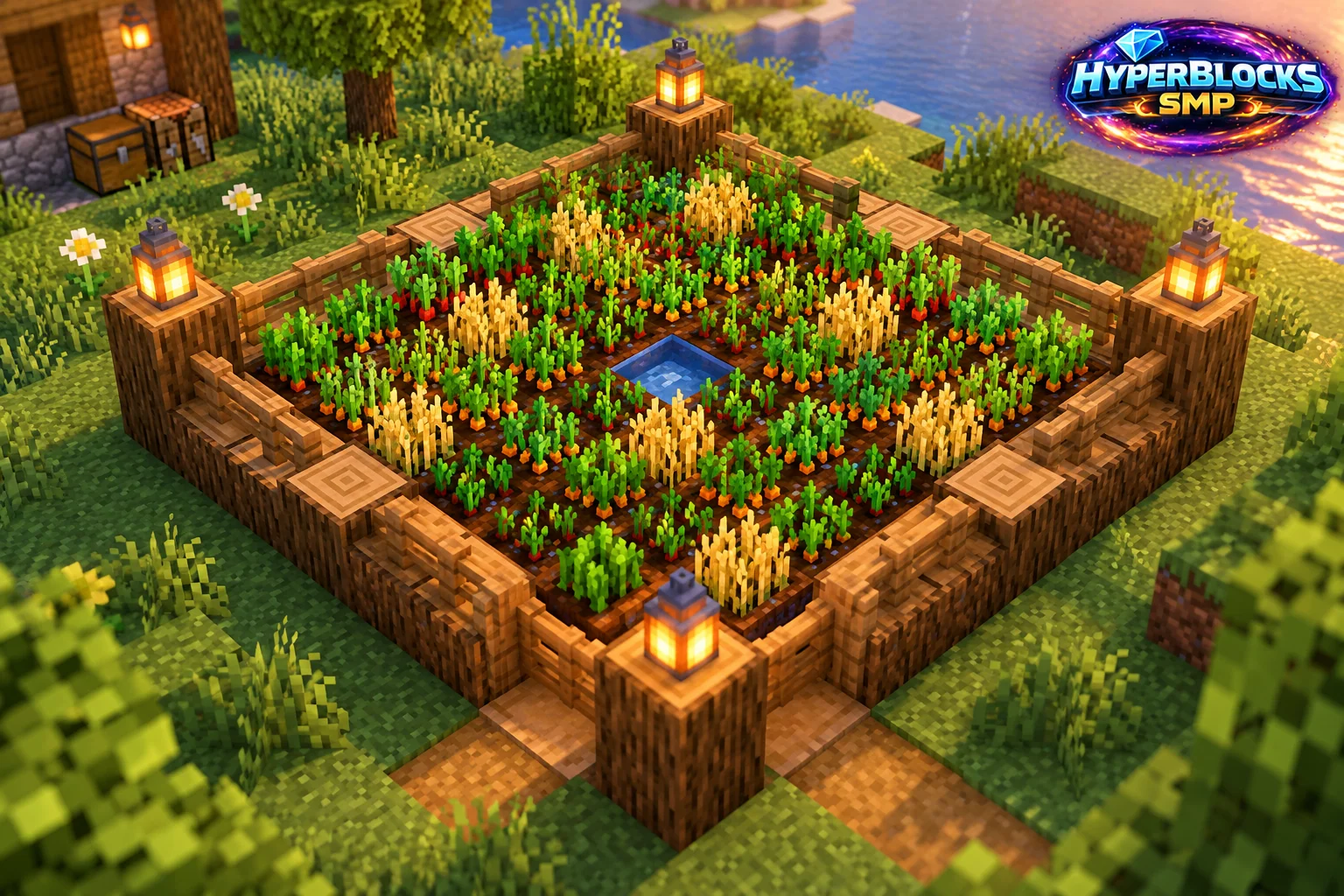
Plan the Footprint
Suggested working layout: 9 by 9 planting square; 11 by 11 including one-block perimeter path. Mark this space with temporary blocks before collecting decorative materials. The article’s illustration is a concept view; use the dimensions and instructions here for the working layout. Keep the entrance, storage access and any neighboring structures visible while planning.
Build the Working Layout
Mark a 9 by 9 square and locate the center at row five, column five. Keep the central cell for water and till the other 80 cells. In the standard farmland layout, the outer cells are within four horizontal blocks of the center water source. Keep the water at the field level.
Arrange the Daily Routine
Build a one-block-wide path around the square, giving an 11 by 11 footprint. Add a level entrance and lighting that does not obstruct the crops. Plant one crop or clearly separated rows, then reserve enough seeds or crop items to replant before moving harvest stock into a sales chest.
Check Before Expanding
Check hydration at the corners and harvest mature plants from an accessible route without jumping down onto the farmland. This is a proposed manual layout, not a guaranteed yield rate. Growth depends on the crop, active area and game conditions. Claim the full field, path and storage on HyperBlocks.
Quick Reference
| Suggested Footprint | 9 by 9 planting square; 11 by 11 including one-block perimeter path |
|---|---|
| Starting Materials | 80 dirt blocks if replacing the ground; one central water source; a hoe; up to 80 planting items; 40 path-surface blocks if building the outer ring |
| Scope | Original suggested layout; quantities exclude optional decoration unless stated |
Play This on HyperBlocks
HyperBlocks adds a player economy to your farm planning. Prices and demand can change, so check the current menus before choosing what to sell.
Reference and Further Reading
Build layouts are original suggestions. Check your edition, version and current server menus when applying game mechanics or server settings.
Your Next Adventure
Make Your Next Harvest Part of a Bigger Plan
Build a farm that supplies your next project. On HyperBlocks Survival, compare current shop prices and player auction listings before deciding what to keep or sell. Start with one crop and a storage chest inside your claim.