Claims and Building
Minecraft Base Paths: Connect Your Most Used Places
Design paths around actual travel between the house, farm, storage and public destinations.
Start Building on HyperBlocks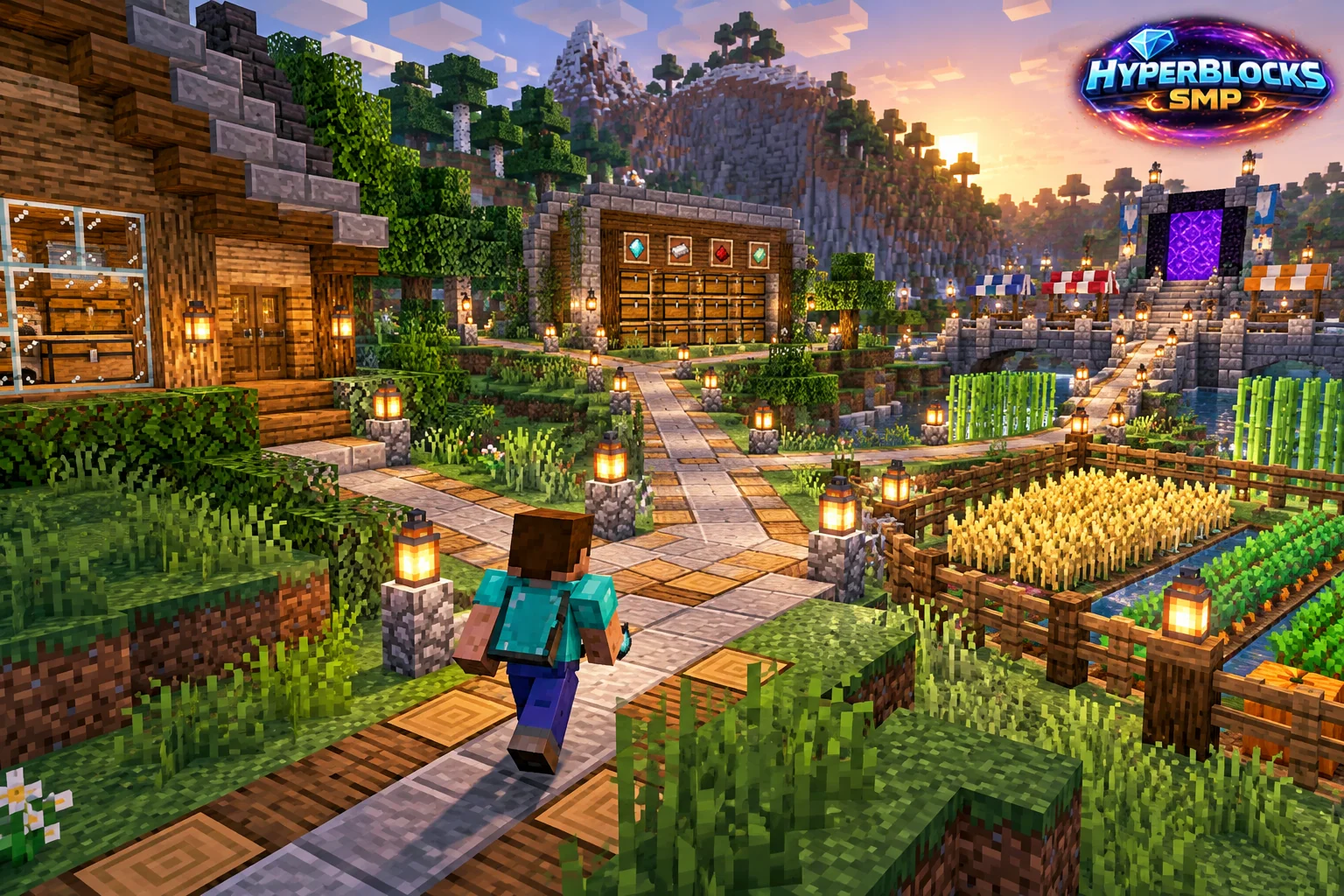
What to Know
Mark the route people already take before choosing a decorative material. A path that looks impressive from above can still force an awkward detour between the house and farm. Connect the busiest destinations first and leave clear space at gates, corners and stair transitions. Use temporary markers to test the line before replacing terrain.
A Practical Approach
Choose a small palette and build one sample stretch. Check it in daylight and at night, then walk it while carrying your normal equipment. Keep the width consistent where possible and make changes in elevation easy to read. Avoid placing decoration directly on the route simply to fill an empty section.
Make It Work for Your Base
On a HyperBlocks claim, inspect whether the whole route is protected and whether visitors have the access needed to use doors or gates. A public player warp should lead naturally into the path instead of dropping visitors into crops or private storage. Leave repair materials nearby and extend the route as real destinations appear, not just to create more paving.
Test a Three-Block-Wide Path
For a modest base, mark a three-block-wide route between the entrance and farm. Make a five-block sample using one main material and a restrained edge material. Walk through the gates and around each corner before repeating the pattern. Widen a busy junction locally instead of paving the entire property. Keep decorative bushes outside the usable width and reserve matching blocks for repairs.
Related planning: Minecraft Farm Barns: Put Storage Beside the Harvest Loop; Minecraft Starter House Layout: Build the Rooms You Need.
Put This Into Practice on HyperBlocks
On HyperBlocks Survival, land claims let you set permissions around your build. Plan the boundary before placing shared storage, then give friends only the access they need.
Reference and Further Reading
Use the current HyperBlocks menus and linked reference for server-specific requirements.
Your Next Adventure
Give Your Next Build a Place to Grow
Turn your building plan into a Survival home, then choose who can build, open containers and visit. Start with a small claim around your first workshop and expand when you need more room.