Build Projects
Build a Three-Way Path Junction With Landmarks
Make a three-way path junction readable with width, landmarks and clear destination labels.
Start Building on HyperBlocks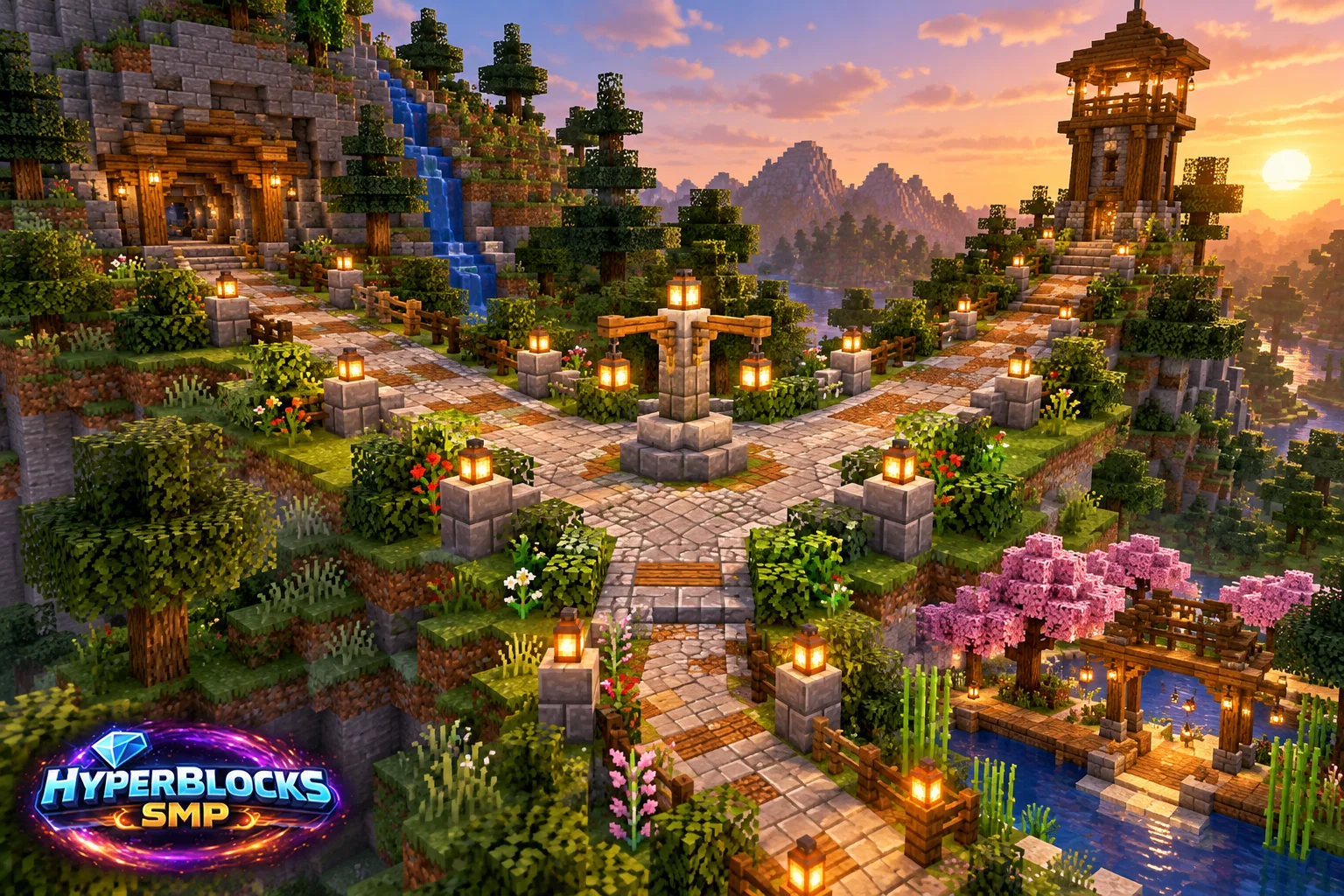
Plan the Footprint
Suggested working layout: Three connected paths with a small open decision area. Mark the area before committing the full material supply. The illustration is a concept view; use the stated dimensions and working instructions for the layout. Keep access, neighboring builds and storage in view while planning.
Build the Working Layout
Mark the three destinations and walk the likely approach routes before placing decorative blocks. Widen the meeting point enough for players to stop and choose a direction. Keep the landmark off the center of the walking line so it does not become an obstacle.
Arrange the Daily Routine
Use a consistent surface for the main route and a deliberate change for a secondary branch if helpful. Put labels where they face the approaching player. Connect each branch to an actual usable path instead of ending it behind a decorative planter.
Check Before Expanding
Test the junction from all three directions at night. A label that works from one approach may be hidden from another. On a shared server, agree on public route changes and do not redirect players through private claim areas without a usable permission arrangement.
Quick Reference
| Suggested Footprint | Three connected paths with a small open decision area |
|---|---|
| Starting Materials | Path surface blocks; one landmark or sign cluster; lighting; edge treatment appropriate to the terrain |
| Scope | Original suggested layout; optional decoration is additional |
Play This on HyperBlocks
On HyperBlocks Survival, land claims let you set permissions around your build. Plan the boundary before placing shared storage, then give friends only the access they need.
Reference and Further Reading
Build layouts are original suggestions. Check your edition, version and current server menus when applying game mechanics or server settings.
Your Next Adventure
Give Your Next Build a Place to Grow
Turn your building plan into a Survival home, then choose who can build, open containers and visit. Start with a small claim around your first workshop and expand when you need more room.