Claims and Building
Minecraft Farm Barns: Put Storage Beside the Harvest Loop
Design a barn around planting stock, tools and harvested goods so it supports the farm outside.
Start Building on HyperBlocks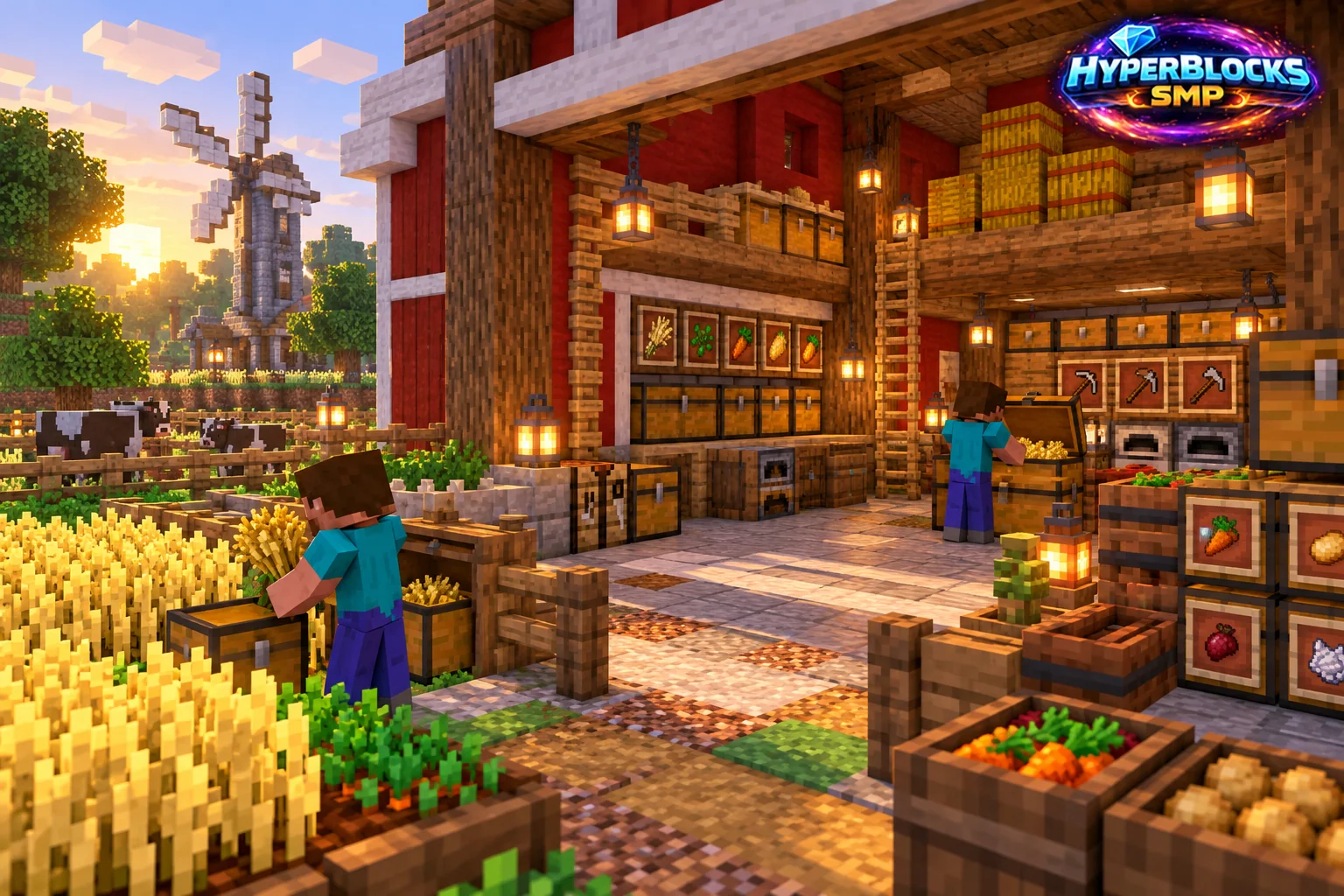
What to Know
List what the barn must hold before drawing the roof. Typical working categories include seeds or planting items, tools, food and surplus awaiting processing or sale. Keep animal supplies separate if the building serves pens as well. The main entrance should face the route used during harvesting rather than the direction that only looks best from a distance.
A Practical Approach
Mark storage and walking space on the floor first. Put replanting supplies where they are easy to find immediately after a harvest, and keep a sorting chest near the door. Leave enough room to carry materials through without weaving around decorative machinery. Add a sheltered work area if crafting or processing belongs in the same building.
Make It Work for Your Base
On HyperBlocks, claim the barn and farm as a coherent working area, then give collaborators access appropriate to their jobs. Keep private stock separate from community supplies. Use matching signs or materials to show which chest belongs to which crop. Expand when the routine demonstrates a real storage need, rather than filling a huge empty building with unlabeled containers.
Use a Three-Station Harvest Loop
Place the arrival chest nearest the farm-facing door, planting reserves beside it and finished surplus farther inside. Keep the route in that order so replanting stock is separated before a sale. Add one processing station only if the crop needs it. Try the routine with a single harvest before building a loft, large roof or additional storage aisle.
Related planning: How to Grow Carrots in Minecraft Without Losing Your Planting Stock; Minecraft Base Paths: Connect Your Most Used Places.
Put This Into Practice on HyperBlocks
On HyperBlocks Survival, land claims let you set permissions around your build. Plan the boundary before placing shared storage, then give friends only the access they need.
Reference and Further Reading
Use the current HyperBlocks menus and linked reference for server-specific requirements.
Your Next Adventure
Give Your Next Build a Place to Grow
Turn your building plan into a Survival home, then choose who can build, open containers and visit. Start with a small claim around your first workshop and expand when you need more room.