Farming
How to Grow Carrots in Minecraft Without Losing Your Planting Stock
Build a carrot farm around a simple rule: reserve carrots for replanting before eating or selling the harvest.
Start Your Survival Farm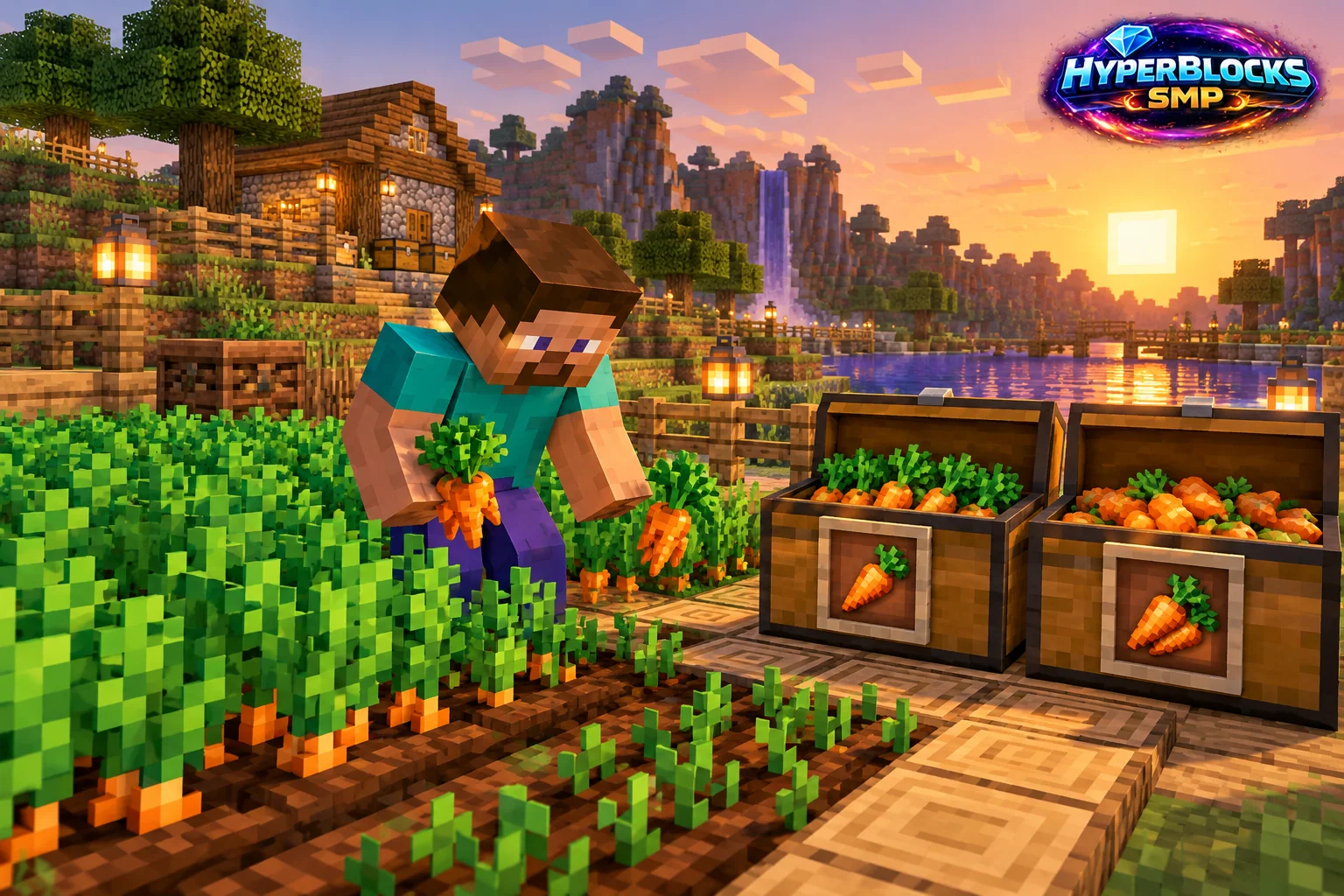
Plant the Carrot Itself
Carrots are both a usable crop and their own planting material. Use a carrot on prepared farmland rather than looking for a separate carrot-seed item. Establish irrigation, light and a convenient path before filling the plot. Planting your first carrot creates a repeatable supply instead of consuming the only one you have.
Harvest Mature Plants
Wait until the plants reach their mature appearance, then harvest and replant. Keep a reserve equal to the spaces you intend to refill before sorting the surplus. For a shared farm, label the planting reserve so a visitor or teammate does not mistake the entire chest for stock available to eat or trade.
Choose the Surplus Use
Carrots can support food and other gameplay uses. Decide whether the farm exists primarily for your own supplies or for selling extra stock. Start with one manageable plot and observe how often you actually harvest it. A huge field is not automatically useful if you spend most of your time doing something else.
Connect It to HyperBlocks
Protect the field inside your Survival claim. Compare current Buy Orders and selling options before committing a large harvest. This guide does not fix a coin-per-stack value, because current terms determine the sale. For standings, check the relevant crop board and its scoring rules instead of assuming every item moved through your inventory counts as a harvest.
Count the Replanting Reserve
For a test bed with 16 planted spaces, put at least 16 ordinary carrots aside after harvesting before eating or selling the surplus. Refill the bed first, then move the remaining stock to its intended use. A fixed reserve makes the farm’s next cycle visible and prevents an enthusiastic sale from consuming the planting supply. Increase that reserve when the bed expands.
Related planning: Minecraft Sugar Cane Farming for Paper and Crafting; How to Start a Minecraft Wheat Farm.
Put This Into Practice on HyperBlocks
HyperBlocks adds a player economy to your farm planning. Prices and demand can change, so check the current menus before choosing what to sell.
Reference and Further Reading
Use the current HyperBlocks menus and linked reference for server-specific requirements.
Your Next Adventure
Make Your Next Harvest Part of a Bigger Plan
Build a farm that supplies your next project. On HyperBlocks Survival, compare current shop prices and player auction listings before deciding what to keep or sell. Start with one crop and a storage chest inside your claim.