Controls and Settings
Minecraft Chat Settings: A Practical Guide
Adjust readability and visibility without confusing client settings with server channels.
Join Your Next Shared Adventure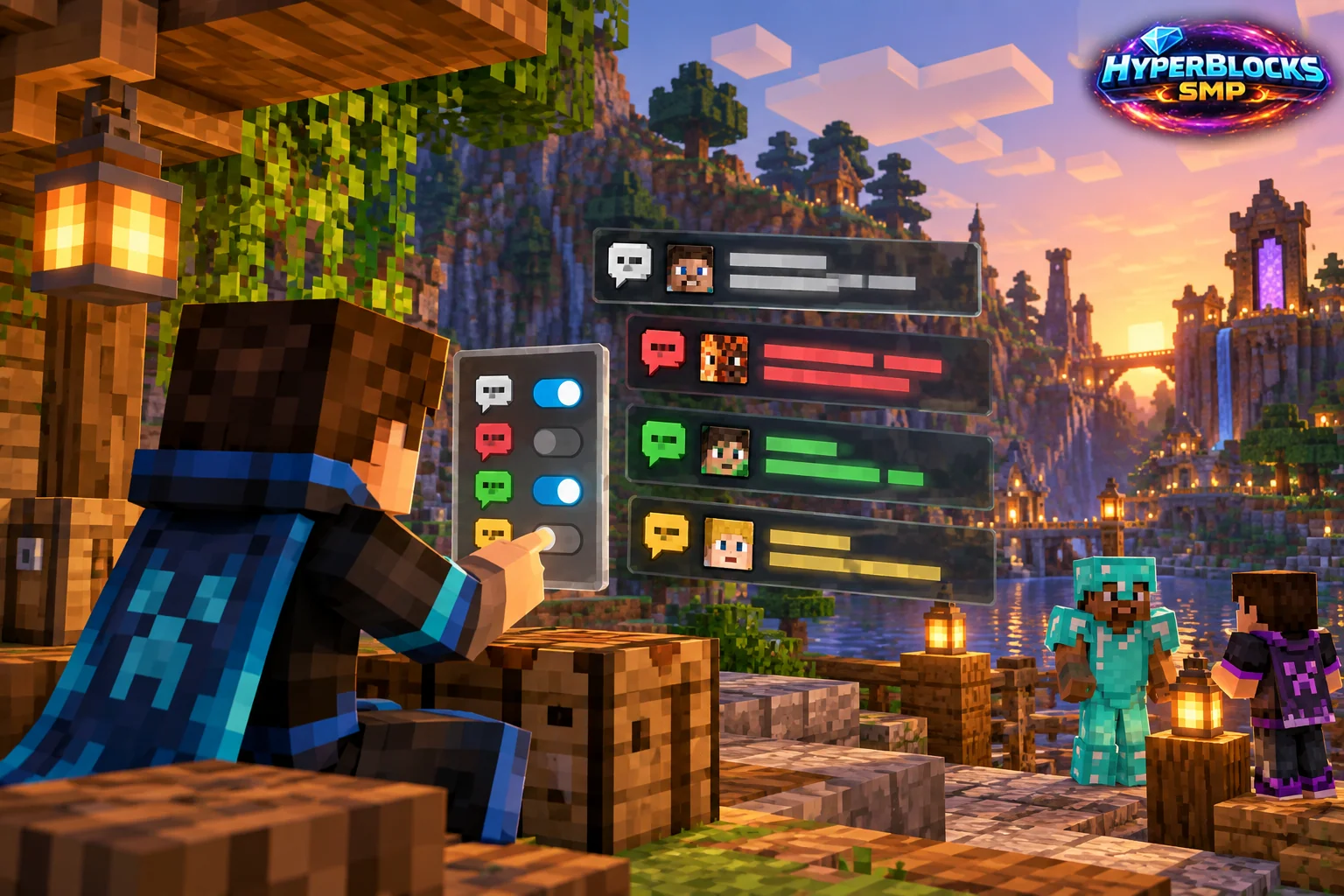
Make Text Readable
Client chat settings control parts of how messages appear, such as visibility or scale where supported. Server channels and account preferences are separate controls. Identify whether the problem is readability, message selection or the channel you are using before changing settings.
Test with a Familiar Conversation
Open the current chat options and make a small change. Check whether ordinary messages remain readable without covering too much of the play area. Keep a clear route and safe position while testing, especially in multiplayer where a menu may not pause the world. Avoid changing several visibility settings at once if you are diagnosing a missing message.
Connect Client and Server Choices
On HyperBlocks, review the chat and channel menu when you want to choose which conversations or notices to follow. Use client settings for presentation and the server’s documented preferences for server-specific categories. Before sending a private message, confirm the recipient rather than relying on the last conversation you used.
When Messages Seem Missing
Check the active channel, client visibility and relevant server preference in that order. A hidden category is different from a connection problem, so inspect the actual settings before assuming chat has stopped working.
Related planning: Minecraft Brightness Settings: A Practical Guide; Minecraft Java Debug Screen: A Practical Guide.
Put This Into Practice on HyperBlocks
HyperBlocks chat channels help groups coordinate in game. Optional proximity voice has separate setup requirements and is available for Java Survival, not Bedrock.
Reference and Further Reading
Check your edition, platform and saved bindings. Java defaults are identified explicitly.
Your Next Adventure
Make the Next Adventure a Shared One
Give your group a project to rally around. Join HyperBlocks Survival, find a place for your base and use the chat tools to coordinate supplies, building and your next trip.