Controls and Settings
Minecraft Screenshots: A Practical Guide
Capture a build and locate the image without confusing it with a world backup.
Choose Your First Adventure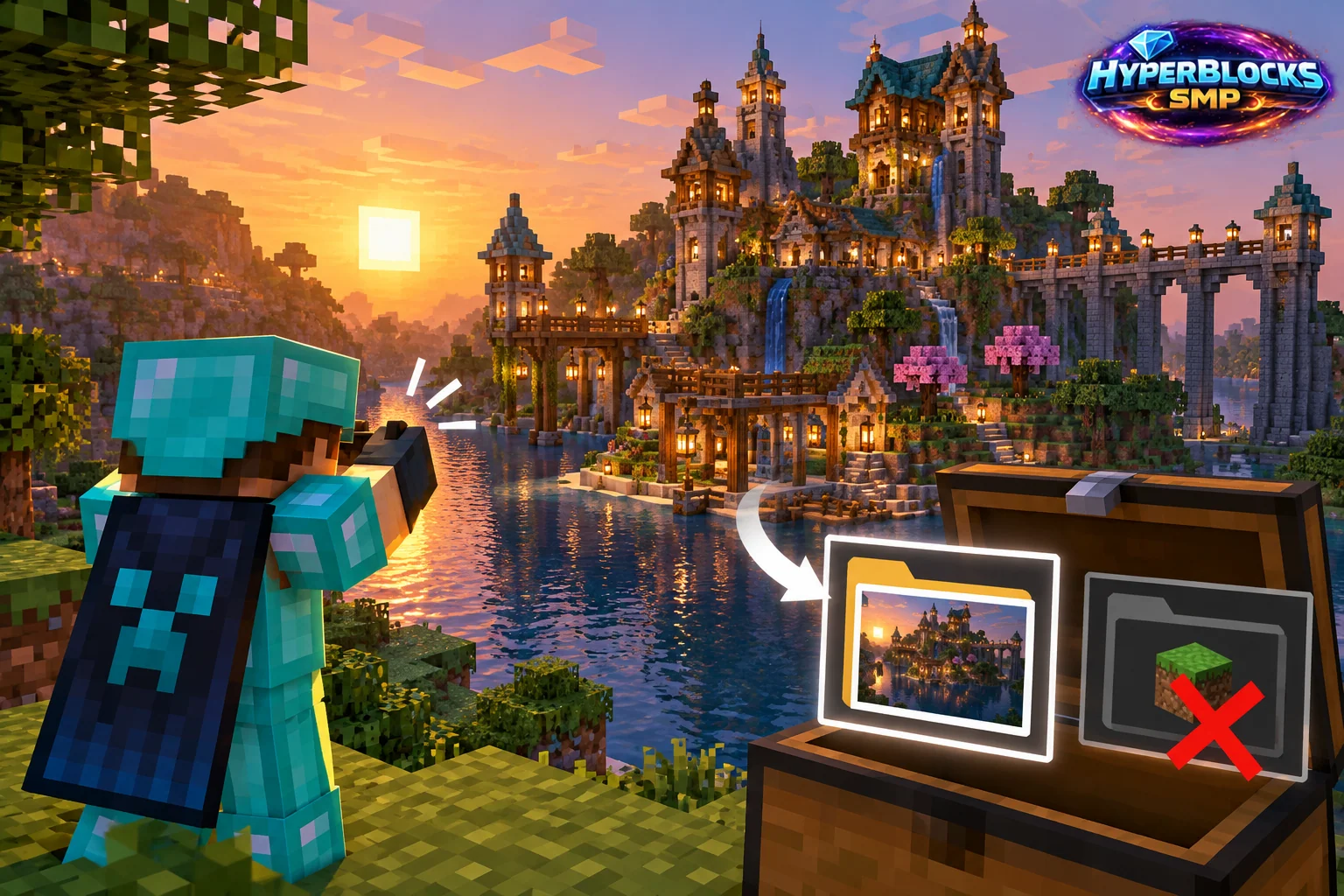
Capture a Useful View
Java’s ordinary screenshot shortcut is F2, subject to your bindings and device’s function-key behavior. A screenshot records a view of the game. It is useful for showing a build or a problem, but it does not preserve the editable world or replace a backup.
Prepare the Frame
Stand in a stable place and choose a view that shows the relevant area. Move unrelated menus out of the way when the goal is a build image. If the goal is troubleshooting, include the message or state that explains the issue. Take the image, then use the game’s available screenshot message or the relevant game-directory folder to locate it.
Capture a Before-and-After Pair
For a room renovation, take one image from a recognizable standing position before changing the build. After finishing, return to the same place and compare the result. Keep the purpose clear in the filenames so the older image is not mistaken for the current layout. Preserve the world itself through the appropriate save or backup process.
Check What the Image Reveals
Review chat, coordinates and any visible personal or private information before sharing. Include enough surrounding context to explain the result without exposing unrelated details.
Related planning: Minecraft Chat Settings: A Practical Guide; Minecraft Accessibility Options: A Practical Guide.
Put This Into Practice on HyperBlocks
Minecraft client settings and HyperBlocks server menus are different tools. Once connected, use /m for the Hyper Menu and follow the current joining instructions for your edition and version.
Reference and Further Reading
Check your edition, platform and saved bindings. Java defaults are identified explicitly.
Your Next Adventure
Get Comfortable, Then Make It Your World
Set up controls you can rely on, then join HyperBlocks and choose your first project. Survival offers a shared world for building and exploring. For PvP, read the Hyper Duels guide.