Controls and Settings
Minecraft Accessibility Options: A Practical Guide
Build a comfortable setup using the options relevant to your needs.
Choose Your First Adventure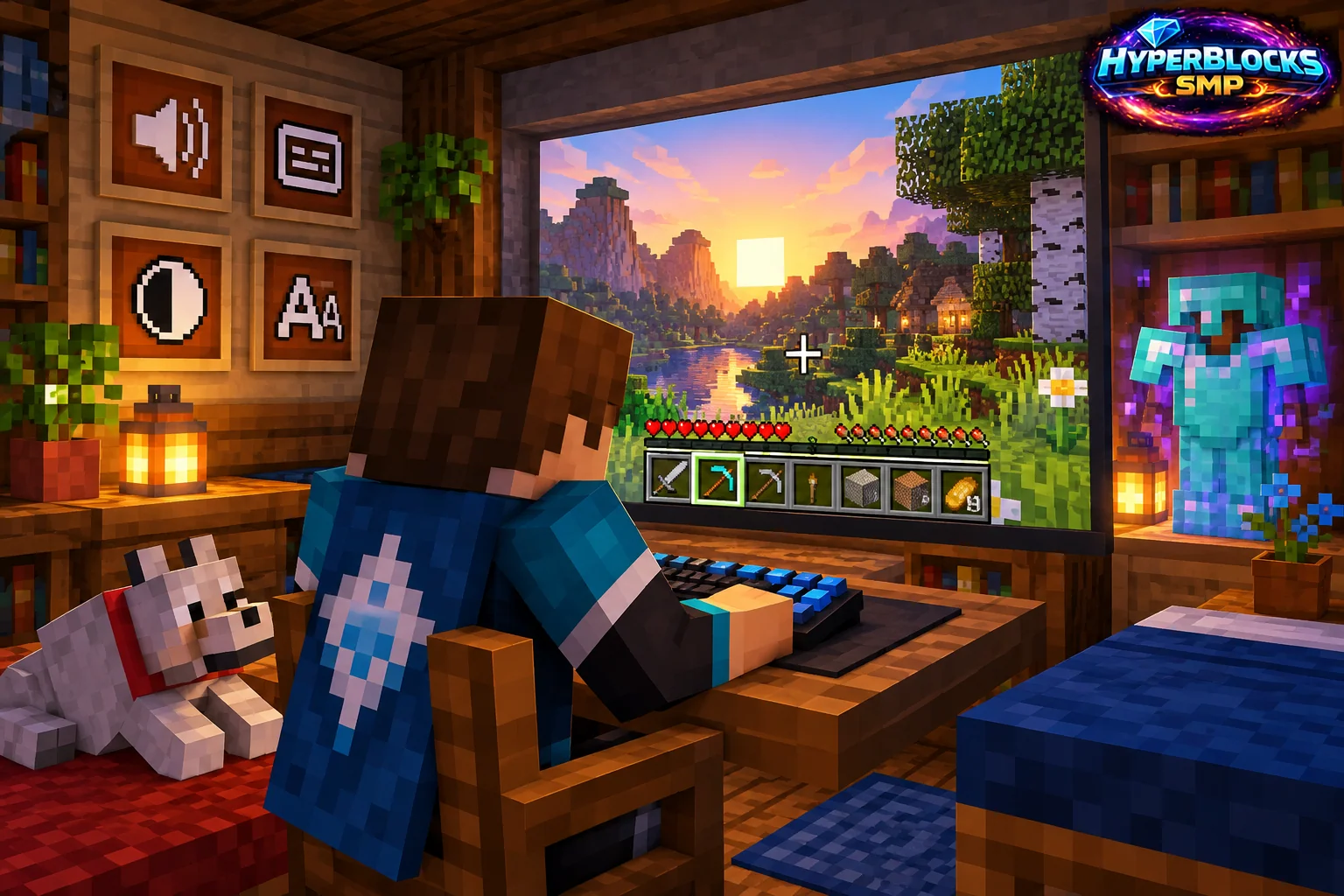
Choose Options for Your Needs
Minecraft’s accessibility options provide ways to adjust presentation and interaction. The available choices vary by edition and platform. Start with the task that is difficult, such as reading text, following sounds or handling a repeated input, rather than treating the menu as a list of settings everyone must use.
Test in an Ordinary Activity
Change one relevant option and try a familiar base route or workstation. Check whether the change improves the specific task without making another common action harder. Keep text readable and important controls reachable. If several settings work together, adjust them gradually and record the useful combination.
Build a Comfortable Session
Try reading a sign, opening inventory, selecting an item and following a nearby sound cue. These small activities reveal more than judging the options screen alone. Use subtitles, interface scale or other available features where they address your own needs, and keep the setup easy to restore after experimentation.
Use the Current Platform’s Controls
Do not assume a Java menu label or shortcut appears identically on a mobile or console version. Follow the options actually available in your edition and device, and consult the current official accessibility guidance for that platform.
Related planning: Minecraft Subtitles: A Practical Guide; Minecraft Field of View: A Practical Guide.
Put This Into Practice on HyperBlocks
Minecraft client settings and HyperBlocks server menus are different tools. Once connected, use /m for the Hyper Menu and follow the current joining instructions for your edition and version.
Reference and Further Reading
Check your edition, platform and saved bindings. Java defaults are identified explicitly.
Your Next Adventure
Get Comfortable, Then Make It Your World
Set up controls you can rely on, then join HyperBlocks and choose your first project. Survival offers a shared world for building and exploring. For PvP, read the Hyper Duels guide.