Controls and Settings
Minecraft Build Screenshot Composition: A Practical Guide
Frame a finished build with readable lighting, scale and surroundings.
Choose Your First Adventure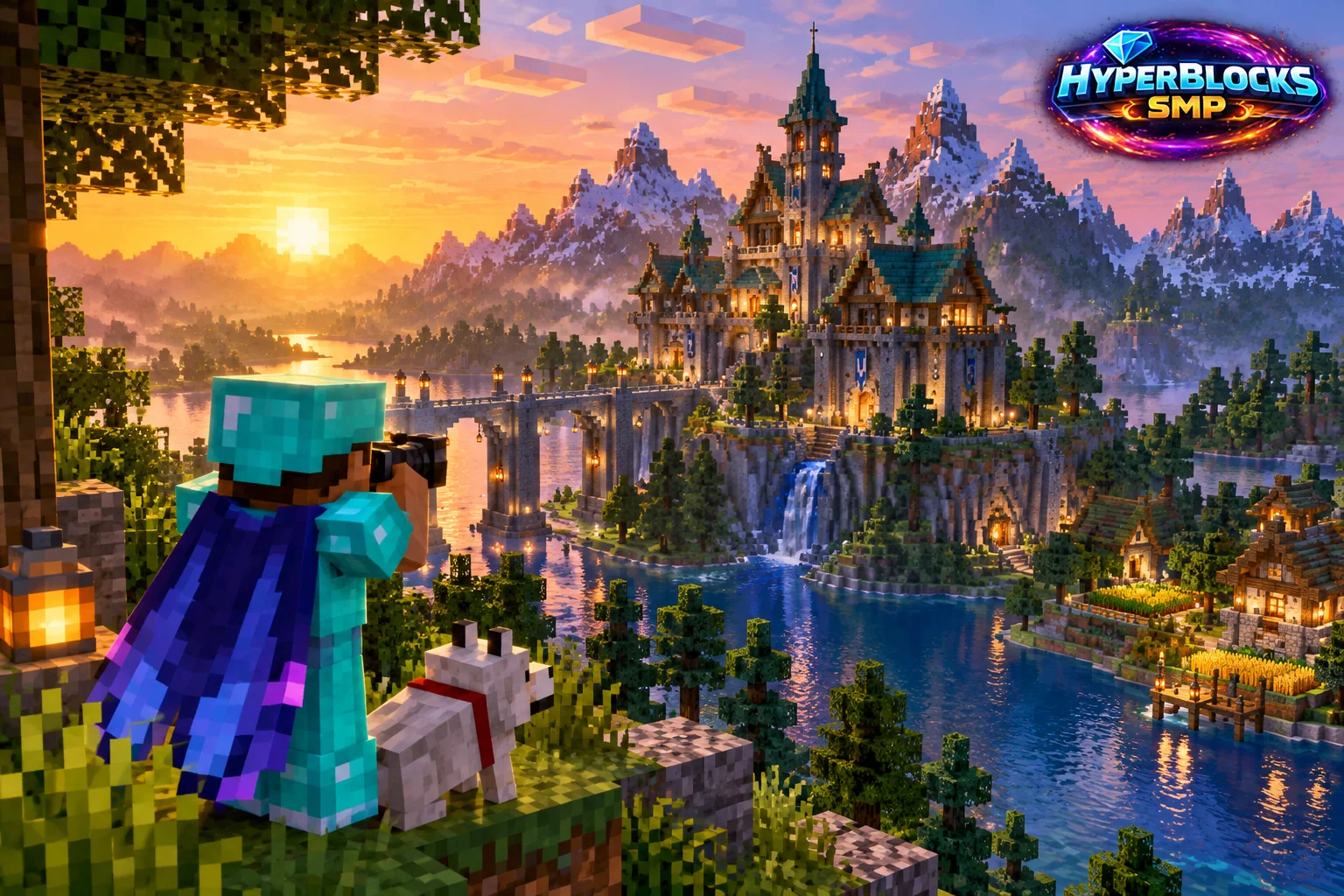
Show the Build’s Purpose
A useful build screenshot makes the subject, scale and surroundings easy to understand. Start by deciding whether you are showing the overall structure, a room layout or a particular detail. One image does not need to prove every part of the project at once.
Choose a Clear View
Stand where the main shape is readable and important edges are not hidden behind unrelated objects. Check lighting and the background. Keep the horizon and nearby structures from competing with the subject unless they explain its context. For an interior, show enough of the entrance or walking route that the layout makes sense.
Capture a Small Set
Take an overall view, a player-height approach and one detail image if the project needs them. Use consistent filenames and keep the actual current build distinct from older progress images. If the purpose is comparison, return to the same standing position and lighting conditions where practical.
Preserve Honest Context
Do not label an illustration or staged concept as an actual server screenshot. Review chat, coordinates and private details before sharing, and keep enough surrounding context for the viewer to understand what the image establishes.
Related planning: Minecraft Field of View: A Practical Guide; Minecraft Accessibility Options: A Practical Guide.
Put This Into Practice on HyperBlocks
Minecraft client settings and HyperBlocks server menus are different tools. Once connected, use /m for the Hyper Menu and follow the current joining instructions for your edition and version.
Reference and Further Reading
Check your edition, platform and saved bindings. Java defaults are identified explicitly.
Your Next Adventure
Get Comfortable, Then Make It Your World
Set up controls you can rely on, then join HyperBlocks and choose your first project. Survival offers a shared world for building and exploring. For PvP, read the Hyper Duels guide.