Claims and Building
Minecraft Storage Rooms: Organize by the Jobs You Do
Arrange storage around gathering, crafting, food and equipment so you can find the next item without opening every chest.
Start Building on HyperBlocks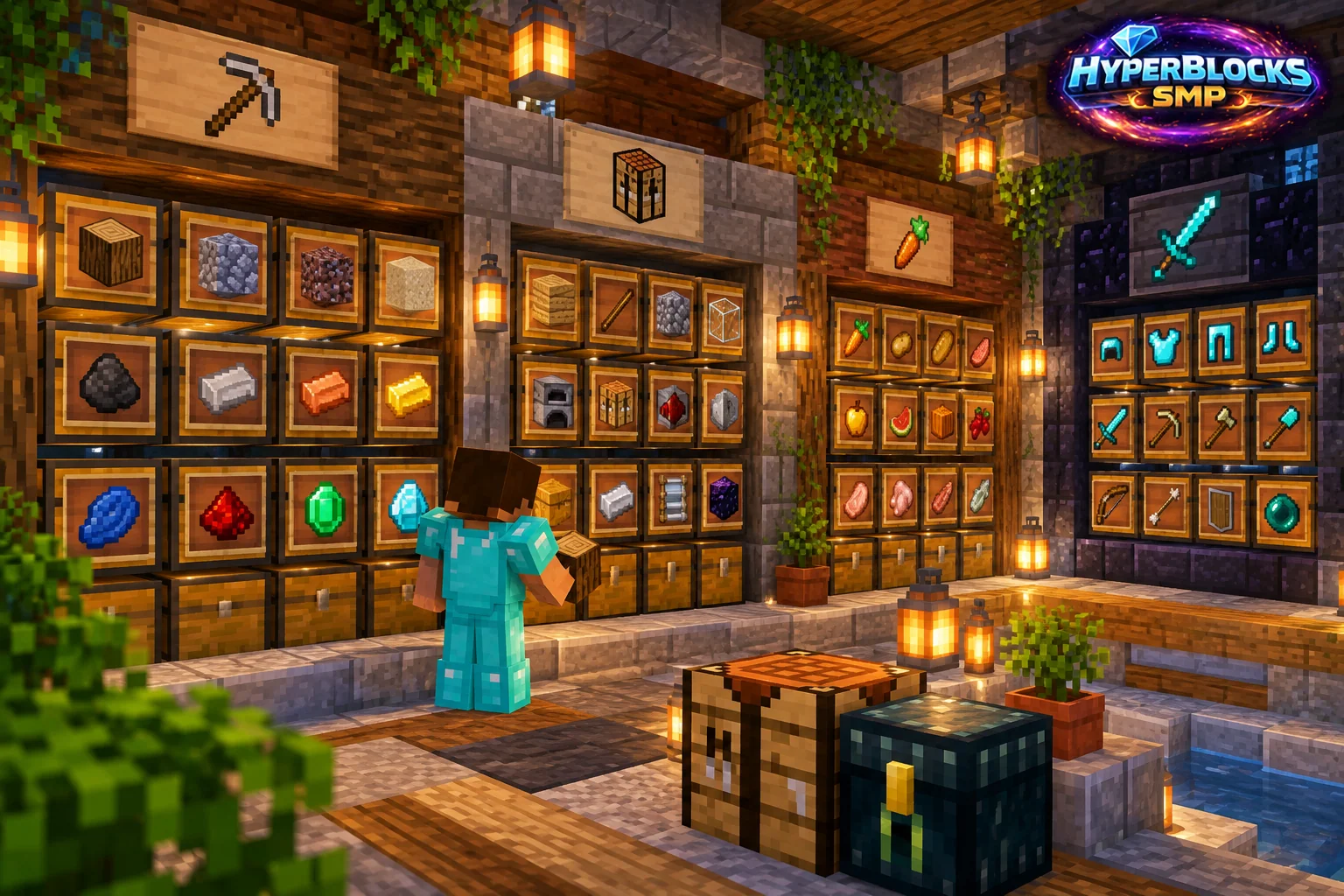
What to Know
Choose categories that match your play. A builder might separate stone, wood, glass and decoration, while an adventurer needs clear places for equipment, consumables and newly collected loot. Start with a small set of categories you can remember. Too many nearly identical labels can be as confusing as one giant mixed chest.
A Practical Approach
Lay out the chest rows with enough room to read labels and open each container. Put a temporary sorting chest near the entrance, then empty it during the return-to-base routine. Keep crafting ingredients close to the workstation that uses them. Separate valuable custom gear from ordinary bulk materials so it cannot be mistaken for disposable stock.
Make It Work for Your Base
For a shared HyperBlocks base, distinguish public supplies from private reserves physically and through claim permissions. Container view can let visitors inspect a display without taking items, while full container access serves a different purpose. Leave room for expansion at one end of the room. Review labels after a few sessions and merge categories that you never actually use separately.
Start with Six Categories
Try six labeled destinations: wood, stone, farming, equipment, crafting ingredients and unsorted arrivals. Leave a three-block-wide central aisle and put the unsorted chest beside the entrance. After a few sessions, split only the category that repeatedly fills. Keep a project-reserve chest distinct from shared stock so a teammate can put materials away without accidentally spending supplies allocated to the next build.
Related planning: Minecraft Starter House Layout: Build the Rooms You Need; Minecraft Workshop Layout: Crafting, Furnaces, and Tool Storage.
Put This Into Practice on HyperBlocks
On HyperBlocks Survival, land claims let you set permissions around your build. Plan the boundary before placing shared storage, then give friends only the access they need.
Reference and Further Reading
Use the current HyperBlocks menus and linked reference for server-specific requirements.
Your Next Adventure
Give Your Next Build a Place to Grow
Turn your building plan into a Survival home, then choose who can build, open containers and visit. Start with a small claim around your first workshop and expand when you need more room.