Browser Tools
The Hyper Menu: Find Shops, Claims, Warps, and Activities
Open /m on HyperBlocks Survival to find the main player tools without memorizing every command.
Join and Link Your Adventure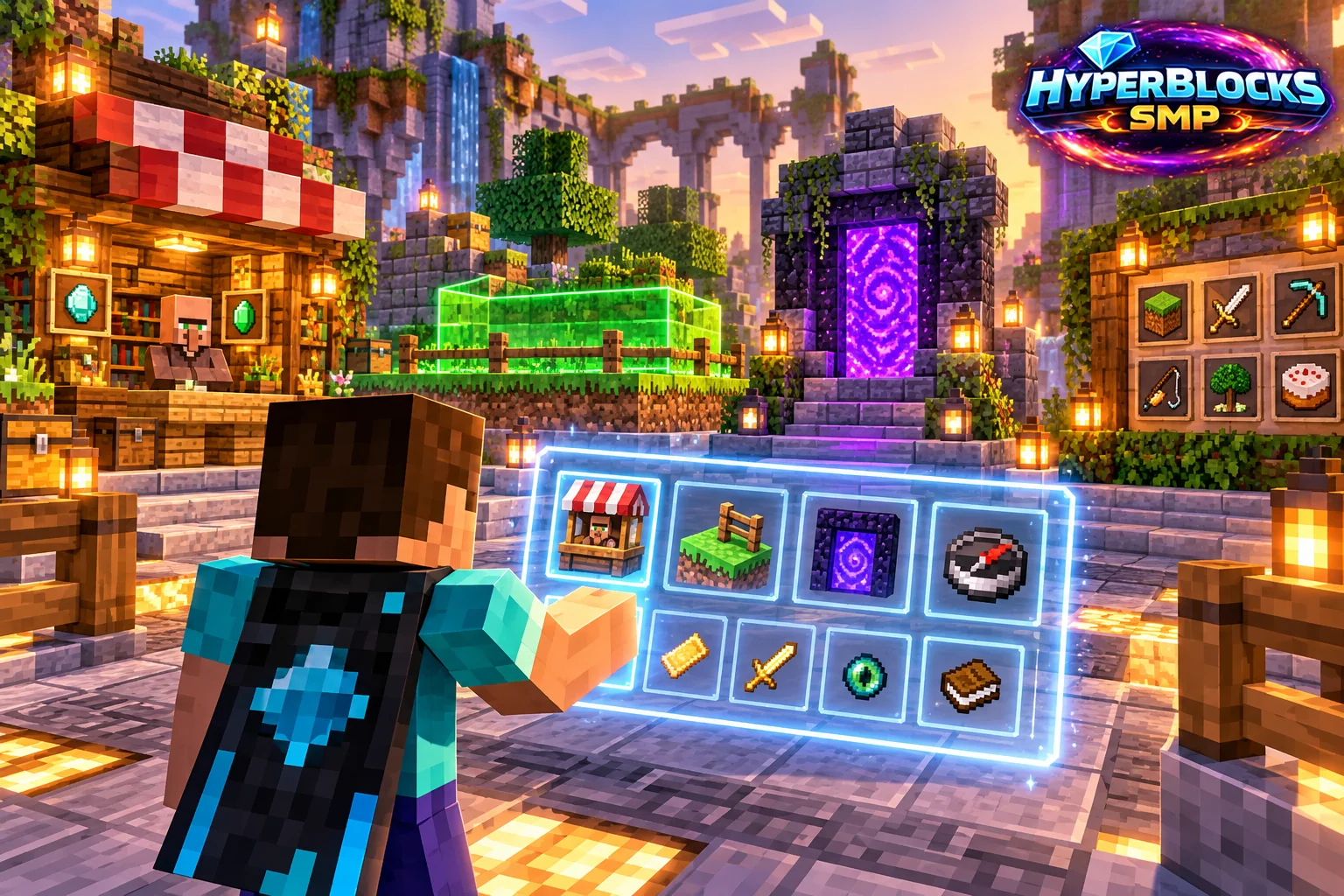
Find the Tool for Your Goal
For a base, look for claims and homes-related controls. For trading, look for Hyper Shop, Auction House and Exchange options. For exploration, inspect the available warps and adventure destinations. The menu also connects to help, voting and other player activities. Choose one relevant tool instead of opening every screen in sequence.
Read Click Variants
Some entries have an alternate action. The wiki documents left-click as the default and notes exceptions, such as the voting entry’s additional link behavior. Read the item information before shift-clicking or using another button. Do not assume the same click combination has the same meaning in a shop, auction or claim menu.
Try Hyper Duels
Use /hyperduel on Survival to open Hyper Duels. Review the opponent and the match options in the menu before confirming. See the Hyper Duels guide for the available commands.
Related planning: Managing Minecraft Homes from Your HyperBlocks Profile; Player Warps: Finding and Sharing Places on HyperBlocks.
Put This Into Practice on HyperBlocks
HyperBlocks browser tools require a linked account, and live inventory or claim changes require you to be online in Survival. The wiki explains the connection requirements for each tool.
Reference and Further Reading
Use the current HyperBlocks menus and linked reference for server-specific requirements.
Your Next Adventure
Bring Your Next Project Into Focus
Join HyperBlocks Survival and find your HyperCode on the scoreboard. Link it to your website account to use the browser tools, then organize the next step of your build. Stay online in Survival when using tools that require a live connection.