Start Here
How to Link Your Minecraft Account with HyperCode
Link your Minecraft character to the HyperBlocks website with the HyperCode on your Survival scoreboard to unlock player account tools.
Join and Link Your Adventure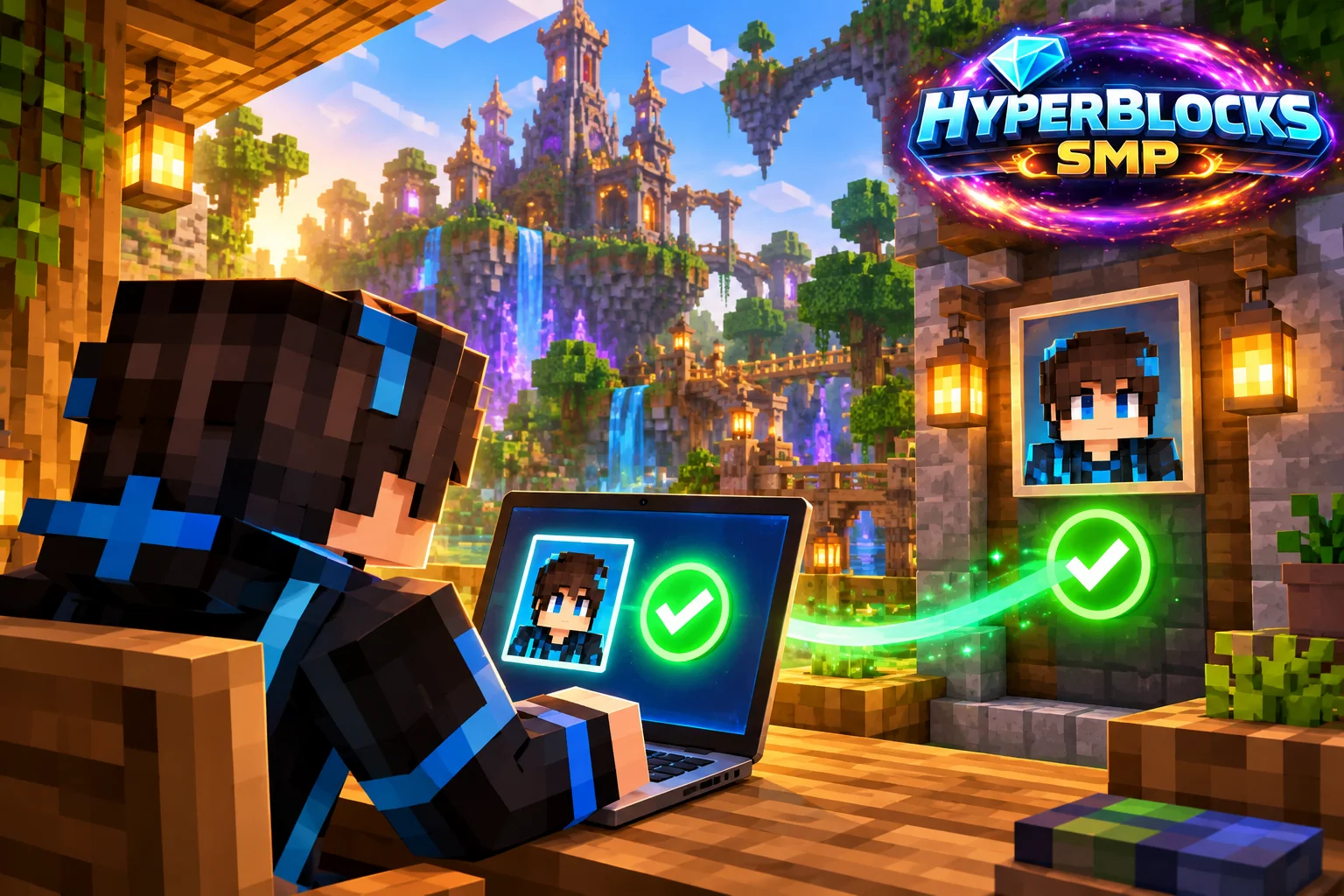
Get the Code from Your Character
Join Survival at play.HyperBlocksSMP.com and read the six-character HyperCode on the scoreboard. This connects the character in that session to the website. Use your own code and account; a friend’s code would link the wrong character. The /website command provides a convenient link back to the account site.
Complete the Link
If you are new to the site, use Create Your Account and enter your HyperCode. If you already have a website account, log in and open Link Minecraft Account. After linking, return to your profile and check that the displayed character is the one you expect before using any inventory or claim controls.
Use the Right Realm
One account link connects your Minecraft character with the Survival dashboard, inventory and statistics. Stay online on Survival when making live changes so the game can apply them.
If a Tool Is Still Locked
First confirm that linking finished and that the profile shows your character. Then check whether the feature belongs to the selected realm and whether your rank includes it. Repeatedly registering new accounts is not a substitute for completing the existing link. The full website-integration reference explains the tools available after linking.
Related planning: Your First Survival Session on HyperBlocks; The Hyper Menu: Find Shops, Claims, Warps, and Activities.
Check Both Sides of the Link
Read the current HyperCode from your own Survival scoreboard, then use the website’s account-linking flow. Confirm that the resulting Minecraft identity is yours before using inventory or storage features. Do not substitute another player’s code or publish your code in group chat. If a code is rejected, return to the current scoreboard and check the exact characters before retrying.
Put This Into Practice on HyperBlocks
HyperBlocks browser tools require a linked account, and live inventory or claim changes require you to be online in Survival. The wiki explains the connection requirements for each tool.
Reference and Further Reading
Use the current HyperBlocks menus and linked reference for server-specific requirements.
Your Next Adventure
Bring Your Next Project Into Focus
Join HyperBlocks Survival and find your HyperCode on the scoreboard. Link it to your website account to use the browser tools, then organize the next step of your build. Stay online in Survival when using tools that require a live connection.