Browser Tools
Managing Minecraft Homes from Your HyperBlocks Profile
Use the linked profile’s homes tools to keep return destinations organized, and distinguish private homes from public player warps.
Join and Link Your Adventure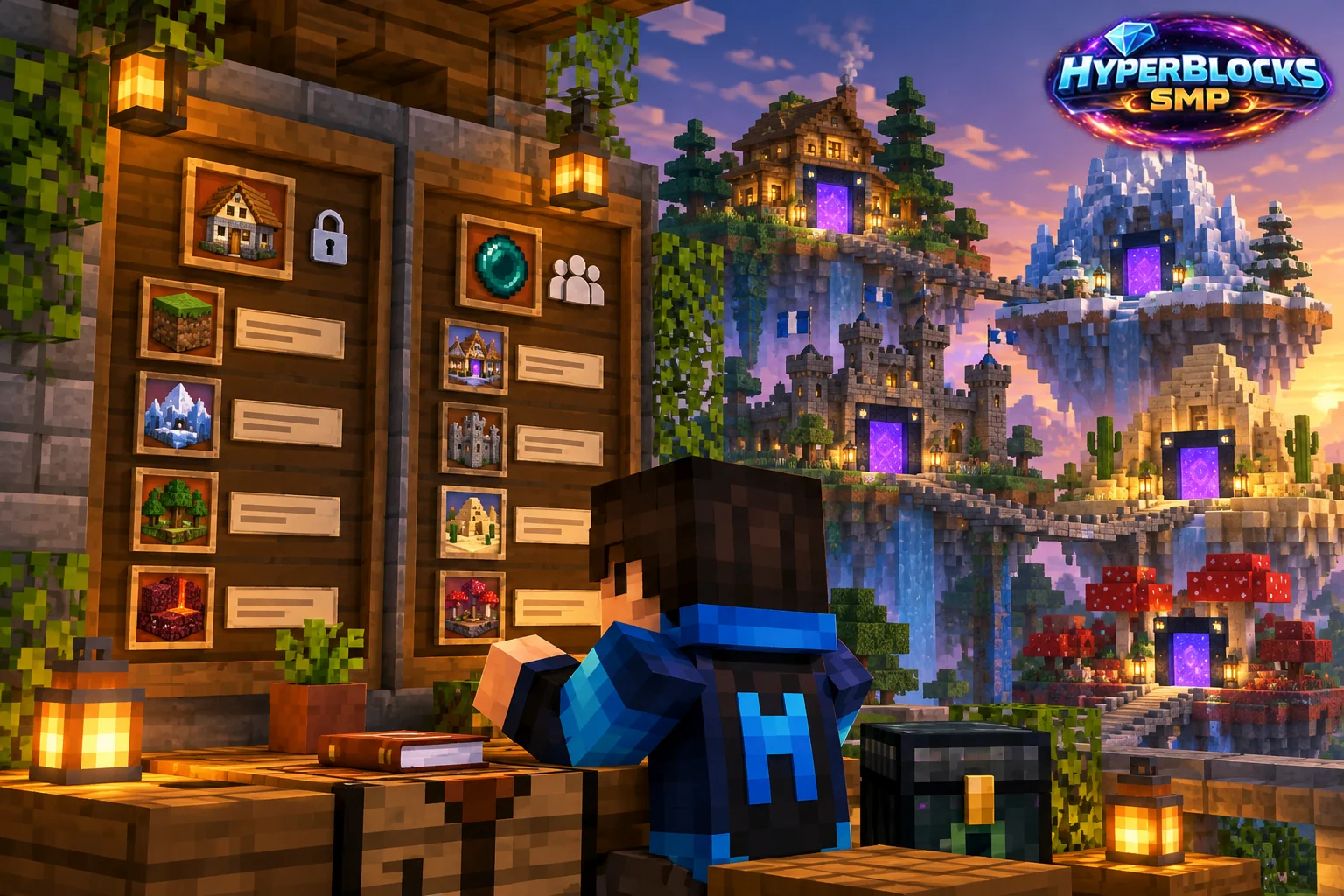
Decide What the Destination Is For
A home is a convenient personal return destination. A player warp advertises a place other players can visit. Keep those purposes separate: your private storage room does not automatically need a public destination. Use recognizable names for different bases, farms or projects so the list remains understandable.
Open Your Linked Profile
Join Survival with your linked character and open the website profile. Find the homes area and inspect the available destinations and actions. The profile and command reference are the place to check the controls your account currently has; available actions and limits can depend on your rank and the game state.
Check the Landing Place
Before relying on a home, make sure the location is safe and still accessible in-game. Revisit it after rebuilding floors, moving walls or changing access to shared land. A memorable name does not establish that the destination is a safe place to arrive with valuable equipment or that the property belongs to you.
Keep Changes Intentional
Read the destination name before choosing any removal or replacement action. If a web action is waiting, check that you remain online on Survival. For a public shop or attraction, use the separate player-warp workflow and review the claim permissions visitors need. A teleport destination and permission to build or open containers are different things.
Related planning: Homes and Public Warps: Choose the Right Return Route; Player Warps: Finding and Sharing Places on HyperBlocks.
Put This Into Practice on HyperBlocks
HyperBlocks browser tools require a linked account, and live inventory or claim changes require you to be online in Survival. The wiki explains the connection requirements for each tool.
Reference and Further Reading
Use the current HyperBlocks menus and linked reference for server-specific requirements.
Your Next Adventure
Bring Your Next Project Into Focus
Join HyperBlocks Survival and find your HyperCode on the scoreboard. Link it to your website account to use the browser tools, then organize the next step of your build. Stay online in Survival when using tools that require a live connection.