Start Here
Homes and Public Warps: Choose the Right Return Route
Keep personal return points and shared destinations distinct when planning a Survival journey.
See How to Join HyperBlocks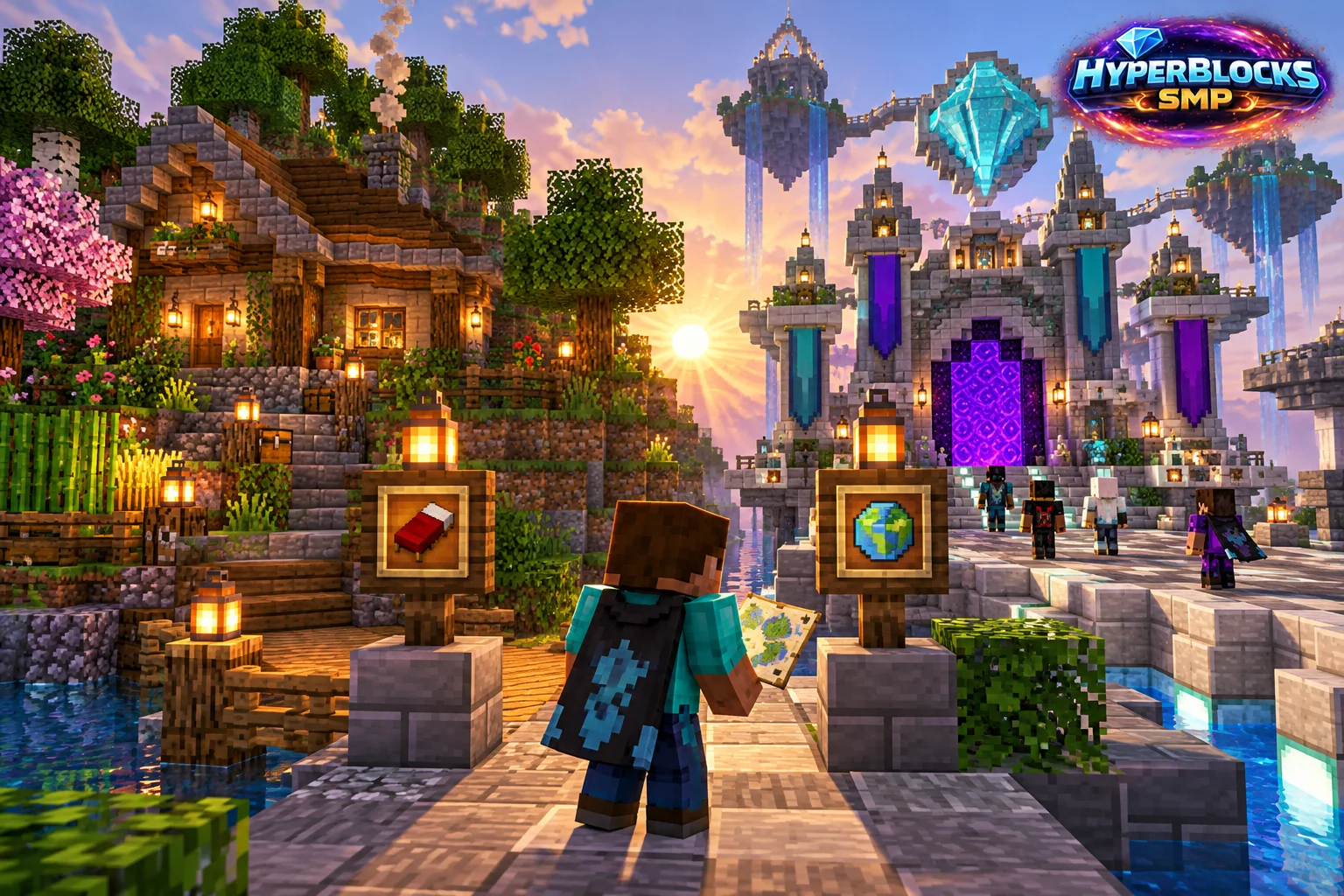
What to Know
A home and a public warp solve different navigation problems. A personal return point is useful for your own base routine, while a shared destination helps visitors find a place intended for arrivals. Consult the current HyperBlocks homes and warps reference for commands, limits and permissions rather than assuming every rank has identical options.
A Practical Approach
Choose a safe arrival position with room to stand and an obvious exit. Avoid setting a destination beside an unguarded drop, inside a busy doorway or in a storage area you do not intend visitors to use. Name destinations by purpose so they remain understandable after you add more locations.
Make It Work for Your Base
Review return points after moving a base or rebuilding an entrance. A navigation shortcut does not replace land-claim permissions, and sharing a destination does not automatically define what guests can do there. Connect a public arrival area to a signed path while keeping private work areas clearly separated.
Related planning: Managing Minecraft Homes from Your HyperBlocks Profile; Minecraft Emeralds: Villager Trade Items vs Server Currency.
Put This Into Practice on HyperBlocks
Once you have joined HyperBlocks, open /m to find the server tools. Check the wiki for the feature you want before relying on commands from another server.
Reference and Further Reading
Use the current HyperBlocks menus and linked reference for server-specific requirements.
Your Next Adventure
Your First Project Starts With One Join
Build a home, start a farm with friends or challenge another player with Hyper Duels. Add play.HyperBlocksSMP.com in Minecraft and join Survival. Check the joining instructions for your edition.