Build Projects
Build a Six-Bay Labeled Storage Wall
Organize six clear storage categories while preserving chest access and room for overflow.
Start Building on HyperBlocks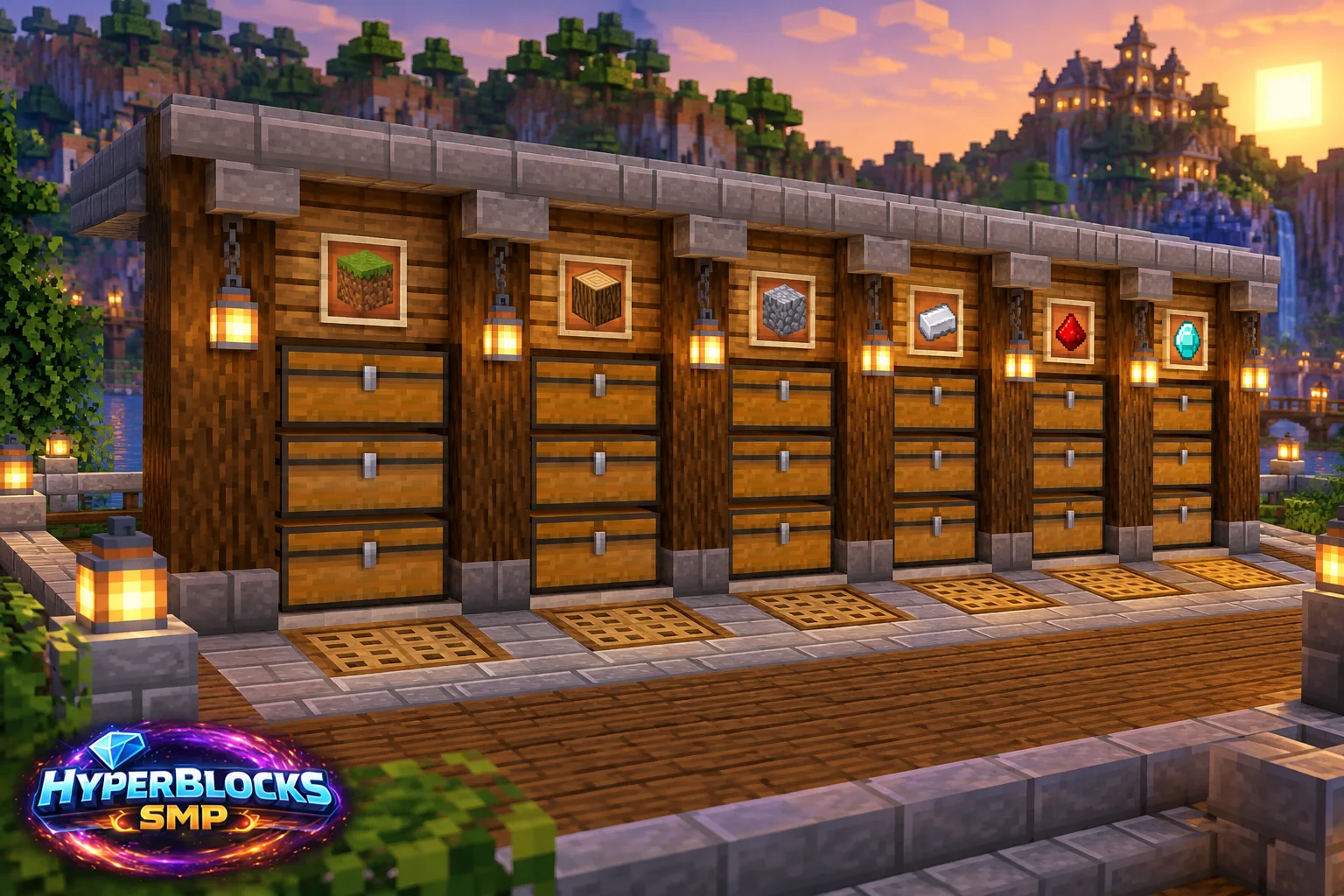
Plan the Footprint
Suggested working layout: Six labeled bays along a wall, with a two-block-deep clear aisle. Mark this space with temporary blocks before collecting decorative materials. The article’s illustration is a concept view; use the dimensions and instructions here for the working layout. Keep the entrance, storage access and any neighboring structures visible while planning.
Build the Working Layout
Choose the six categories before placing containers. A starter set might be building blocks, wood, mining resources, farming, tools and expedition supplies. Keep each label directly associated with its container and leave the aisle clear enough to turn while sorting.
Arrange the Daily Routine
Place frequently used categories closest to the workshop entrance. Check lid clearance for chests; barrels can suit a tight wall but still need usable interaction access. Add one explicitly labeled overflow container rather than allowing unsorted items to spread into every category.
Check Before Expanding
Test the wall with the contents of one ordinary supply trip. If a category is always full, split that category during expansion rather than duplicating every bay blindly. In a shared HyperBlocks base, separate public project supplies from personal equipment and grant the intended container permissions.
Quick Reference
| Suggested Footprint | Six labeled bays along a wall, with a two-block-deep clear aisle |
|---|---|
| Starting Materials | 6 chests or barrels for the first level; 6 signs or labels; wall and floor blocks; lighting; optional expansion containers |
| Scope | Original suggested layout; quantities exclude optional decoration unless stated |
Play This on HyperBlocks
On HyperBlocks Survival, land claims let you set permissions around your build. Plan the boundary before placing shared storage, then give friends only the access they need.
Reference and Further Reading
Build layouts are original suggestions. Check your edition, version and current server menus when applying game mechanics or server settings.
Your Next Adventure
Give Your Next Build a Place to Grow
Turn your building plan into a Survival home, then choose who can build, open containers and visit. Start with a small claim around your first workshop and expand when you need more room.