Browser Tools
How to Use Your Minecraft Inventory and Ender Chest in a Browser
View and organize your linked HyperBlocks inventory and Ender Chest while connected to the appropriate game realm.
Join and Link Your Adventure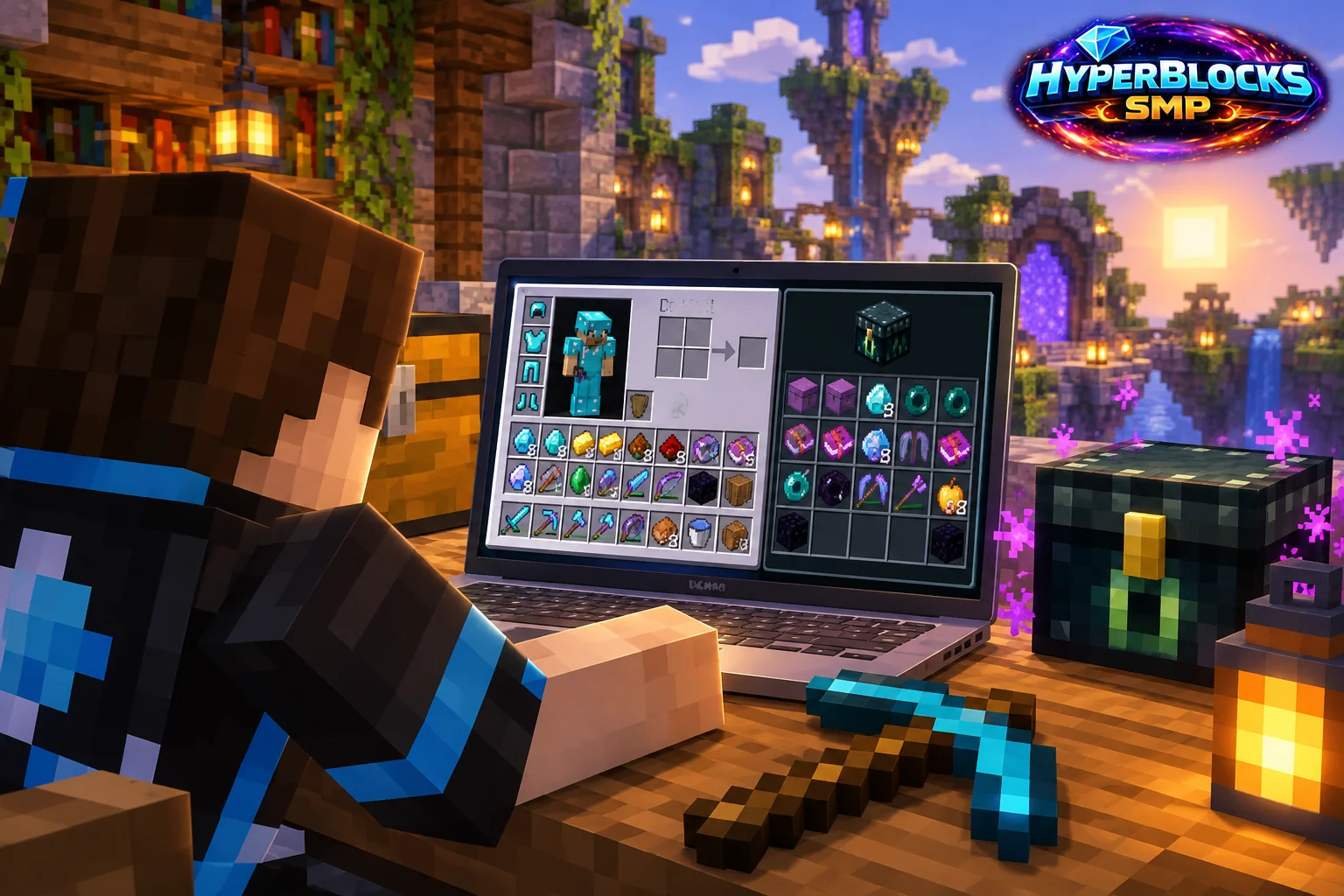
Open the Correct Character and Realm
Link your Minecraft character with HyperCode, then open Inventory & Ender. Check that the linked character and Survival inventory are correct before moving anything. Stay online in the corresponding game server so the browser controls can apply changes to the character you are actually using.
Start with a Simple Move
Find the source stack and an appropriate empty destination. Use the inventory controls to move it and wait for the updated contents before making another dependent move. On Survival, the page brings together hotbar, inventory and Ender Chest, with column controls where your rank allows. Read the enabled actions rather than assuming every slot behaves identically.
Use It as Part of Your Game Session
The browser is useful for organizing a collection, comparing stored items and preparing a sale while you remain in-game. It is not a separate copy of your character that can safely be manipulated without regard to what Minecraft is doing. Avoid moving the same stack simultaneously in two interfaces; confirm the result before proceeding.
When Contents Look Wrong
Check your character link, selected realm and game connection first. Refresh after the server has had a chance to update. If an action was pending, inspect the actual source and destination before retrying it. Website Storage and Auction House listing are related features, but each has its own limits and confirmation steps.
Put This Into Practice on HyperBlocks
HyperBlocks browser tools require a linked account, and live inventory or claim changes require you to be online in Survival. The wiki explains the connection requirements for each tool.
Reference and Further Reading
Use the current HyperBlocks menus and linked reference for server-specific requirements.
Your Next Adventure
Bring Your Next Project Into Focus
Join HyperBlocks Survival and find your HyperCode on the scoreboard. Link it to your website account to use the browser tools, then organize the next step of your build. Stay online in Survival when using tools that require a live connection.