HyperBlocks Playbooks
Plan a Linked Website Inventory Session on HyperBlocks
Organize a short linked inventory session around one clear move and the correct live realm.
Join and Link Your Adventure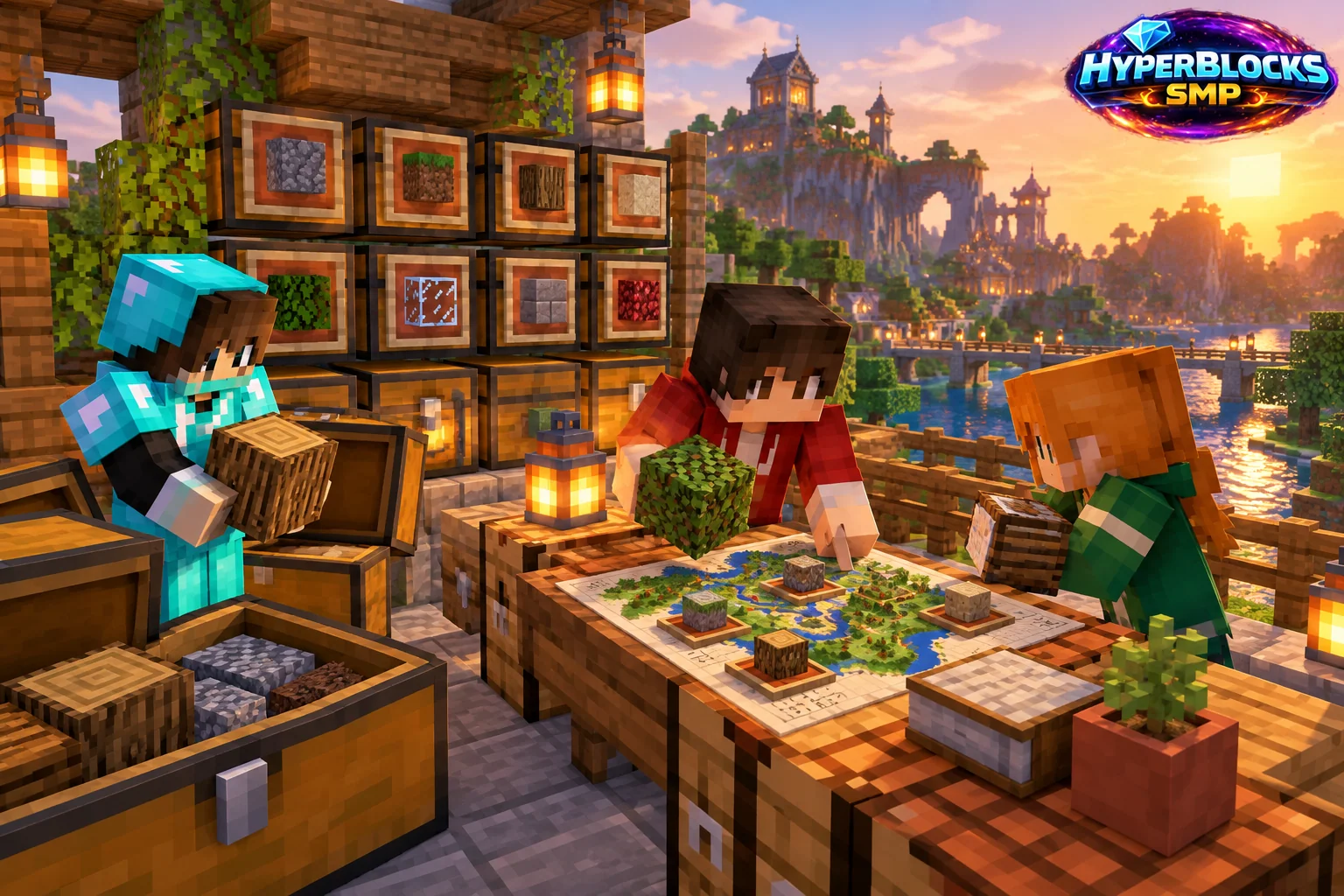
Choose the Task Before Opening Storage
Decide whether you are sorting carried items, checking an Ender Chest or moving supplies through a supported website storage tool. These views do not necessarily represent the same container. Keep the intended source and destination explicit before clicking items.
Check Linking and Connection
Use the account linked to the intended Minecraft character and select the correct realm. Live Survival inventory actions require the appropriate online connection. If the character is offline or the realm is wrong, resolve that state before attempting repeated moves.
Start With a Small Ordinary Stack
Perform one modest move and inspect both source and destination. This confirms the action without risking valuable equipment or a full project inventory. If the screen seems delayed, reread the state instead of submitting the same move several times.
Finish and Confirm the Result
Check that the intended items are in the intended place before switching realms or disconnecting. Keep a note of any substantive error and the action that preceded it. The browser is a tool for the linked character, not a separate duplicate inventory to assume will reconcile later.
Play This on HyperBlocks
HyperBlocks browser tools require a linked account, and live inventory or claim changes require you to be online in Survival. The wiki explains the connection requirements for each tool.
Reference and Further Reading
Build layouts are original suggestions. Check your edition, version and current server menus when applying game mechanics or server settings.
Your Next Adventure
Bring Your Next Project Into Focus
Join HyperBlocks Survival and find your HyperCode on the scoreboard. Link it to your website account to use the browser tools, then organize the next step of your build. Stay online in Survival when using tools that require a live connection.