Browser Tools
HyperBlocks Leaderboards: Crop Progress and Active Standings
Read the Boards page as a view of current standings, and understand why a saved score can remain while an inactive player leaves a displayed board.
Join and Link Your Adventure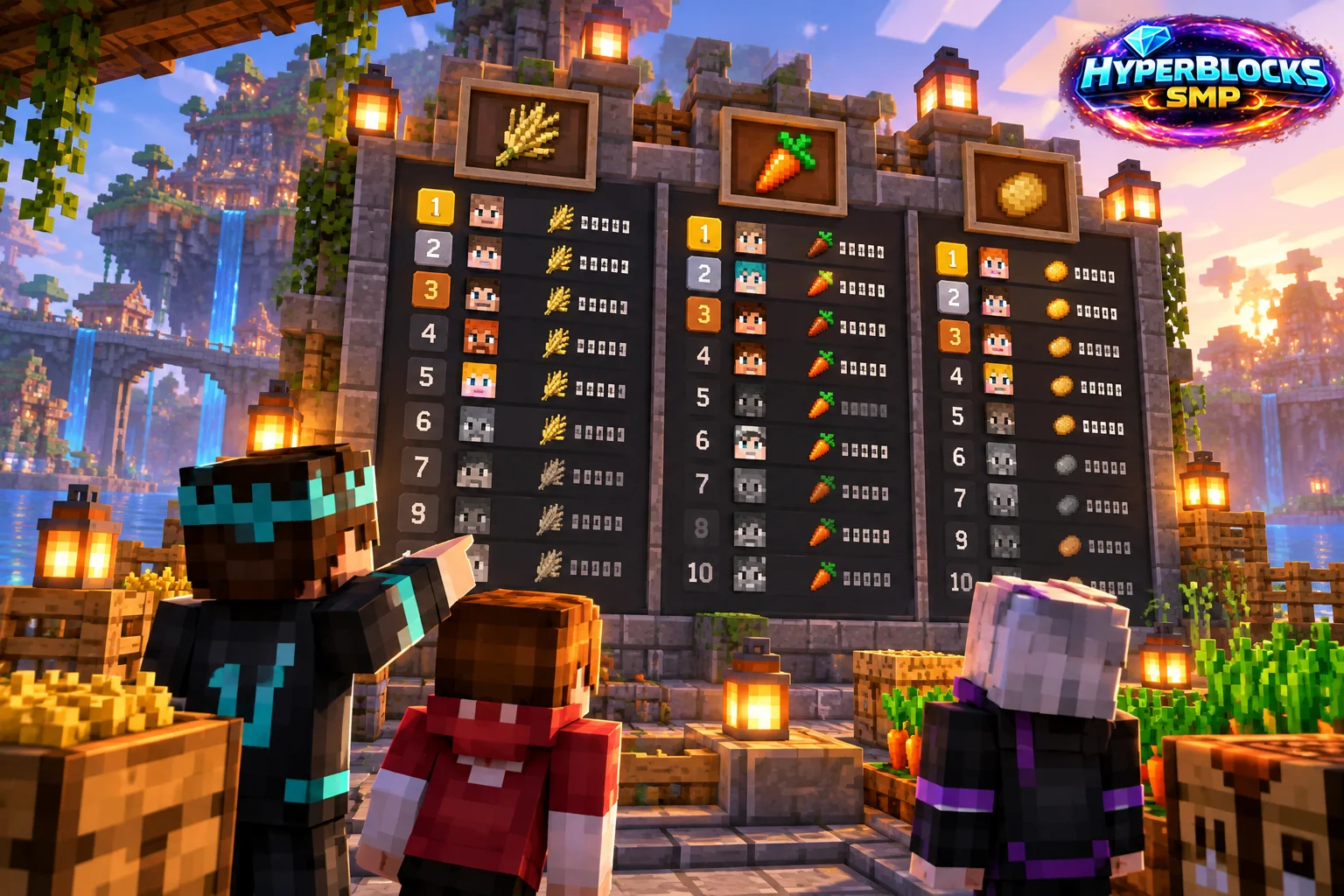
Choose the Board You Mean
Open Boards and inspect the category and realm. Survival farming boards track featured harvest activity, while other boards cover areas such as kills, coins and bank balances. A position on one board does not establish a position on another. Check the category before comparing yourself with a friend.
Understand Activity Windows
The website reference distinguishes stored scores from who appears in active standings. Farming boards use a shorter inactivity window than several other Survival boards. Leaving the displayed list therefore does not necessarily mean the underlying score was erased. Consult the current board and wiki for its applicable activity window and return requirements.
Count Real Progress
For crop competitions, read the current announcements and scoring rules before designing a farm around a particular harvesting method. Placing and breaking a stack is not automatically equivalent to growing eligible crops. Server rules can distinguish natural growth from placed materials, so a large storage chest is not proof of counted harvest progress.
Use the Board as Feedback
Pick an activity you enjoy, make a small amount of legitimate progress and inspect the updated category. Keep normal resource production separate from assumptions about event prizes. Reward amounts, eligibility and competition periods belong to the current published event details, not an evergreen farming guide. The page is useful for following progress even when you are not chasing first place.
Related planning: How to Use Your Minecraft Inventory and Ender Chest in a Browser; Container View Access: Share Visibility Deliberately.
Put This Into Practice on HyperBlocks
HyperBlocks browser tools require a linked account, and live inventory or claim changes require you to be online in Survival. The wiki explains the connection requirements for each tool.
Reference and Further Reading
Use the current HyperBlocks menus and linked reference for server-specific requirements.
Your Next Adventure
Bring Your Next Project Into Focus
Join HyperBlocks Survival and find your HyperCode on the scoreboard. Link it to your website account to use the browser tools, then organize the next step of your build. Stay online in Survival when using tools that require a live connection.