Controls and Settings
Minecraft Render and Simulation Distance: A Practical Guide
Understand visible terrain and active game simulation as separate settings.
Choose Your First Adventure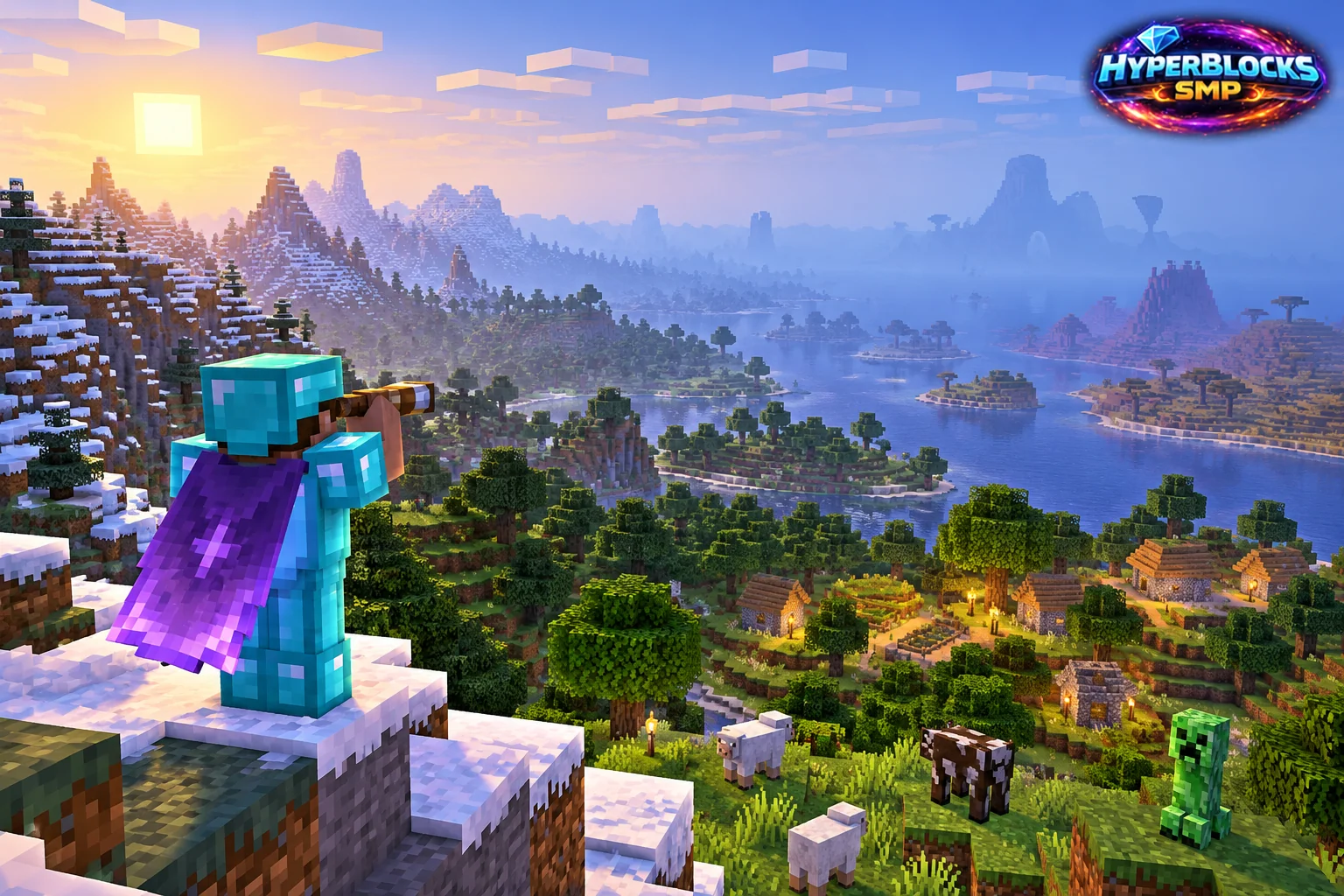
Understand Two Different Distances
Render distance controls how much terrain the client attempts to display, while simulation distance concerns the area in which relevant world activity is processed. Server settings can limit what a player experiences. Increasing a client slider does not necessarily expand the server’s active simulation area.
Tune for a Specific Problem
If distant terrain is the issue, compare render-distance settings in the same location. If a farm or mob behavior changes with distance, investigate simulation and server rules separately. Make one adjustment at a time and observe ordinary play, including movement through the area. Avoid changing every graphics option before you know what you are trying to improve.
Test a Familiar Route
Walk between the base entrance, farm and a nearby landmark. Check whether the terrain appears in time for navigation and whether performance remains comfortable. Use a modest setting that serves the activity rather than assuming the largest available number is always the most useful.
Keep Server Limits in Mind
On HyperBlocks, client preferences do not override server configuration. A distant object being visible does not prove it is actively processing every mechanic, so design farms and travel plans around the actual environment.
Related planning: Minecraft Brightness Settings: A Practical Guide; Minecraft Swords: Choosing and Using an Everyday Weapon.
Put This Into Practice on HyperBlocks
Minecraft client settings and HyperBlocks server menus are different tools. Once connected, use /m for the Hyper Menu and follow the current joining instructions for your edition and version.
Reference and Further Reading
Check your edition, platform and saved bindings. Java defaults are identified explicitly.
Your Next Adventure
Get Comfortable, Then Make It Your World
Set up controls you can rely on, then join HyperBlocks and choose your first project. Survival offers a shared world for building and exploring. For PvP, read the Hyper Duels guide.