Claims and Building
How Subclaims and Rentals Work on HyperBlocks
Divide a Survival claim into smaller spaces for shops, shared builds or rentals, and understand the difference between owning and renting land.
Start Building on HyperBlocks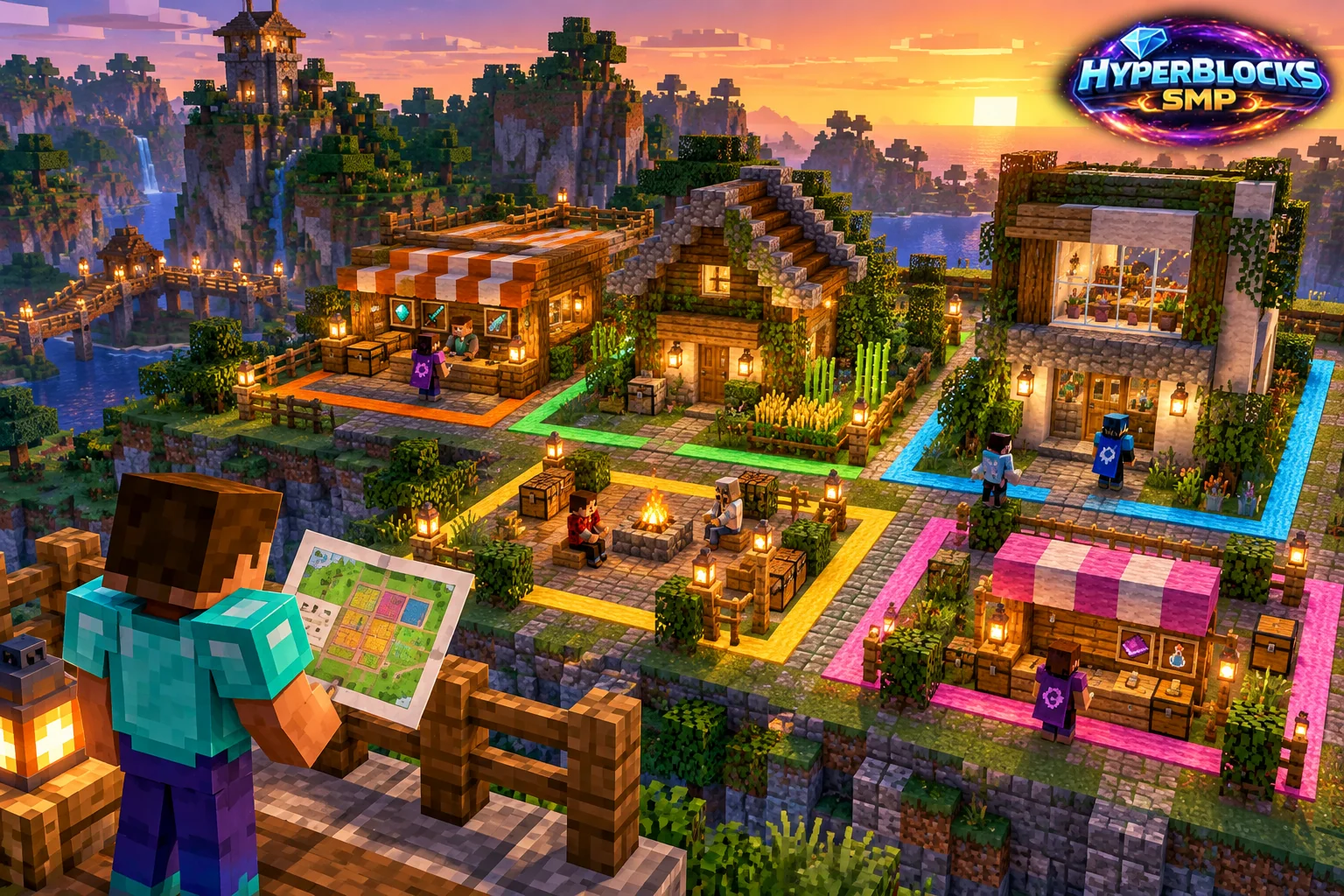
Create a Smaller Area Inside Your Claim
A subclaim divides land you already own. Use the copper shovel to mark two corners inside the parent claim, or the golden shovel in subdivision mode. Plan the footprint around the actual room, shop or garden you want to share. Leave common paths understandable so visitors do not have to guess which area belongs to whom.
Review Permissions Separately
Open the subclaim from My Claims and inspect its trust and settings. Do not assume every setting is independent of the parent. The main owner can restrict whether rented subclaims enable PvP and whether subclaims can set player warps. If a control is unavailable, check the parent setting rather than repeatedly trying to recreate the subdivision.
Understand a Rental Offer
The documented rental command is /claimprotect rentsubclaim <player> <currency> <weekly> <weeks>, used while standing in the subclaim. Confirm the intended tenant, currency, weekly amount and duration before making an offer. Treat these as terms to understand together, not as a reason to grant broad trust to everyone on the property.
Keep Ownership and Tenancy Clear
Use My Claims / My Rentals to review the space and lease. The reference describes rental cancellation and what happens when a parent claim expires. A rental is different from a transfer of ownership. Read the current terms and claim details before investing in a large build or agreeing to a price, and retain a clear record of the arrangement.
Put This Into Practice on HyperBlocks
On HyperBlocks Survival, land claims let you set permissions around your build. Plan the boundary before placing shared storage, then give friends only the access they need.
Reference and Further Reading
Use the current HyperBlocks menus and linked reference for server-specific requirements.
Your Next Adventure
Give Your Next Build a Place to Grow
Turn your building plan into a Survival home, then choose who can build, open containers and visit. Start with a small claim around your first workshop and expand when you need more room.