Claims and Building
How to Create Your First Minecraft Land Claim on HyperBlocks
Protect a Survival base with the golden shovel, inspect the boundary, and keep your first claim large enough for the structures you use.
Start Building on HyperBlocks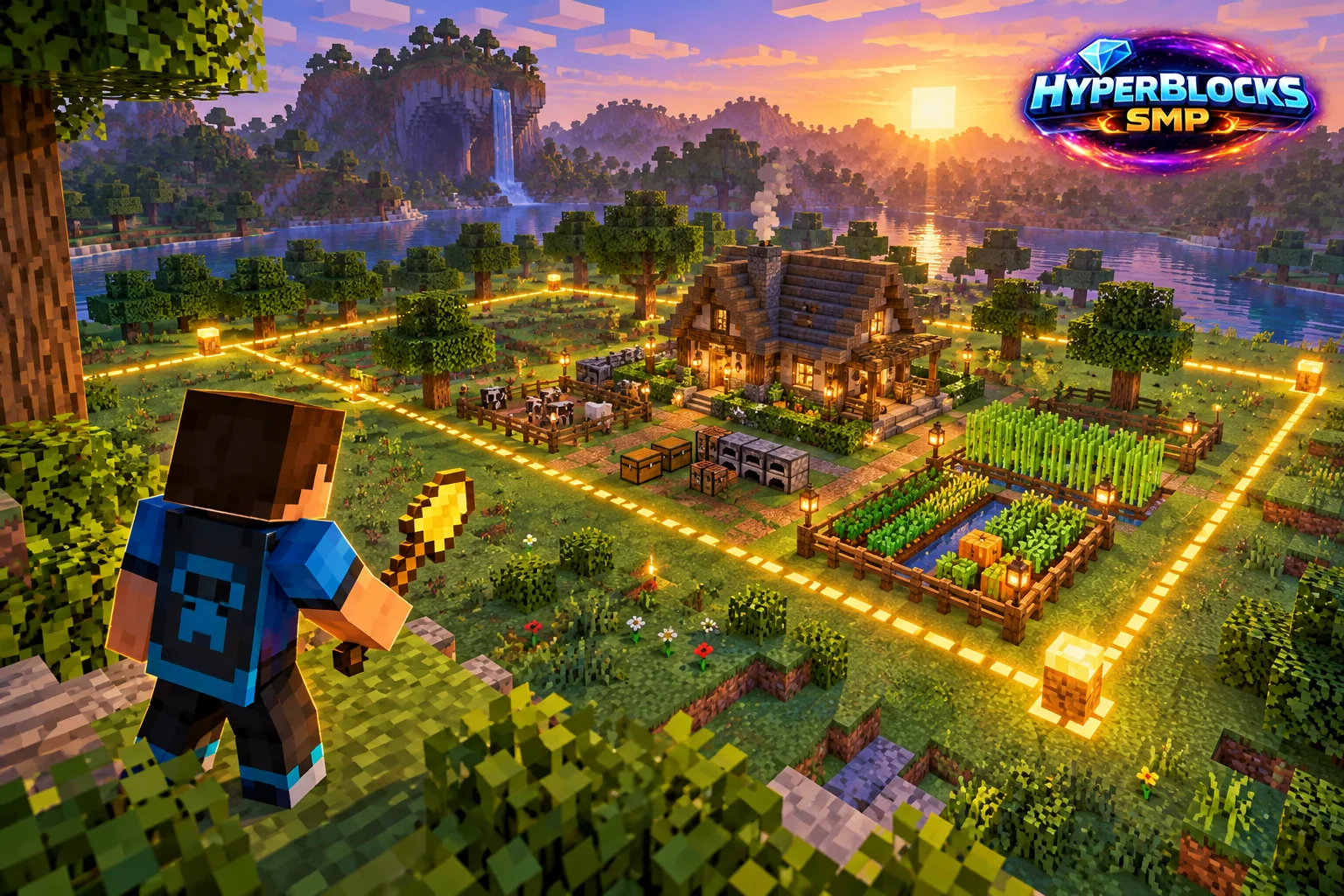
Start with the Claim Tools
On Survival, open /claimprotect or /clp. The Starter Kit contains the golden shovel, copper shovel and inspection stick, with a cooldown shown by the system. Use the golden shovel for a main claim. The copper shovel is for subdivisions inside land you already own, not a replacement for claiming a new plot.
Mark the Area
Use the golden shovel’s two right-click corner selections to mark the land you want. Start with the house, storage and a little working space rather than claiming a huge unused rectangle. Inspect nearby ownership first and follow the game’s feedback if the selection overlaps existing land or exceeds your available claim blocks.
Inspect What You Protected
Use the stick to inspect the claim. Check every part of the footprint that matters: storage, doorways, farm edges and paths you expect to control. Open My Claims from the claim menu to find the new claim and review its settings. A successful selection should be verified before you spend hours constructing beyond its edge.
Add Access Deliberately
Keep the new claim private until you decide what visitors should do. A friend who only needs to open a door does not necessarily need build or container trust. Main-claim count and claim-block balance are different limits; if creation fails, read which limit the game reports. Resize the existing plot when that solves the problem.
Walk the Full Working Boundary
Check the corners of the intended build, including the front path, storage extension and outdoor work area. A claim around only the house walls can leave useful parts of the project outside your intended protection. Review the current claim controls and available claim blocks before extending. After changing the boundary, inspect the displayed result rather than relying on where you remember clicking.
Put This Into Practice on HyperBlocks
On HyperBlocks Survival, land claims let you set permissions around your build. Plan the boundary before placing shared storage, then give friends only the access they need.
Reference and Further Reading
Use the current HyperBlocks menus and linked reference for server-specific requirements.
Your Next Adventure
Give Your Next Build a Place to Grow
Turn your building plan into a Survival home, then choose who can build, open containers and visit. Start with a small claim around your first workshop and expand when you need more room.