Claims and Building
How to Resize a Land Claim Without Losing Track of Your Build
Expand or reduce a HyperBlocks Survival claim with the golden shovel while checking claim blocks, neighboring land and your protected footprint.
Start Building on HyperBlocks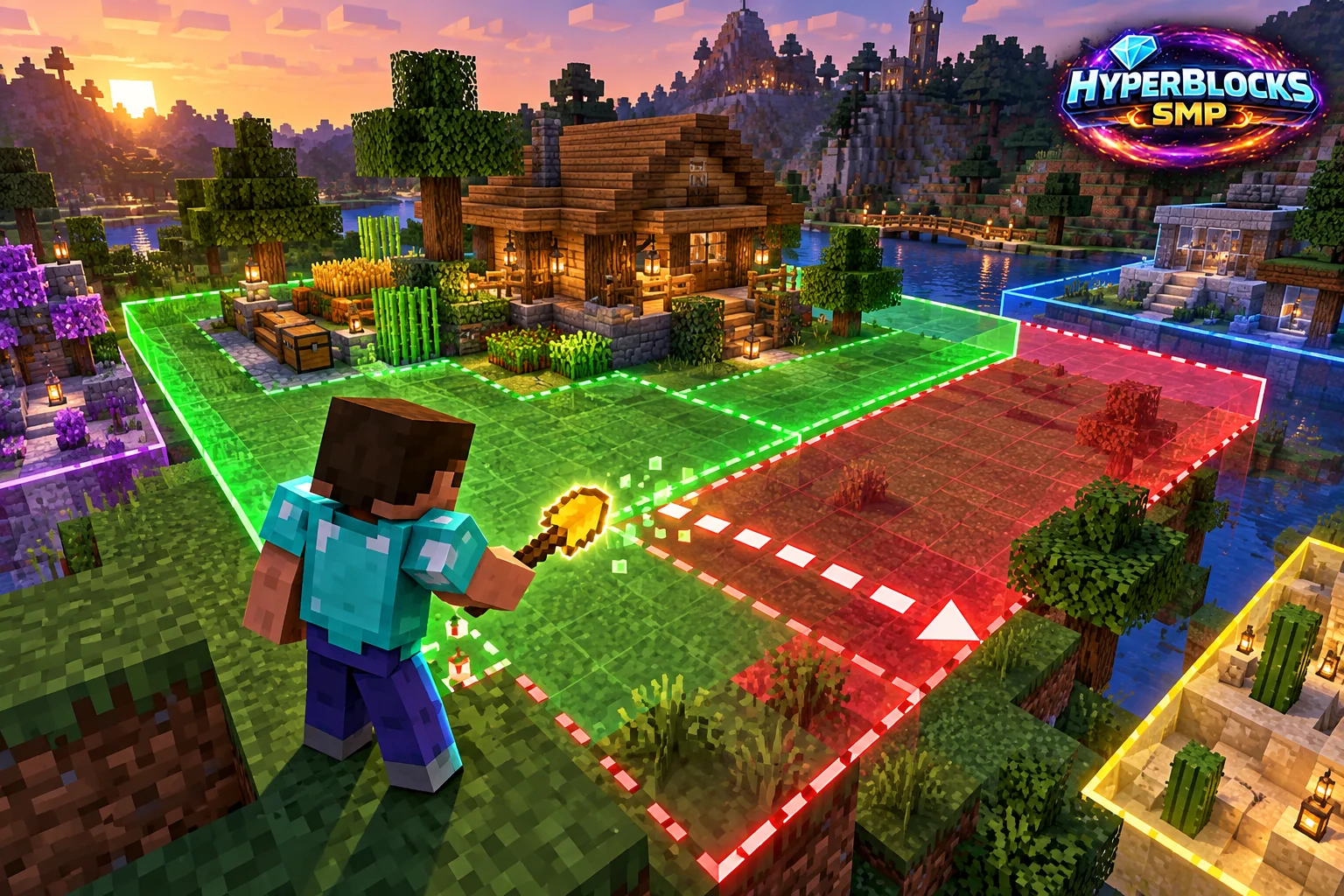
Inspect Before You Resize
Find the current boundary with the stick before moving a corner. Walk the edge and note any chests, farms, entrances or shared structures near it. Resizing changes the area you protect; shrinking a claim without checking the footprint can leave part of your build outside your intended protection.
Move the Boundary with the Right Tool
Use the golden shovel to select and resize the claim through its corner workflow. For command help, open /claimprotect help; /claimprotect extendclaim is also listed in the reference. Follow the game’s selection feedback and confirm you are changing the correct main claim rather than working in subdivision mode.
Check the Two Different Limits
Claim blocks control the area available to your claims. Rank-based claim count controls how many main claims you can own. Buying or receiving more area does not mean you should create another main claim, and freeing a claim slot does not automatically give a larger block balance. Read the specific reason if an expansion is refused.
Review the Finished Shape
Inspect the new boundary again, including the side nearest other players. Confirm the house, farm and access route remain where you expect. If you share the plot, tell your collaborators which area they can use and review trust settings separately. Do not abandon and recreate an established claim simply to avoid learning the resize controls.
Put This Into Practice on HyperBlocks
On HyperBlocks Survival, land claims let you set permissions around your build. Plan the boundary before placing shared storage, then give friends only the access they need.
Reference and Further Reading
Use the current HyperBlocks menus and linked reference for server-specific requirements.
Your Next Adventure
Give Your Next Build a Place to Grow
Turn your building plan into a Survival home, then choose who can build, open containers and visit. Start with a small claim around your first workshop and expand when you need more room.