Build Projects
Build a Recovery Locker Near Your Return Point
Keep a modest replacement kit near a reliable return point so a failed trip does not start from nothing.
Start Building on HyperBlocks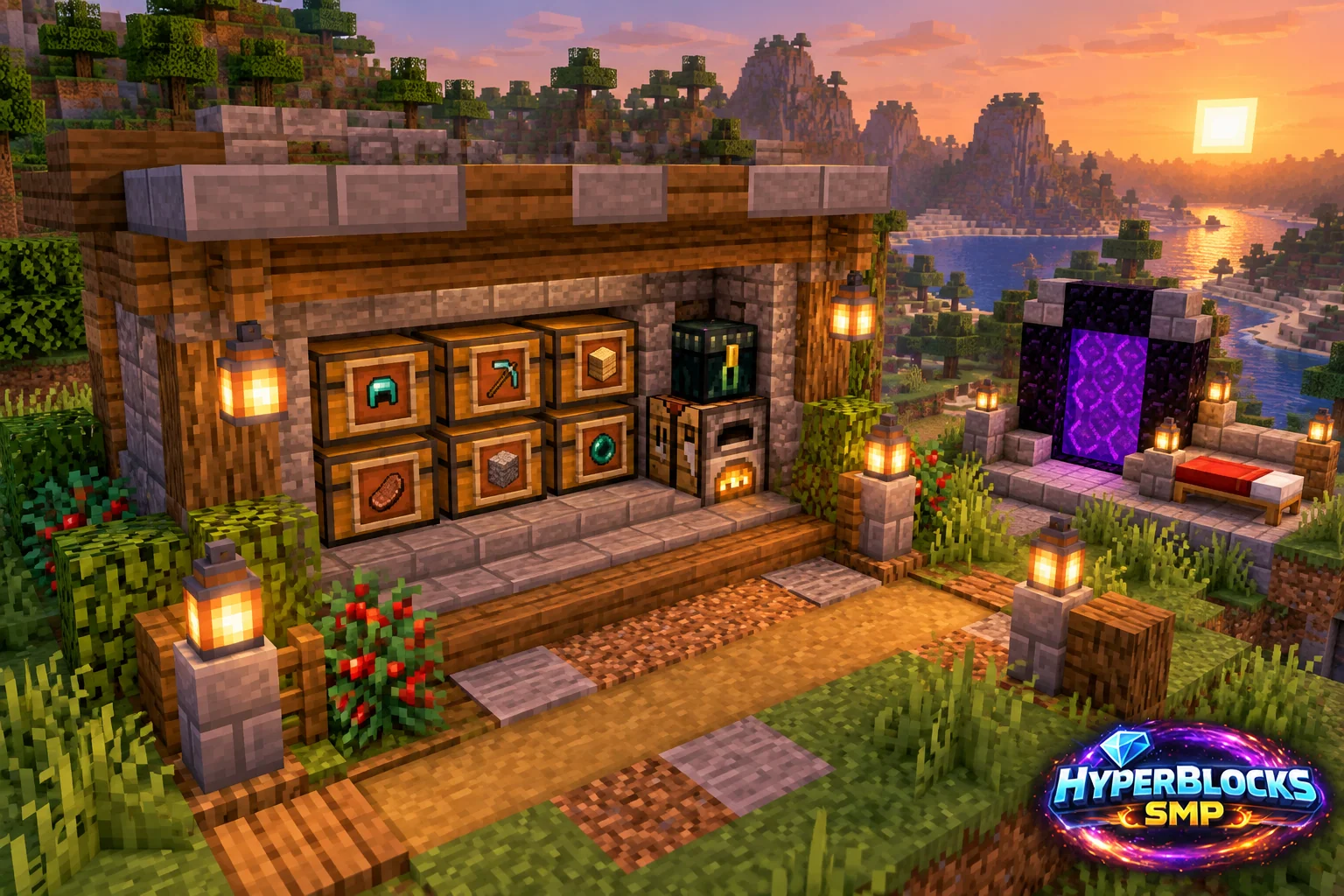
Plan the Footprint
Suggested working layout: One clearly labeled container beside a safe base return area. Mark the area before committing the full material supply. The illustration is a concept view; use the stated dimensions and working instructions for the layout. Keep access, neighboring builds and storage in view while planning.
Build the Working Layout
Choose a location you can reliably reach after a setback. Put the locker near the return route but outside a doorway or exposed arrival position. Label it clearly and keep it separate from the everyday tool chest so its supplies are not gradually consumed by routine work.
Arrange the Daily Routine
Pack a modest kit that supports recovery rather than replacing every valuable item immediately. Include food, light, a usable tool and enough ordinary blocks for access. Add route notes for the activities you actually do, and keep the most expensive backup equipment in protected personal storage if appropriate.
Check Before Expanding
Inspect the locker after every recovery and restock what was used. Verify that the intended player can open it under the current claim permissions. A locker helps preparation but does not guarantee that dropped items will still be available or that a dangerous recovery route is worth attempting.
Quick Reference
| Suggested Footprint | One clearly labeled container beside a safe base return area |
|---|---|
| Starting Materials | Ordinary spare tools; food; lighting; basic protection; building blocks; route notes appropriate to your activities |
| Scope | Original suggested layout; optional decoration is additional |
Play This on HyperBlocks
On HyperBlocks Survival, land claims let you set permissions around your build. Plan the boundary before placing shared storage, then give friends only the access they need.
Reference and Further Reading
Build layouts are original suggestions. Check your edition, version and current server menus when applying game mechanics or server settings.
Your Next Adventure
Give Your Next Build a Place to Grow
Turn your building plan into a Survival home, then choose who can build, open containers and visit. Start with a small claim around your first workshop and expand when you need more room.