Controls and Settings
Minecraft Hotbar Organization: A Practical Guide
Keep emergency items and work tools in predictable slots.
Choose Your First Adventure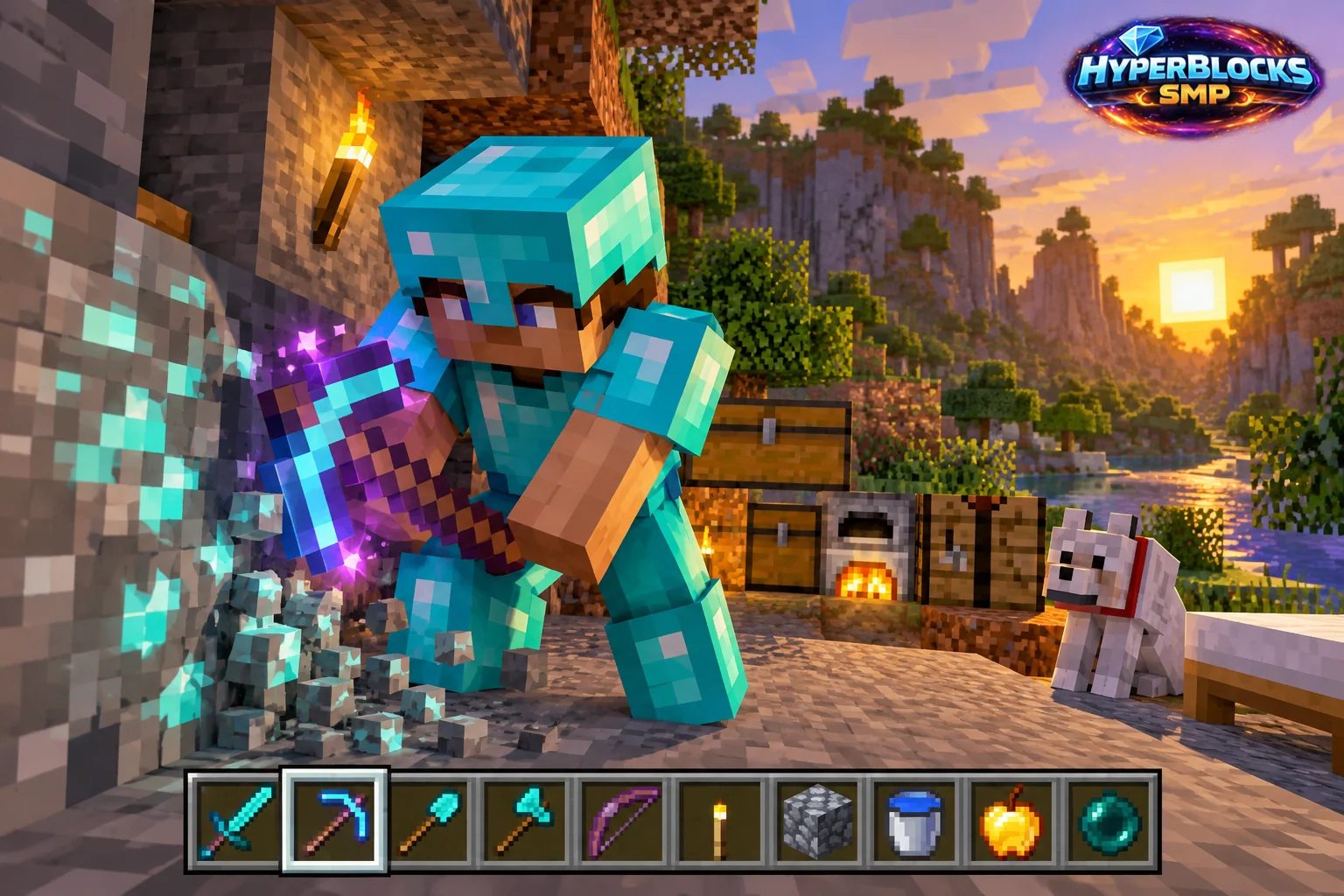
Make Important Items Predictable
The hotbar is most useful when common actions map to familiar slots. A consistent arrangement reduces searching during a fight or a building mistake. Choose a layout around your activities instead of trying to fit every item you own into immediate reach.
Build Two Simple Loadouts
For exploration, give the main weapon, working tool, food, lighting and emergency item stable positions. For construction, reserve a few slots for the current material palette while keeping food and a way down available. Change the project materials when needed, but preserve the positions of the items you rely on under pressure.
Restock When You Return
After unloading, put the travel kit back into its expected slots before starting the next task. Check quantities and durability at the same time. A tool in the right slot is not ready if it is nearly broken, and a food slot is not useful when the stack is empty. Keep replacement supplies in a labeled chest beside the exit.
Practice Before a Risky Trip
Select each important item while standing in a safe area and confirm what appears in hand. Avoid introducing a completely new arrangement immediately before a difficult encounter or high building task.
Put This Into Practice on HyperBlocks
Minecraft client settings and HyperBlocks server menus are different tools. Once connected, use /m for the Hyper Menu and follow the current joining instructions for your edition and version.
Reference and Further Reading
Check your edition, platform and saved bindings. Java defaults are identified explicitly.
Your Next Adventure
Get Comfortable, Then Make It Your World
Set up controls you can rely on, then join HyperBlocks and choose your first project. Survival offers a shared world for building and exploring. For PvP, read the Hyper Duels guide.