Build Projects
Build a Market Stall With Display and Stock Storage
Build a compact trading display with a separate stock area and clear visitor access.
Start Building on HyperBlocks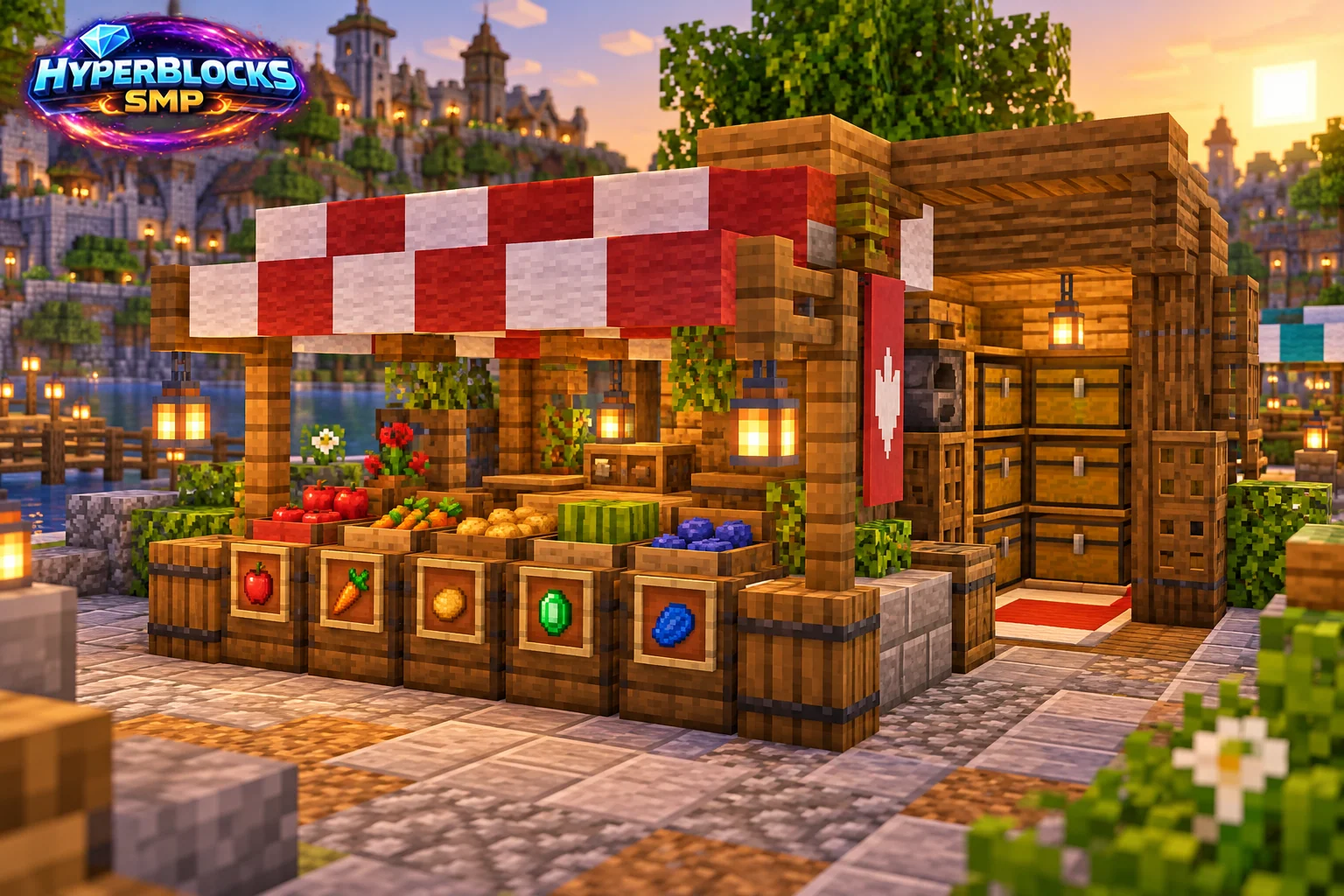
Plan the Footprint
Suggested working layout: Suggested 5 by 5 footprint with a three-wide counter. Mark the area before committing the full material supply. The illustration is a concept view; use the stated dimensions and working instructions for the layout. Keep access, neighboring builds and storage in view while planning.
Build the Working Layout
Mark the customer side and the operator side before placing the counter. Leave a route behind the counter to reach stock. Keep the front readable with a small number of labeled displays rather than covering every surface in unrelated items.
Arrange the Daily Routine
Put restocking containers behind or beside the working area and distinguish them from public displays. A decorative stall does not itself create a functioning shop. Use the supported HyperBlocks trading system and its current requirements when you want actual purchases or listings.
Check Before Expanding
Approach the stall as a visitor and check that labels, the interaction point and the exit are obvious. Set container permissions deliberately, especially when displaying items in chests. Do not imply a fixed price from a decorative sign unless it matches the actual current transaction.
Quick Reference
| Suggested Footprint | Suggested 5 by 5 footprint with a three-wide counter |
|---|---|
| Starting Materials | Floor and canopy blocks; counter material; signs or item frames; stock containers; lighting and optional side posts |
| Scope | Original suggested layout; optional decoration is additional |
Play This on HyperBlocks
On HyperBlocks Survival, land claims let you set permissions around your build. Plan the boundary before placing shared storage, then give friends only the access they need.
Reference and Further Reading
Build layouts are original suggestions. Check your edition, version and current server menus when applying game mechanics or server settings.
Your Next Adventure
Give Your Next Build a Place to Grow
Turn your building plan into a Survival home, then choose who can build, open containers and visit. Start with a small claim around your first workshop and expand when you need more room.