Troubleshooting
Observer Is Not Triggering: Check the Detecting Face
Check the observer’s detecting face, output face and the specific change it is meant to observe.
Build Your Survival Workshop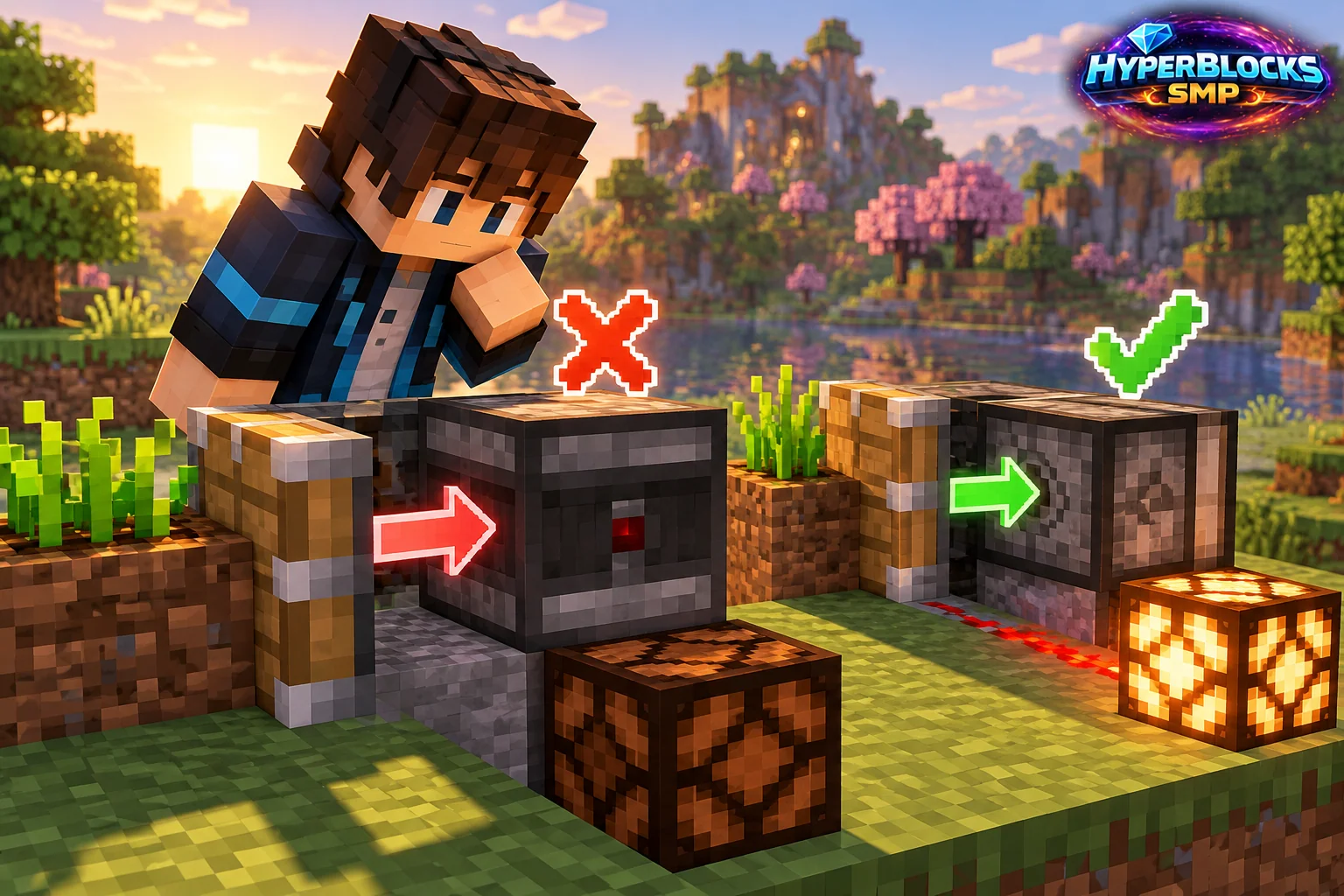
Identify Both Faces
An observer has a detecting face and an output face. Inspect them directly rather than assuming it watches the direction you faced while placing it. A correctly wired output cannot compensate for an observer looking at the wrong block.
Create One Clear Change
Use a simple nearby block change as a test and watch a visible output. An observer produces a brief pulse, so a fleeting response may be easy to miss. Do not begin with a complex crop or piston system whose own activity makes the trigger ambiguous.
Check the Output Connection
Trace the output side to the next component. Make sure the connection is actually receiving the pulse and that the receiving mechanism can respond to it. A lamp or other visible test output can help distinguish a missed pulse from a disconnected signal path.
Check Edition and Feedback Loops
Java and Bedrock do not share every redstone behavior. Match the tutorial to your edition and server context. If the observer triggers its own observed block repeatedly, stop the mechanism and separate the detecting target from the moving output before scaling the build.
Play This on HyperBlocks
Place your workshop and shared storage inside a HyperBlocks land claim. Container access and building access are separate choices, so set permissions to match how friends will use the space.
Reference and Further Reading
Build layouts are original suggestions. Check your edition, version and current server menus when applying game mechanics or server settings.
Your Next Adventure
Put Your Next Craft to Work
Make a workshop that earns its space. Join HyperBlocks Survival, claim a small base and build the next useful part of your setup, whether that is storage, lighting or equipment for a trip with friends.