Controls and Settings
Minecraft Bedrock Touch Controls: A Practical Guide
Choose and practice a touch-control scheme on a mobile device.
Choose Your First Adventure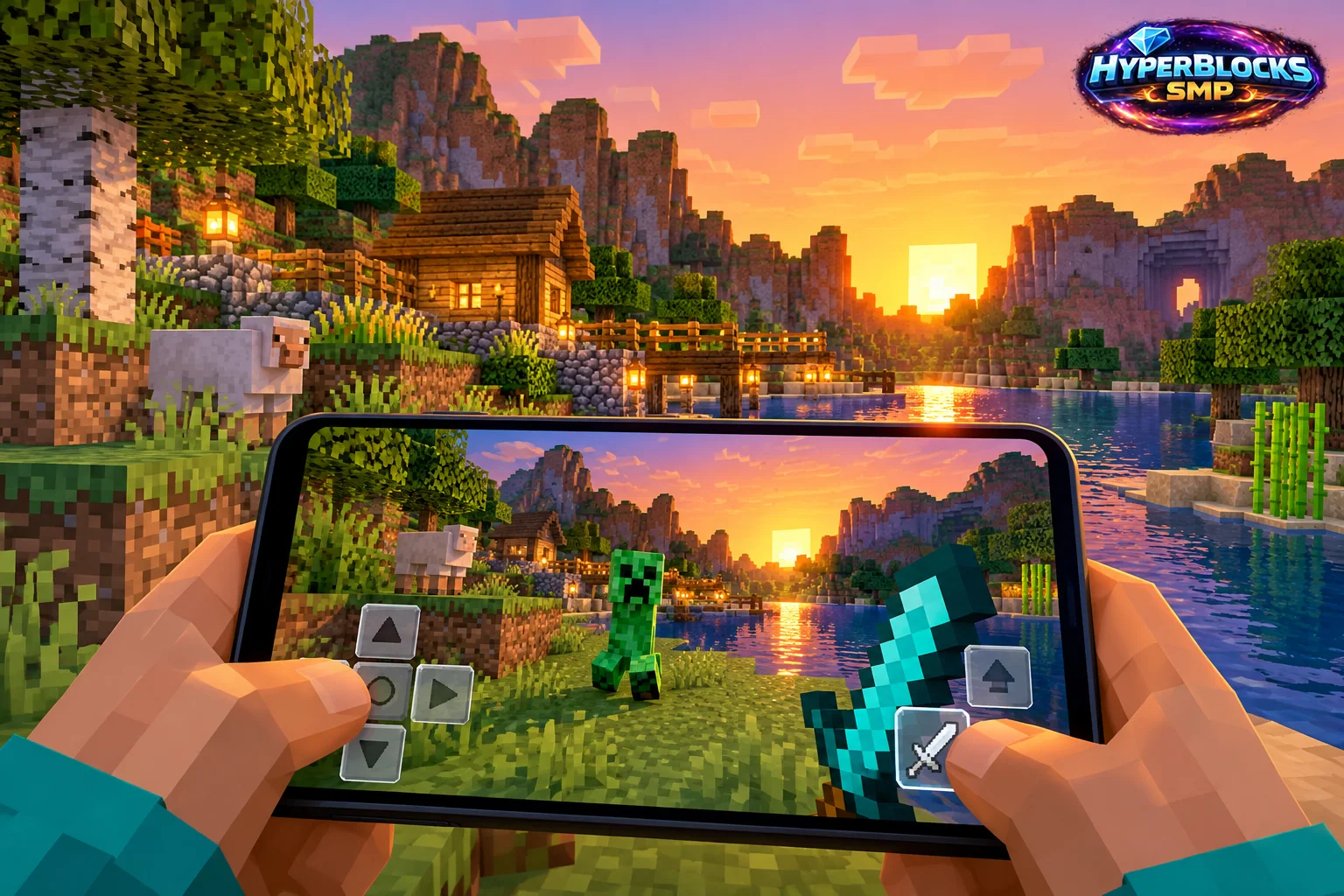
Choose a Touch Layout You Can Read
Bedrock offers touch-control choices for supported mobile devices. The available scheme and customization depend on the current version and device. A comfortable layout keeps movement, looking and interaction reachable without hiding the part of the world you need to see.
Practice on Safe Ground
Choose an open area and test walking, turning, jumping and selecting a hotbar item. Then place and break an ordinary block. Adjust one control choice or size at a time through the supported settings. Avoid learning a new layout during a dangerous encounter or while carrying your best equipment.
Use a Small Building Exercise
Make a short wall, turn a corner and place a doorway-sized opening. This tests aiming and movement together. If a button is hard to reach or repeatedly causes an unwanted action, revise that part of the layout and repeat the same exercise. Keep the final arrangement consistent for a few sessions before judging it.
Remember the Edition Difference
A keyboard shortcut described in a Java guide may have no direct touch equivalent. Use the current on-screen controls and Bedrock instructions rather than trying to reproduce every desktop action exactly.
Related planning: Minecraft Bedrock Controller Controls: A Practical Guide; Minecraft Food and Saturation: Plan and Practice.
Put This Into Practice on HyperBlocks
Minecraft client settings and HyperBlocks server menus are different tools. Once connected, use /m for the Hyper Menu and follow the current joining instructions for your edition and version.
Reference and Further Reading
Check your edition, platform and saved bindings. Java defaults are identified explicitly.
Your Next Adventure
Get Comfortable, Then Make It Your World
Set up controls you can rely on, then join HyperBlocks and choose your first project. Survival offers a shared world for building and exploring. For PvP, read the Hyper Duels guide.