Controls and Settings
Minecraft Java Keyboard Controls: A Practical Guide
Find movement, inventory and interaction bindings, then adjust conflicts in the controls menu.
Choose Your First Adventure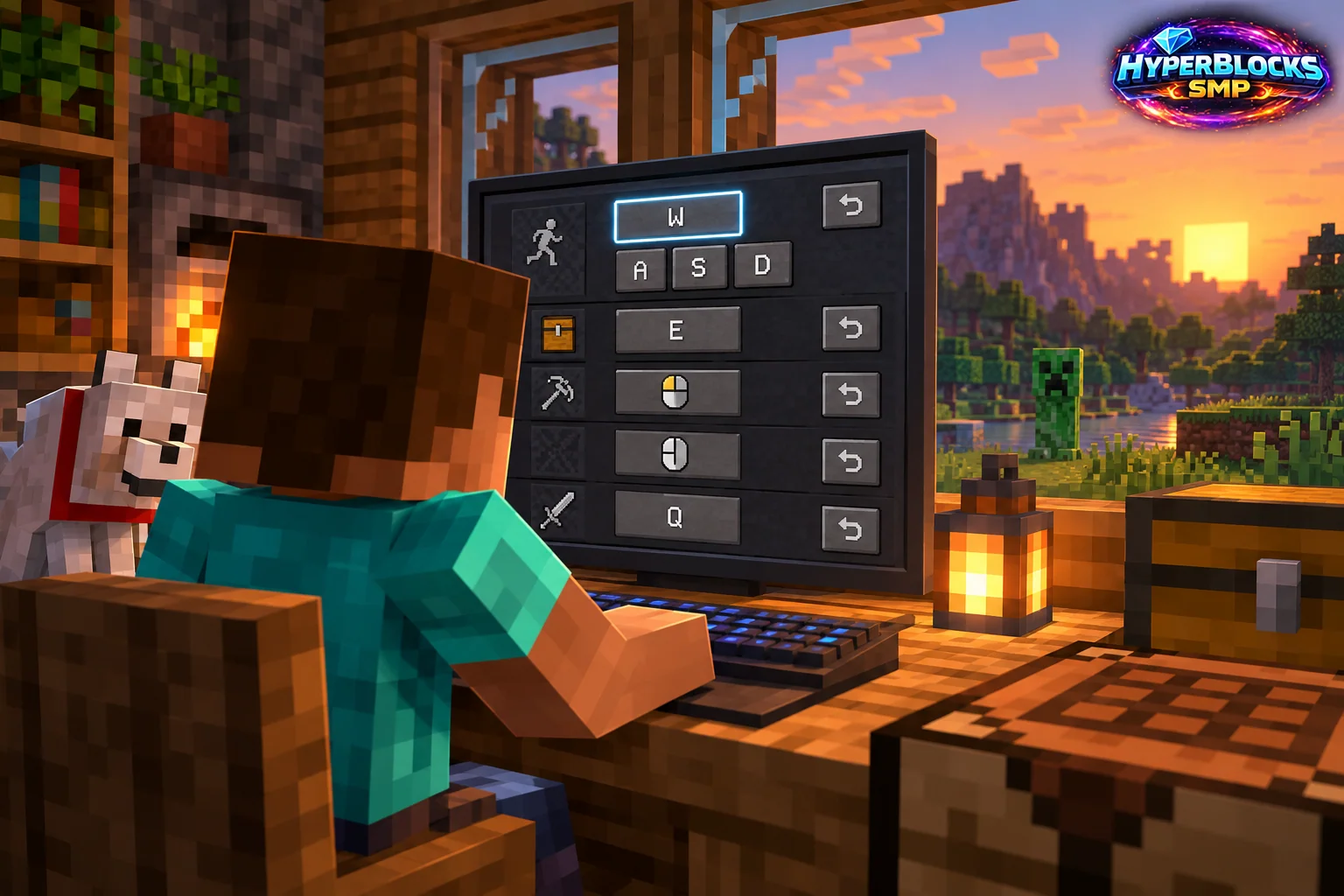
Learn Movement Before Shortcuts
Java normally uses the mouse to look and the keyboard to move, with the familiar W, A, S and D movement layout. Your own bindings are the authority if you have changed them. Begin in a safe open area so learning the controls does not compete with enemies, water or a cliff edge.
A Five-Minute Practice Route
Walk a short square, turn toward a landmark and return to the starting point. Then practice jumping a modest obstacle and selecting different hotbar slots. Add placing and breaking an ordinary block only after movement feels predictable. Open the controls menu and inspect any action that feels awkward before changing several keys at once. Keep the first layout simple enough to remember.
Use the Same Routine at Home
For a new base, put a few ordinary blocks in a practice area near storage. Select the right slot, face the intended surface, place the block and step back to inspect it. This small routine connects looking, movement and item selection without requiring a dangerous construction site. Repeat it after a major key-binding change.
If a Key Does Something Unexpected
Check whether a menu, chat field or another interface has focus. Then inspect the binding and possible mod conflicts. Reset only the affected choice when practical, rather than replacing a comfortable layout with defaults.
Related planning: Minecraft Key Binding Conflicts: A Practical Guide; Minecraft Bedrock Controller Controls: A Practical Guide.
Put This Into Practice on HyperBlocks
Minecraft client settings and HyperBlocks server menus are different tools. Once connected, use /m for the Hyper Menu and follow the current joining instructions for your edition and version.
Reference and Further Reading
Check your edition, platform and saved bindings. Java defaults are identified explicitly.
Your Next Adventure
Get Comfortable, Then Make It Your World
Set up controls you can rely on, then join HyperBlocks and choose your first project. Survival offers a shared world for building and exploring. For PvP, read the Hyper Duels guide.