Equipment and Enchanting
Minecraft Torches: Mark Routes and Keep a Light Reserve
Use torches for visibility and navigation while keeping decorative lighting decisions separate.
Start Your Survival Adventure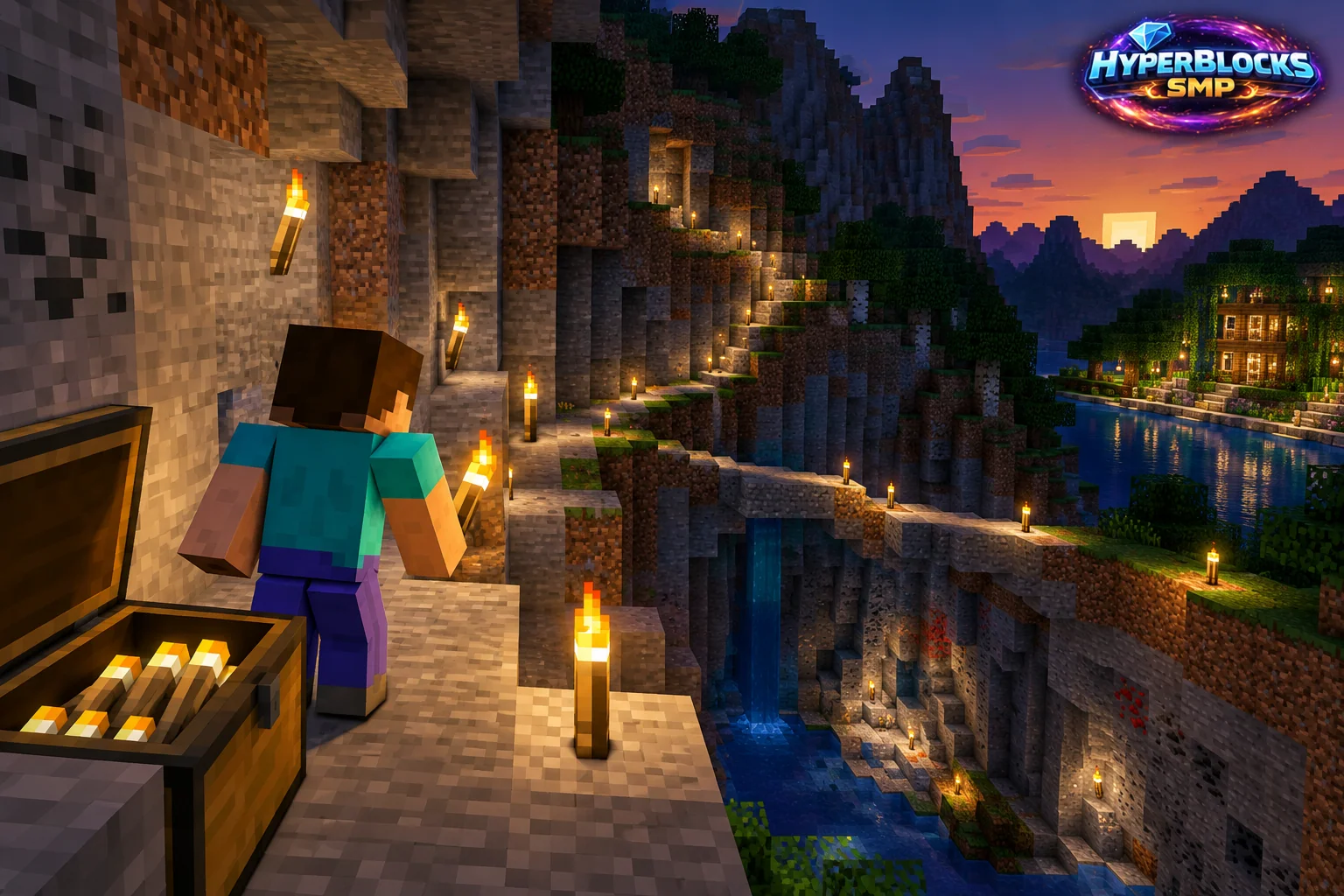
What to Know
Torches are an accessible light source and a useful way to make an explored route easier to follow. They do not replace attention to terrain or a plan for returning home. A brightly lit branch can still lead in the wrong direction if every tunnel looks identical. Combine lighting with consistent signs or distinctive junction markers.
A Practical Approach
Reserve some coal or charcoal for travel before starting a large furnace batch. Restock torches when unloading mining supplies. Place them where they remain visible from your normal walking route, and make important turns recognizable from both directions. Keep building access clear rather than scattering blocks that obstruct a narrow stairway.
Make It Work for Your Base
At a finished base, compare torches with other lighting that fits the palette. Check the actual area after dark rather than judging safety only in daylight. On HyperBlocks, light and mark your own routes without changing another player’s build. Keep a small emergency supply in the same inventory slot so it is easy to find underground.
A Concrete Crafting Example
One useful recipe to compare with your supply plan is torch. The released Java 26.3 recipe produces 4 from 1 coal or charcoal, 1 stick. The table and grid show the ingredients for one batch. Check the output before taking it, then multiply the full ingredient list by the batches your project needs. Keep a reserve for the material’s other uses instead of converting the whole chest. Older versions and server recipes can differ.
Quick Reference
| Example Output | 4 torch |
|---|---|
| Recipe Version | Java 26.3 |
| Arrangement | Shaped |
| coal or charcoal | 1 |
| stick | 1 |
Crafting Grid
Read from top to bottom. Empty cells remain unused; for a shapeless recipe this is one valid arrangement.
| coal or charcoal | Empty | Empty |
| stick | Empty | Empty |
| Empty | Empty | Empty |
Put This Into Practice on HyperBlocks
HyperBlocks elite encounters have their own equipment progression. Ordinary material and vanilla enchantments do not tell the whole story, so check Elite attributes and the current adventure requirements.
Reference and Further Reading
Use the current HyperBlocks menus and linked reference for server-specific requirements.
Versioned data reference: Official Java 26.3 Version Metadata.
Your Next Adventure
Give Your Next Upgrade a Real Adventure
Build a loadout with a purpose, then explore HyperBlocks Survival. When you are ready for elite encounters, visit the Adventurer’s Guild and check its entry requirements and Elite Gear progression before choosing a run.