Start Here
Minecraft Server Connection Help: Address, Version, and Realm
Troubleshoot a HyperBlocks connection by separating address mistakes, edition or version mismatches, and confusion about the selected realm.
Join and Link Your Adventure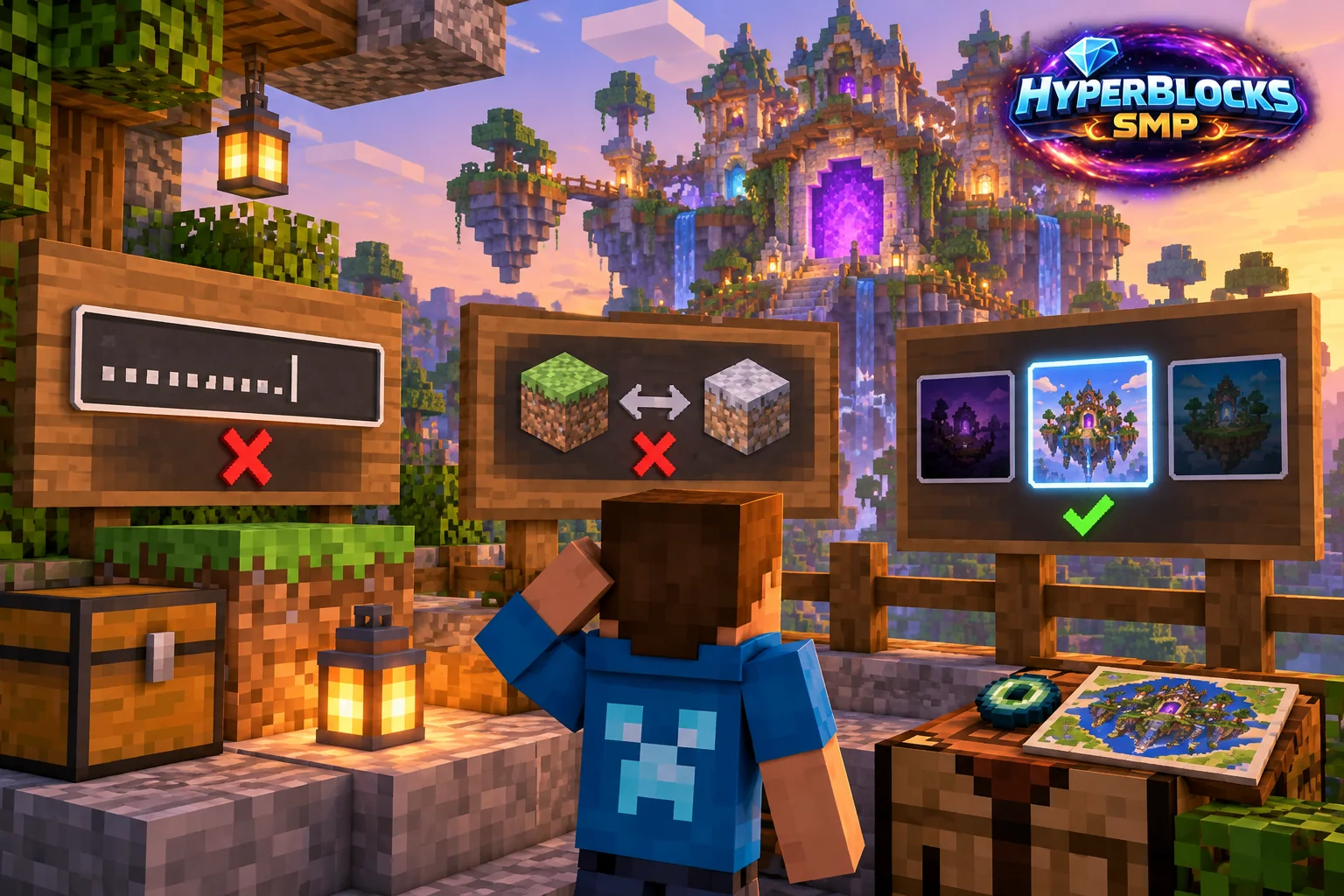
Read the Error Before Changing Settings
Write down the actual message Minecraft shows. An outdated client or incompatible version points to the game installation. An unreachable destination may involve the address, port, connection or server availability. A working login followed by an unfamiliar menu is a different problem: you may simply be in another realm.
Check the Saved Entry
For Java, use play.HyperBlocksSMP.com in the multiplayer address field. For Bedrock clients with external-server support, use that hostname and port 19132. Remove any pasted https:// prefix or page path. Compare the supported client versions on the homepage with the version actually running, not just the launcher you usually use.
Separate Game and Browser Access
Signing into the website does not connect Minecraft to the game network. Likewise, joining the game does not automatically finish website account linking. For locked browser tools, follow the HyperCode linking steps. Check that you have linked the character you use on Survival.
Make the Next Attempt Useful
Change one incorrect detail at a time and reconnect. Keep the device, edition, version and exact error together if you need help through the site’s Contact Us page. Do not post passwords or linking codes publicly. If a server is temporarily unavailable, repeated account creation or reinstalling unrelated software will not establish what failed.
Related planning: How to Join HyperBlocks on Minecraft Java; How to Link Your Minecraft Account with HyperCode.
Put This Into Practice on HyperBlocks
HyperBlocks browser tools require a linked account, and live inventory or claim changes require you to be online in Survival. The wiki explains the connection requirements for each tool.
Reference and Further Reading
Use the current HyperBlocks menus and linked reference for server-specific requirements.
Your Next Adventure
Bring Your Next Project Into Focus
Join HyperBlocks Survival and find your HyperCode on the scoreboard. Link it to your website account to use the browser tools, then organize the next step of your build. Stay online in Survival when using tools that require a live connection.