Controls and Settings
Minecraft Resource Pack Order: A Practical Guide
Manage pack priority and check what a server-provided pack changes.
Choose Your First Adventure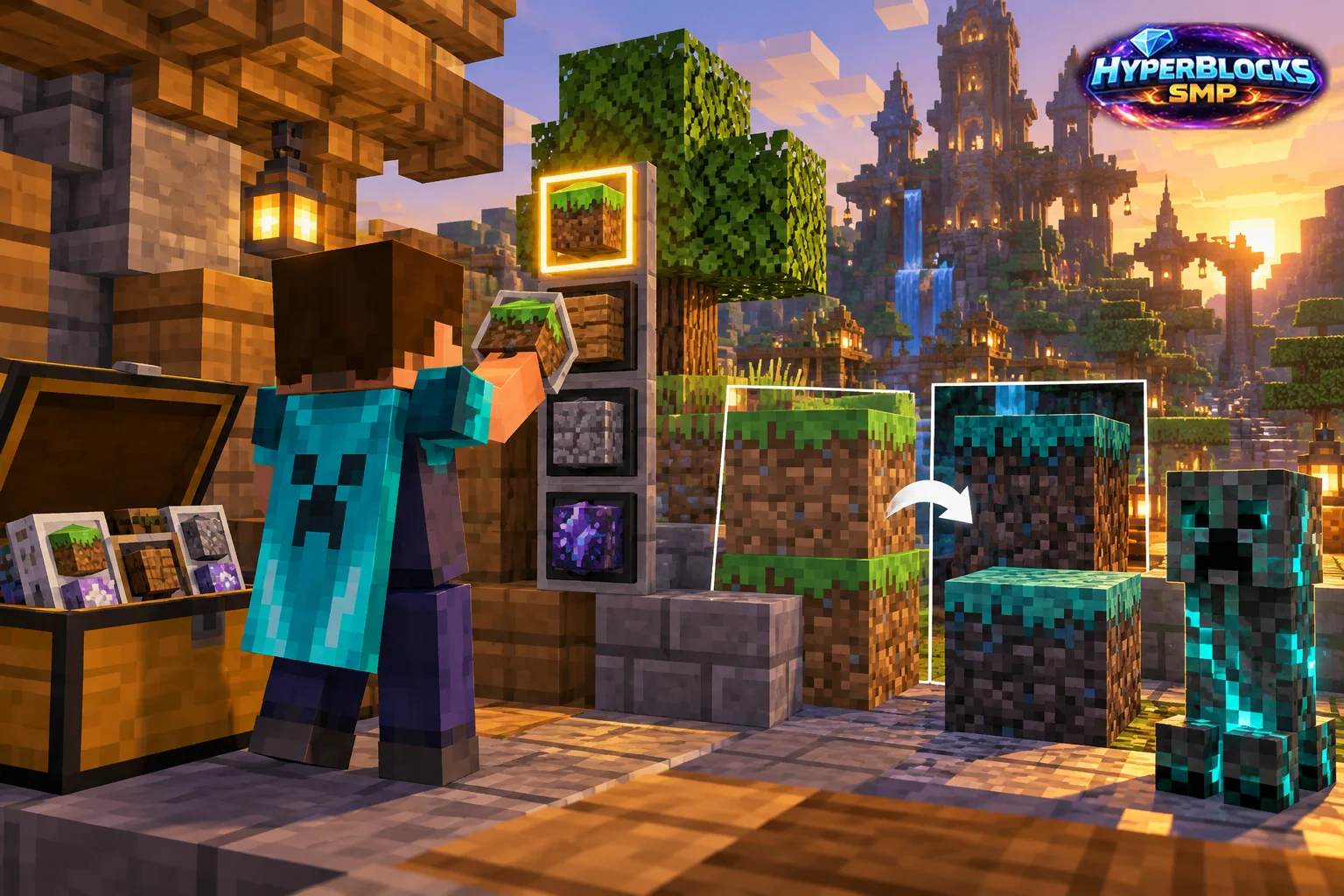
Understand Which Pack Wins
Resource packs can overlap in the assets they provide. Their priority determines which applicable version of an asset is shown when several packs replace the same thing. The current resource-pack interface is the place to inspect the active set and its order.
Compare with a Small Change
Record the active pack list before changing it. Move or disable one pack through the supported interface, then inspect a familiar block or item affected by that pack. Keep the game version and other packs unchanged during the comparison. Use a known source for any pack you intentionally install.
Keep a Visual Reference
Choose a simple scene with a few common blocks, one item and readable interface text. Compare it before and after the change. This makes it easier to identify whether the issue is a texture conflict, an outdated pack or an effect you simply prefer differently. Preserve your original pack files while deciding.
Treat Server Packs Separately
A server-provided pack can be important for custom item appearances. Read the server’s instructions and the client prompt. Do not assume a local pack’s preferred appearance proves that a custom server item is missing or incorrectly configured.
Related planning: Minecraft Server Resource Packs: A Practical Guide; Minecraft Chat Settings: A Practical Guide.
Put This Into Practice on HyperBlocks
Minecraft client settings and HyperBlocks server menus are different tools. Once connected, use /m for the Hyper Menu and follow the current joining instructions for your edition and version.
Reference and Further Reading
Check your edition, platform and saved bindings. Java defaults are identified explicitly.
Your Next Adventure
Get Comfortable, Then Make It Your World
Set up controls you can rely on, then join HyperBlocks and choose your first project. Survival offers a shared world for building and exploring. For PvP, read the Hyper Duels guide.