Start Here
How to Join HyperBlocks on Minecraft Bedrock
Use play.HyperBlocksSMP.com and Bedrock port 19132 to join HyperBlocks from a Bedrock client that supports adding external servers.
See How to Join HyperBlocks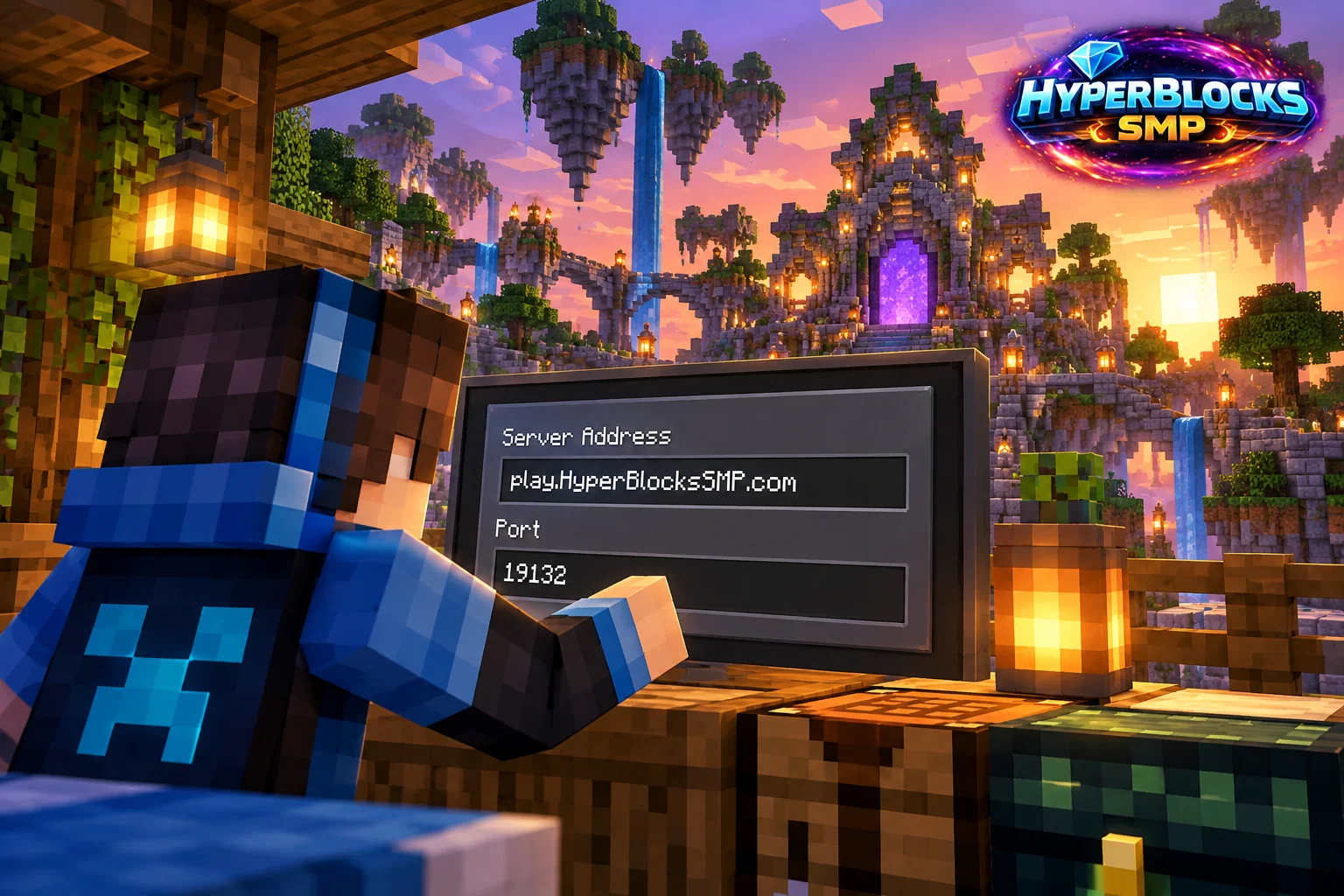
Enter the Bedrock Details
In Minecraft Bedrock, open Play and the Servers area. Where Add Server is available, enter HyperBlocks as the name, play.HyperBlocksSMP.com as the address and 19132 as the port. Save the entry and connect. Keep the port in its own field; the Java multiplayer screen and Bedrock server screen are different.
Check Your Device and Version
Windows Bedrock, phone and tablet interfaces can differ, but the address and port remain the same. Console editions may not offer the same external-server entry screen. Do not assume a console has an Add Server button or change network settings based on instructions for a different device. Check the supported Bedrock versions on the HyperBlocks homepage before troubleshooting gameplay.
Start on the Network
Join Survival for claims, the economy and dungeon adventures, or challenge another player with Hyper Duels. For browser inventory and account features, find the HyperCode on your Survival scoreboard and link the character you play.
Avoid the Common Mix-Up
The server address belongs inside Minecraft. The website address belongs in your browser. If Minecraft reports an unreachable server, recheck both the hostname and 19132 before retrying. If it reports a version mismatch, compare your installed game version with the homepage instead of repeatedly changing the port.
Related planning: How to Join HyperBlocks on Minecraft Java; Minecraft Bedrock Controller Controls: A Practical Guide.
Put This Into Practice on HyperBlocks
Once you have joined HyperBlocks, open /m to find the server tools. Check the wiki for the feature you want before relying on commands from another server.
Reference and Further Reading
Use the current HyperBlocks menus and linked reference for server-specific requirements.
Your Next Adventure
Your First Project Starts With One Join
Build a home, start a farm with friends or challenge another player with Hyper Duels. Add play.HyperBlocksSMP.com in Minecraft and join Survival. Check the joining instructions for your edition.