Claims and Building
Claim PvP Settings: Check Combat and Item Rules Together
Review the claim menu carefully before using a space for combat.
Start Building on HyperBlocks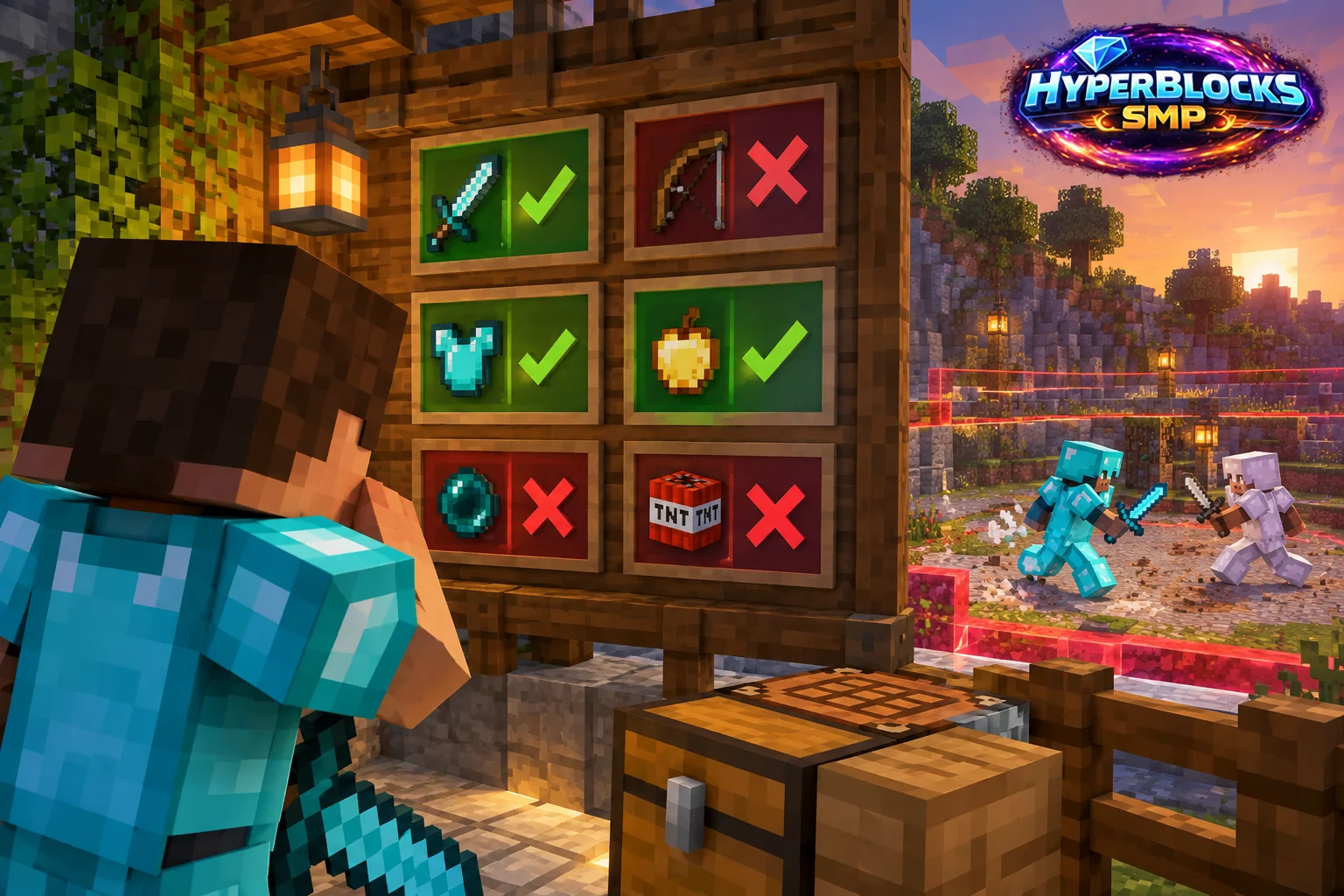
What to Know
The HyperBlocks claim reference describes a PvP control and a related keep-inventory or drop setting when PvP is enabled. These are consequential choices for a space used by players. A casual arena label is not enough to establish the actual rules, and enabling combat should not be treated as a decorative building option.
A Practical Approach
Open the claim controls and read the current state. The documented control uses a normal click to toggle PvP and a shift-click, when PvP is on, for the inventory behavior. Verify the displayed result before inviting participants. Keep arrivals outside the combat area and explain the agreed activity before anyone brings valuable equipment.
Make It Work for Your Base
Follow network rules and avoid involving visitors who have not agreed to the activity. After an event, review whether the claim should retain its combat settings. A protected home, public gathering area and deliberate arena have different purposes. Keep that purpose clear in both the layout and the current controls.
Related planning: Transfer Claim Blocks: Confirm the Player and Amount; Using the HyperBlocks Rewards Page.
Put This Into Practice on HyperBlocks
On HyperBlocks Survival, land claims let you set permissions around your build. Plan the boundary before placing shared storage, then give friends only the access they need.
Reference and Further Reading
Use the current HyperBlocks menus and linked reference for server-specific requirements.
Your Next Adventure
Give Your Next Build a Place to Grow
Turn your building plan into a Survival home, then choose who can build, open containers and visit. Start with a small claim around your first workshop and expand when you need more room.