Browser Tools
Using the HyperBlocks Rewards Page
Review milestones, playtime goals and recurring rewards from your linked account, and check eligibility before trying to claim.
Join and Link Your Adventure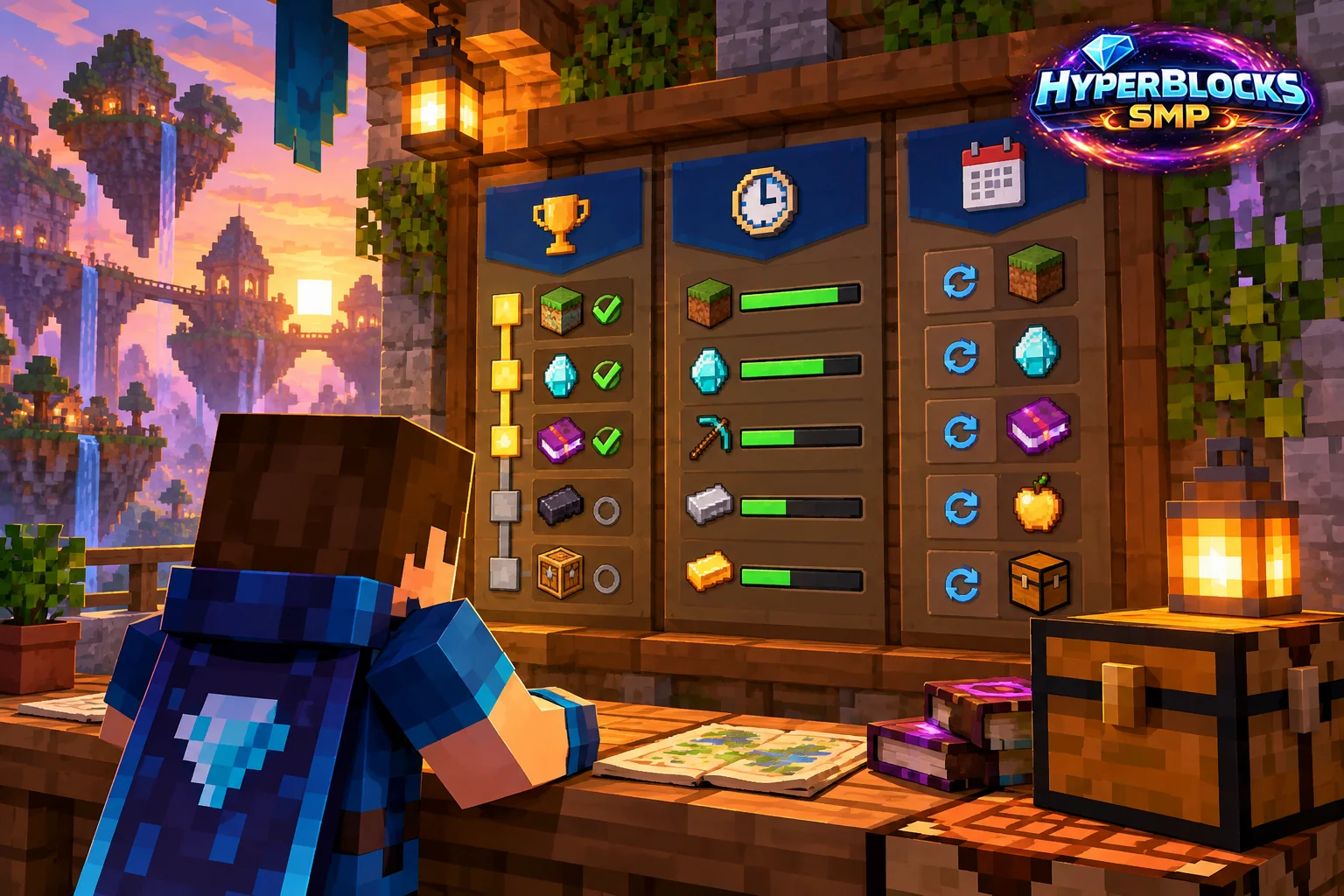
Read the Reward You Are Working Toward
Open Rewards from the linked account sidebar. The website-integration reference describes milestones, playtime, dailies, weeklies and streaks. These are different types of progress. Read the individual reward’s requirements and current status rather than assuming that completing one activity satisfies every nearby reward.
Check the Destination
Web claiming delivers to Survival when the server is reachable, and being online helps the action complete reliably. Before claiming an item, check the character you linked and give yourself room to receive it. A reward shown on a page should not be treated as already delivered until you inspect the resulting game or account state.
Avoid Duplicate Attempts
If a claim is still processing, look at the reward status and your character before clicking repeatedly. Confirm that you remain connected to the appropriate server. If you need help, keep the reward name, approximate time and result together without exposing your login details or linking code.
Build a Routine Around Play
Choose goals that fit the activities you actually enjoy. Check the current page for amounts, timers and availability; these can change with server events and configuration. This guide does not promise a particular prize or a permanent payout. Voting has its own cooldowns and reward rules, so use the voting guide for that activity.
Related planning: Claim PvP Settings: Check Combat and Item Rules Together; How Minecraft Server Voting Works on HyperBlocks.
Put This Into Practice on HyperBlocks
HyperBlocks browser tools require a linked account, and live inventory or claim changes require you to be online in Survival. The wiki explains the connection requirements for each tool.
Reference and Further Reading
Use the current HyperBlocks menus and linked reference for server-specific requirements.
Your Next Adventure
Bring Your Next Project Into Focus
Join HyperBlocks Survival and find your HyperCode on the scoreboard. Link it to your website account to use the browser tools, then organize the next step of your build. Stay online in Survival when using tools that require a live connection.