Build Projects
Build a Bee Garden With Safe Working Access
Create a flower garden with an accessible hive work area and a deliberate honey-collection routine.
Start Your Survival Farm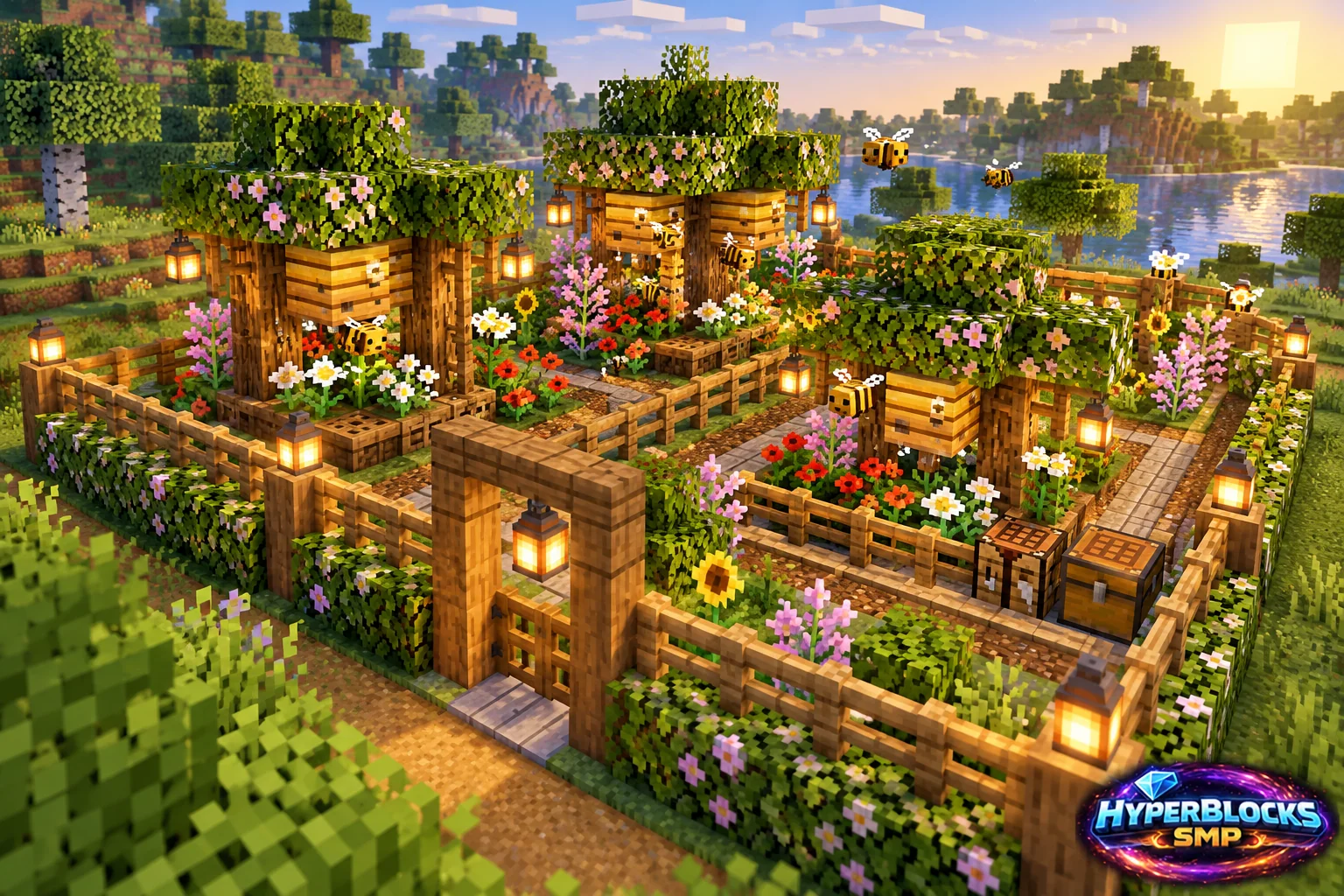
Plan the Footprint
Suggested working layout: A small open flower bed with a clear hive front and a separate approach path. Mark this space with temporary blocks before collecting decorative materials. The article’s illustration is a concept view; use the dimensions and instructions here for the working layout. Keep the entrance, storage access and any neighboring structures visible while planning.
Build the Working Layout
Place the hive work area where its entrance remains clear and flowers are nearby. Keep the player path distinct from the bees’ immediate entrance. Do not enclose the hive in decorative blocks before observing that bees can enter and leave normally.
Arrange the Daily Routine
Choose whether the session is for honey bottles or honeycomb and bring the correct tool. Understand the smoke and harvest behavior before interacting with a full hive. If using a campfire arrangement, protect movement around the fire and verify that the setup does not obstruct the intended smoke path.
Check Before Expanding
Observe bee movement and the hive state during normal activity before adding more hives. Weather and time affect the routine, so a quiet moment is not proof that the hive is broken. Keep the working garden manageable and check server rules before transporting nests or expanding production.
Quick Reference
| Suggested Footprint | A small open flower bed with a clear hive front and a separate approach path |
|---|---|
| Starting Materials | Flowers; suitable hive or nest; a path; bottles or shears for the intended harvest; campfire and protective layout only where appropriate |
| Scope | Original suggested layout; quantities exclude optional decoration unless stated |
Play This on HyperBlocks
HyperBlocks adds a player economy to your farm planning. Prices and demand can change, so check the current menus before choosing what to sell.
Reference and Further Reading
Build layouts are original suggestions. Check your edition, version and current server menus when applying game mechanics or server settings.
Your Next Adventure
Make Your Next Harvest Part of a Bigger Plan
Build a farm that supplies your next project. On HyperBlocks Survival, compare current shop prices and player auction listings before deciding what to keep or sell. Start with one crop and a storage chest inside your claim.