
Play With Throwing Discs on Java and Bedrock | HyperBlocks
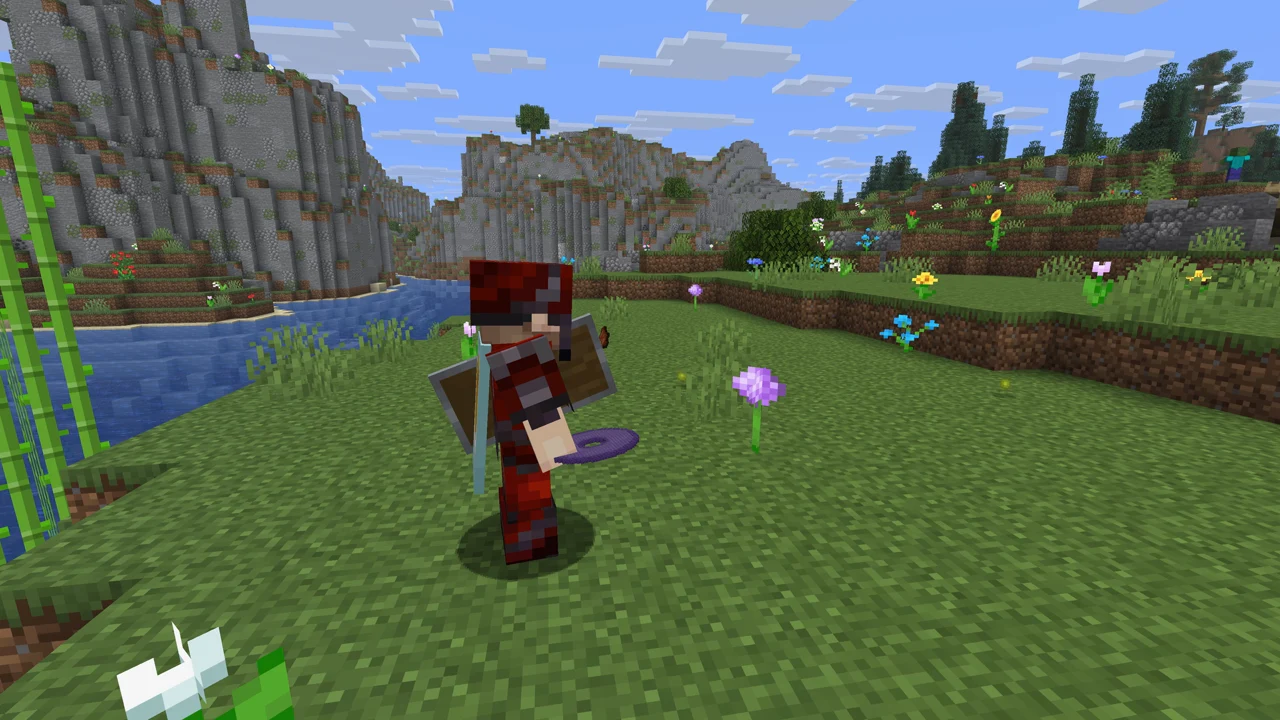
HyperBlocks’ custom throwing discs are available to Java and Bedrock players on Survival. Both editions participate in the same server weapon system, with edition-specific controls and resource-pack visuals.
Join and Load the Resource Pack
Use Play.HyperBlocksSMP.com as the server address. Bedrock players use port 19132. Follow the site’s joining instructions for your setup, enter Survival, and accept the server resource pack when prompted.
The pack supplies the appearance of the custom items. If you see a missing texture or an ordinary placeholder item, check that the server pack finished downloading and is enabled. Tell us your edition and which item is affected if the problem continues; a screenshot helps distinguish a missing asset from an incorrect held pose.
Java Controls
Hold a disc and use the item to throw it; on a default keyboard-and-mouse setup, that is right-click. The disc leaves the hand and flies into the world. For an offhand throw, keep the main hand clear of an item that consumes the use action so the offhand can receive the input.
When the disc returns, the original hand gets the first chance to catch it. An available alternate hand can receive it if the original hand is occupied. This is useful when you throw from the main hand and then equip a sword.
Bedrock Controls
Use the item action for a main-hand throw. The exact button depends on whether you play with touch controls, a controller, or keyboard and mouse. For a disc already in your offhand, begin sneaking to trigger the HyperBlocks offhand throw.
That sneak action is our server’s Bedrock control bridge. It is not a claim that all future vanilla offhand controls already exist here. Mojang’s broader Bedrock offhand feature is separately announced for its first 2027 game drop.
The Same Catch Decision
Whichever edition you use, make room for the return. If your main hand now holds a sword, an empty offhand can catch the disc. If both hands are occupied, it drops as a world item and can be picked up by other players. Keeping the offhand free has a practical benefit beyond how the character looks.
Material stats, durability, crafting ingredients, and the supported maintenance enchantments belong to the shared HyperBlocks weapon. The visuals are delivered differently on each edition, so a pose or texture correction should be checked separately from the underlying combat behavior.
Craft Your First Disc
You do not need an administrator grant to get started. Gather four planks and an Ender Pearl, use the cross-shaped crafting layout in our disc wiki, and practice with the Wooden Disc. Use the material table to choose an upgrade when you are ready.
If you are looking for a Minecraft server with throwing discs, begin with the HyperBlocks weapon overview. If you are researching Mojang’s upcoming weapon instead, our announcement guide separates the official preview from the custom version you can play here.