Troubleshooting
Smoker Will Not Cook an Item: Check Food and Fuel
A smoker handles supported food recipes, so check the item and station before adding fuel.
Build Your Survival Workshop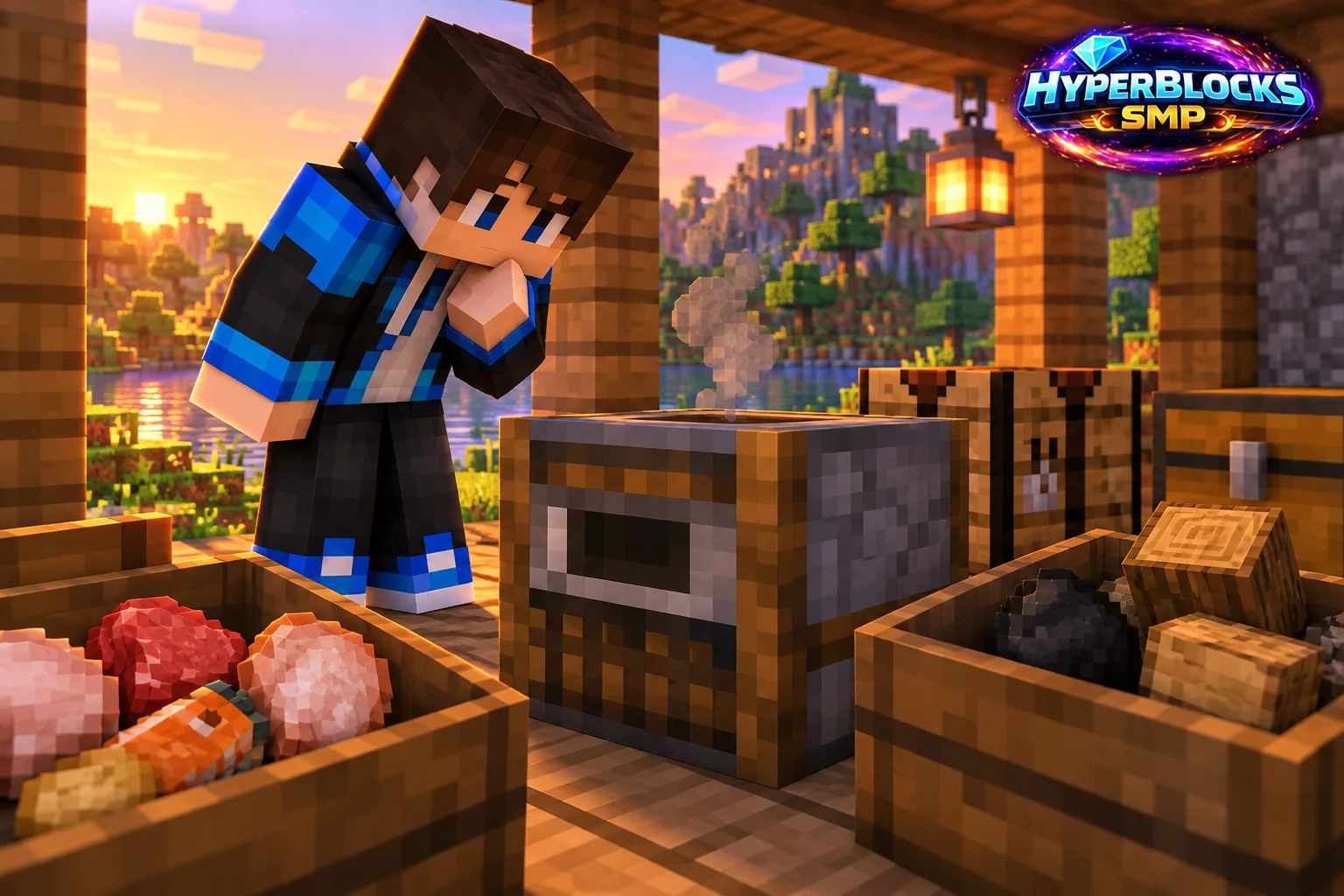
Identify the Intended Food Recipe
A smoker is specialized for food processing. It does not replace a furnace for ore, sand or every item that can be heated. Check whether the exact raw food has a supported cooked result and avoid assuming a custom edible item follows a vanilla recipe.
Run One Manual Cycle
Place a small eligible input in the upper slot, usable fuel below and leave room for output. Watch the progress before connecting bulk storage. This establishes whether the station works without confusing the result with a blocked hopper or a mislabeled supply chest.
Check the Destination
A full output slot or full collection container can stop a successful cooking routine. Remove the finished food and inspect any extracting hopper’s direction and power state. Keep a hand-accessible chest nearby so you can collect the result while repairing the automated route.
Separate Meal Reserves From Production
Keep food for the next trip outside the test system. Label raw ingredients and cooked meals separately, then return the station to a small normal batch. If the setup still fails, record the item, fuel and exact slot contents rather than repeatedly adding more valuable ingredients.
Play This on HyperBlocks
Place your workshop and shared storage inside a HyperBlocks land claim. Container access and building access are separate choices, so set permissions to match how friends will use the space.
Reference and Further Reading
Build layouts are original suggestions. Check your edition, version and current server menus when applying game mechanics or server settings.
Your Next Adventure
Put Your Next Craft to Work
Make a workshop that earns its space. Join HyperBlocks Survival, claim a small base and build the next useful part of your setup, whether that is storage, lighting or equipment for a trip with friends.