Troubleshooting
Nether Portal Will Not Light: Frame and Space Checks
Inspect the obsidian frame, clear interior and dimension before using more ignition items.
Begin Exploring HyperBlocks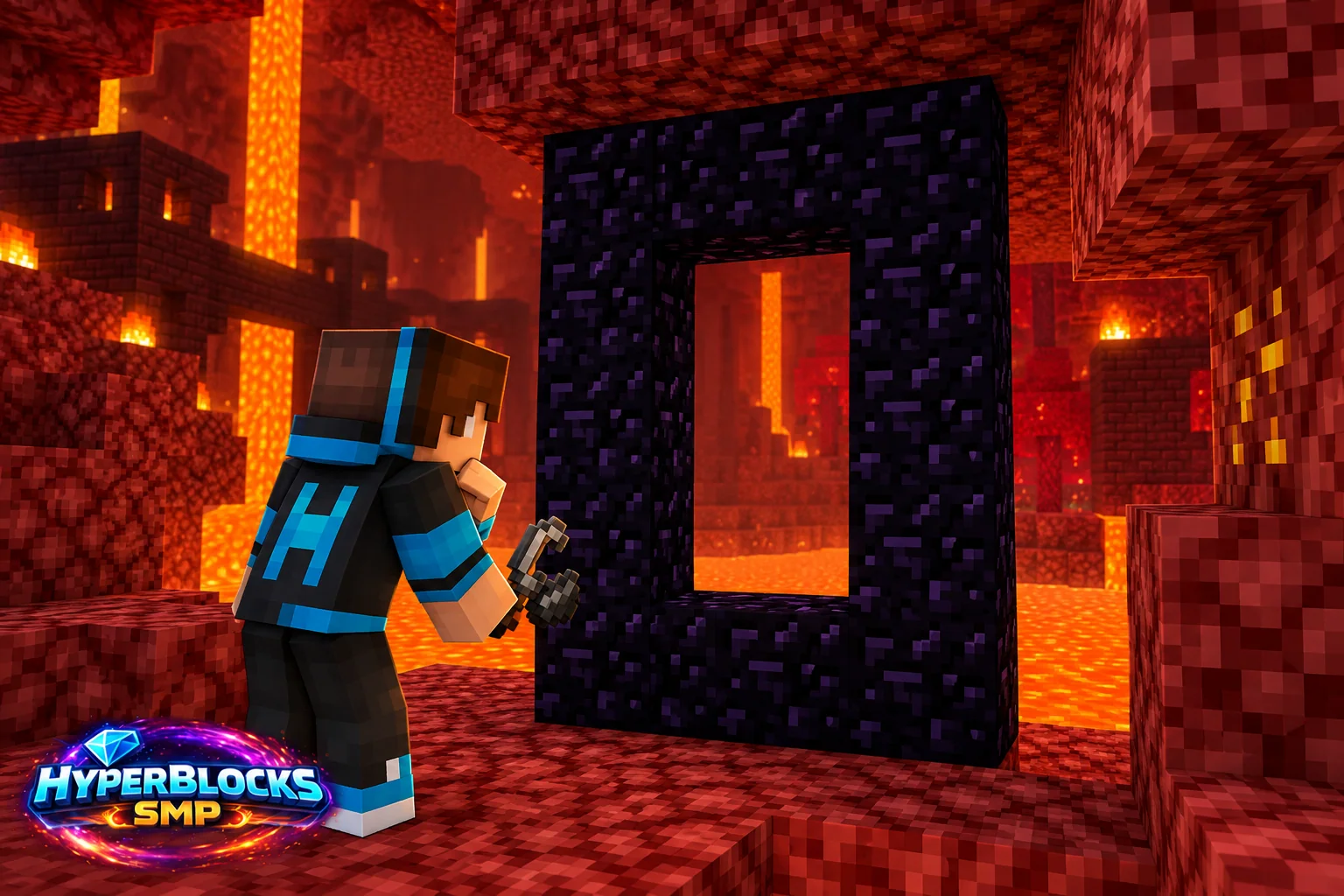
Check the Frame Material
A standard Nether portal uses obsidian for its functional frame. Crying obsidian and similarly colored decorative blocks are not substitutes. Inspect every required edge instead of assuming a ruined portal’s existing structure is ready to activate.
Check the Interior Opening
The frame must form a valid vertical opening with clear space inside. A conventional minimum opening is two blocks wide and three high. The corners may be omitted in an ordinary frame, but the required top, bottom and side edges still need to be complete.
Ignite the Interior Safely
Use an appropriate ignition action inside the frame and keep flammable decorations away from the test. If no portal appears, inspect for an interior obstruction or a frame gap. Do not repeatedly spread fire around a wooden portal room as a substitute for checking the structure.
Check Server and Dimension Rules
Portal behavior can be restricted by the dimension or server configuration. Read any message and check the current server travel reference. A valid-looking frame in a prohibited context does not establish that the frame dimensions are wrong.
Play This on HyperBlocks
Use /m on HyperBlocks Survival to find the current travel and server tools. A vanilla biome or structure guide is not a promise that a particular location is nearby, untouched or available on the server.
Reference and Further Reading
Build layouts are original suggestions. Check your edition, version and current server menus when applying game mechanics or server settings.
Your Next Adventure
Make Your Next Expedition Lead Somewhere
Choose a route, pack a sensible kit and give yourself a home to return to. Join HyperBlocks Survival, establish your first base and invite a friend to plan an expedition with you.