Troubleshooting
HyperBlocks Textures Are Missing: Resource Pack Checks
Check the server resource-pack setting, download result and client version before changing installed packs.
Choose Your First Adventure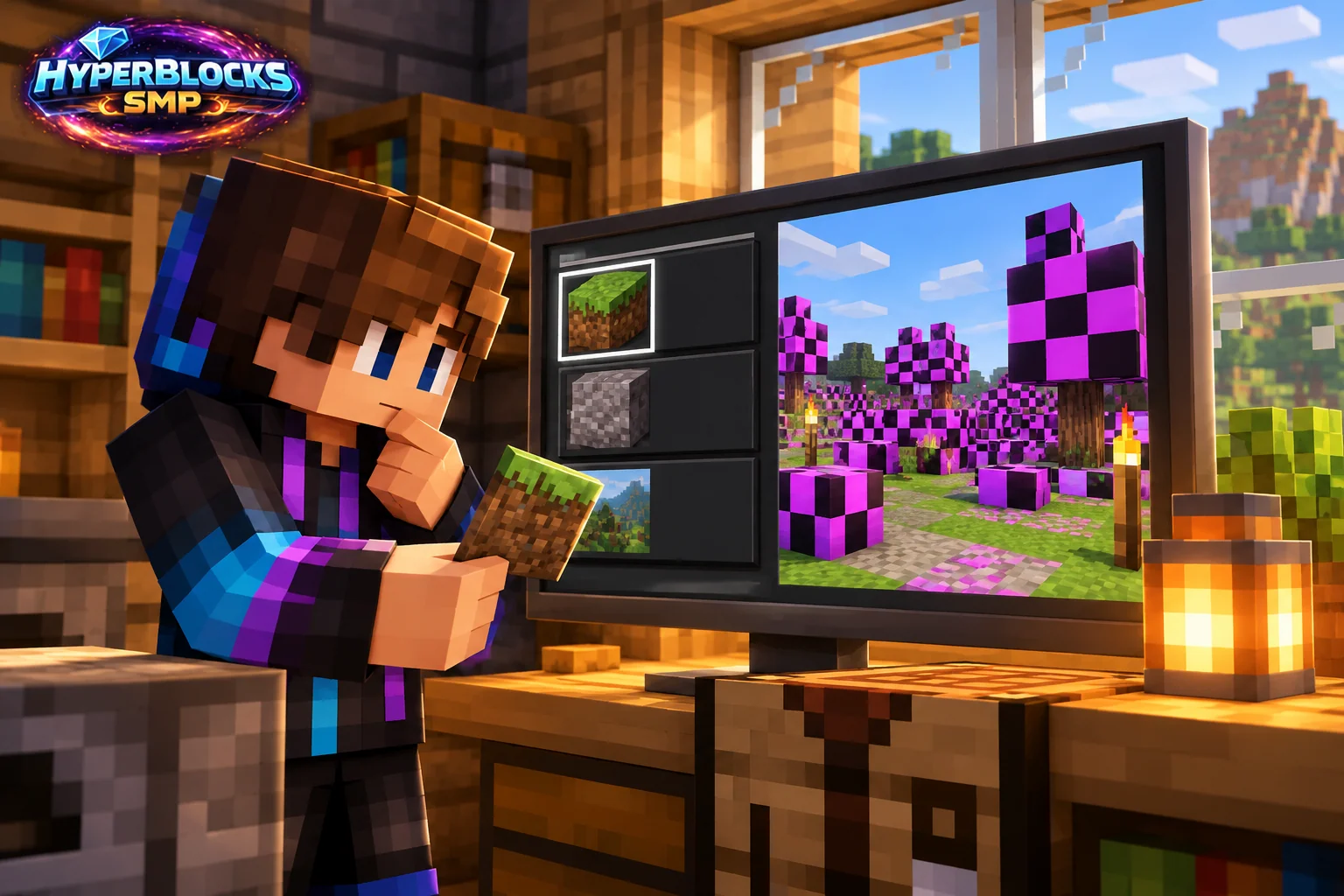
Confirm the Intended Server Pack
Read the pack prompt and the saved server entry’s resource-pack setting. A declined or disabled server pack can leave custom items looking incorrect. Use the current HyperBlocks joining instructions and do not download a replacement pack from an unrelated link in chat.
Check Whether the Download Completed
Record any download or reload message. A partial download, an interrupted connection and a pack that loaded but has one broken item are different findings. Reconnect through the normal supported flow after addressing the specific failure, rather than deleting unrelated personal packs.
Compare One Known Item
Identify a specific custom item and compare its name and expected appearance with the server reference. General lighting or a personal texture pack may change the whole scene. Record the item and client edition so an isolated asset problem is not mistaken for a complete pack failure.
Preserve Your Client Setup
Keep a note of enabled packs and their order before changing anything. Test with a compatible clean profile when practical, then restore your preferences deliberately. Do not alter credentials or bypass a browser or client security warning to obtain a resource pack.
Play This on HyperBlocks
Minecraft client settings and HyperBlocks server menus are different tools. Once connected, use /m for the Hyper Menu and follow the current joining instructions for your edition and version.
Reference and Further Reading
Build layouts are original suggestions. Check your edition, version and current server menus when applying game mechanics or server settings.
Your Next Adventure
Get Comfortable, Then Make It Your World
Set up controls you can rely on, then join HyperBlocks and choose your first project. Survival offers a shared world for building and exploring. For PvP, read the Hyper Duels guide.