Controls and Settings
Minecraft Recipe Book: A Practical Guide
Find recipes and check ingredients in the crafting interface.
Choose Your First Adventure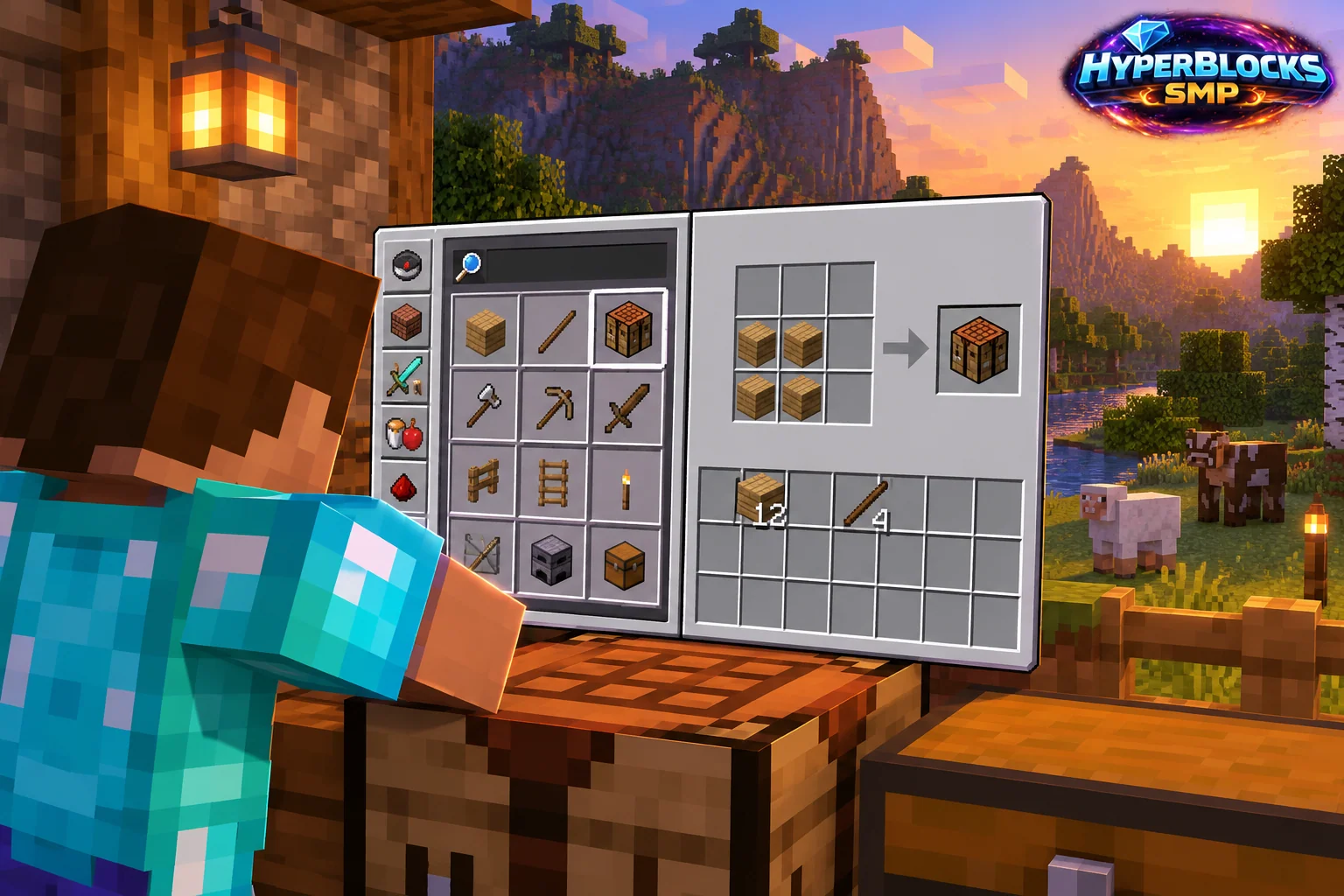
Use the Recipe Available to Your Game
The recipe book helps you find supported crafting patterns and inspect ingredients in the current environment. This is especially useful when a newer version changes an ingredient or adds a recipe. An old web tutorial may describe a different game version or a custom server.
Read Before Processing Supplies
Search or browse for the intended item, inspect the recipe and confirm the output count. Gather the required ingredients without converting the entire stock into intermediate materials. Make one batch first and check the result. If the recipe uses an ingredient category, inspect which variants the current interface accepts rather than assuming every similar block qualifies.
Plan a Building Batch
For a workshop project, list the workstations you need and note the shared ingredients. Make the base components first, then complete one final item at a time. Keep finished outputs in a separate chest so they are not accidentally used as ingredients for another project. The crafting guides in this directory provide version-labeled reference patterns.
When a Recipe Is Missing
Check the crafting interface, version and applicable server rules. A missing result can reflect the wrong ingredient, insufficient grid space or a recipe that does not exist in that environment, not necessarily a broken game.
Related planning: Minecraft Activator Rail Recipe: Ingredients, Crafting, and Uses; Minecraft Barrel Recipe: Ingredients, Crafting, and Uses.
Put This Into Practice on HyperBlocks
Minecraft client settings and HyperBlocks server menus are different tools. Once connected, use /m for the Hyper Menu and follow the current joining instructions for your edition and version.
Reference and Further Reading
Check your edition, platform and saved bindings. Java defaults are identified explicitly.
Your Next Adventure
Get Comfortable, Then Make It Your World
Set up controls you can rely on, then join HyperBlocks and choose your first project. Survival offers a shared world for building and exploring. For PvP, read the Hyper Duels guide.