Farming
Minecraft Mushroom Growing: Plan Light, Space, and Access
Choose a mushroom-growing approach that fits the available light and space instead of copying an ordinary crop bed.
Start Your Survival Farm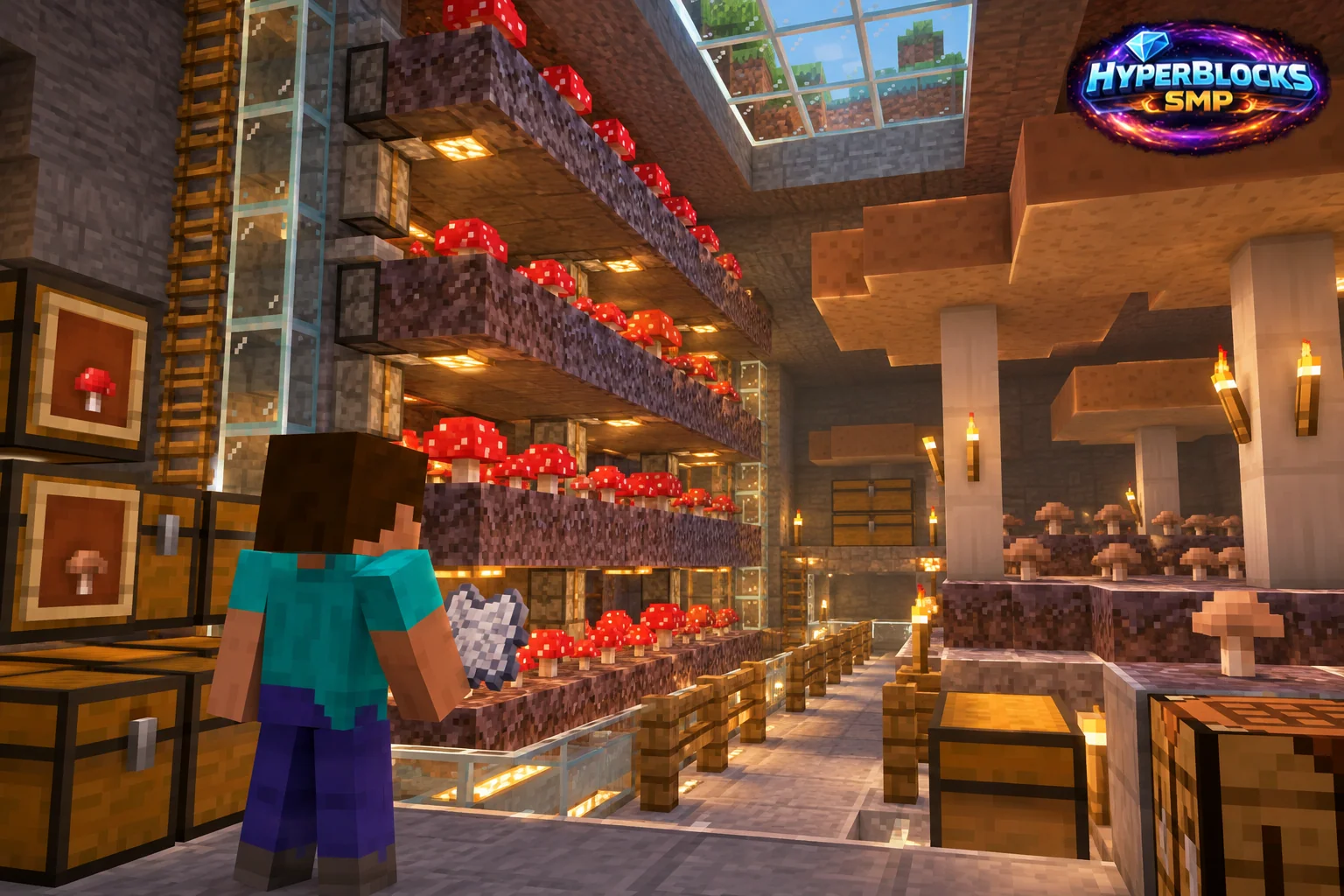
What to Know
Mushrooms do not follow the same planting routine as wheat or carrots. Their placement and growth conditions depend on the environment and the method you choose. Decide whether you want a small controlled supply or a larger mushroom-growing space before building the room. Check the current game behavior in a small area first.
A Practical Approach
Keep the test patch accessible and observe which conditions allow the intended result. If you use bone meal for a large mushroom, provide adequate room for the structure rather than placing it against a finished ceiling. Reserve some original mushrooms for future planting and separate that stock from material intended for food or decoration.
Make It Work for Your Base
A dim growing area also needs a plan for safe player access. Make the entrance clear and keep nearby storage convenient. On HyperBlocks, include the full room in your claim and check the rules before scaling any farm design. Label the mushroom types separately so shared crafting and trade stock do not become a mixed collection of superficially similar items.
Choose the Growing Method First
Small mushroom spreading and growing a huge mushroom are different projects. Decide which output and method you want, then verify the supporting block, light and clearance for that method. Keep the growing space separate from an ordinary brightly lit crop bed. Test one plant with the intended conditions before building a large room, and reserve a starting supply in case a harvest removes the whole setup.
Related planning: Minecraft Knockback: More Distance Is a Tactical Choice; Minecraft Mob Spawn Prevention: Plan and Practice.
Put This Into Practice on HyperBlocks
HyperBlocks adds a player economy to your farm planning. Prices and demand can change, so check the current menus before choosing what to sell.
Reference and Further Reading
Use the current HyperBlocks menus and linked reference for server-specific requirements.
Your Next Adventure
Make Your Next Harvest Part of a Bigger Plan
Build a farm that supplies your next project. On HyperBlocks Survival, compare current shop prices and player auction listings before deciding what to keep or sell. Start with one crop and a storage chest inside your claim.