Enchantments
Minecraft Knockback: More Distance Is a Tactical Choice
Choose Knockback based on the space available and how you want an ordinary melee encounter to unfold.
Build Your Loadout on HyperBlocks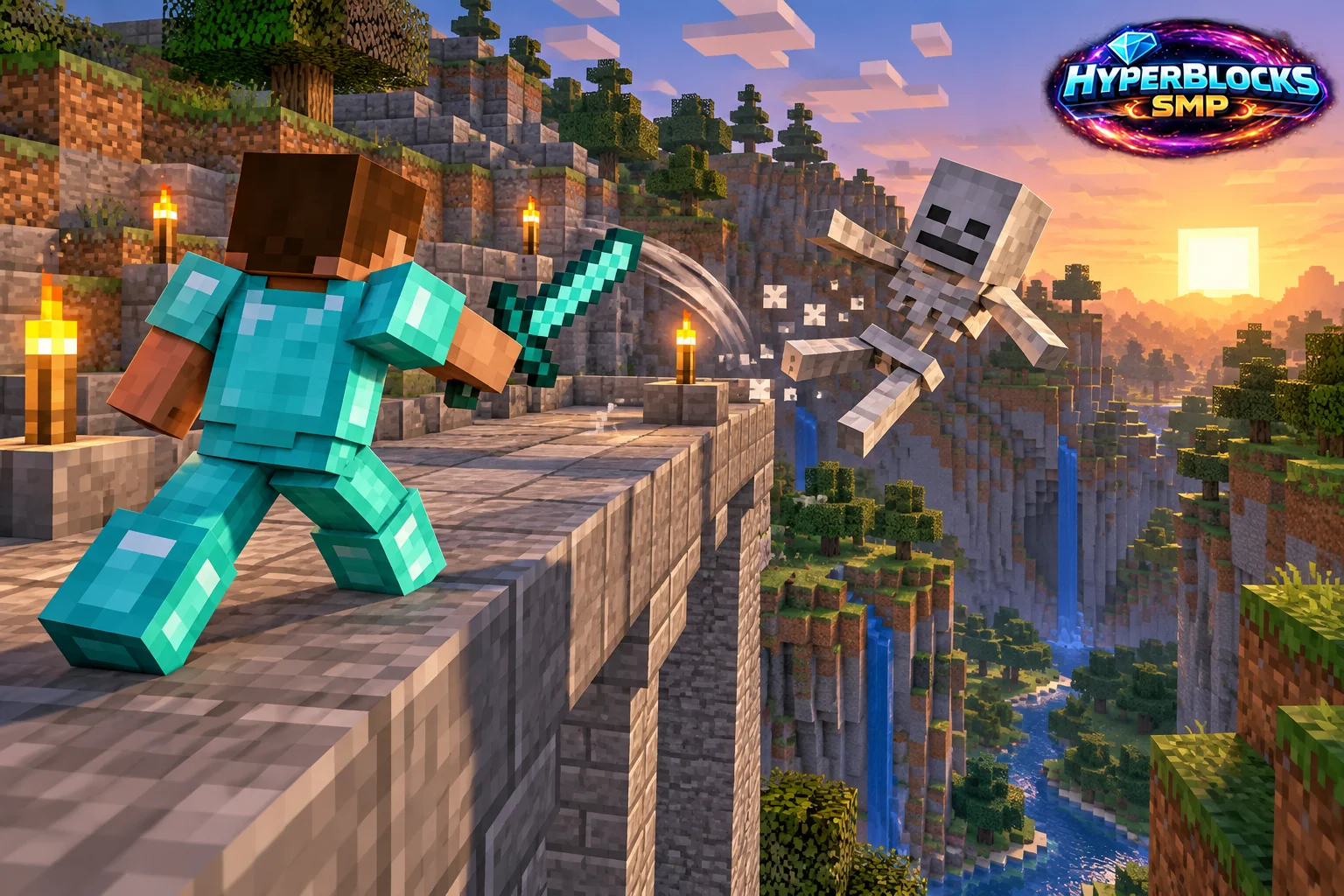
Control Space with Melee Hits
Knockback pushes a struck target farther away. Extra separation can help when you need breathing room, but it also changes where the next attack happens. Pushing an enemy out of reach or into a poor location may be inconvenient for the way you prefer to fight.
Levels and Eligible Equipment
The ordinary maximum level for Knockback in vanilla Java 26.3 is 2. Eligible item families in the released game data are: Spear, Sword. Eligibility does not mean every item appears as a direct enchanting-table offer. An anvil, an enchanted book or a particular acquisition route may be involved. Check the actual item and the preview before committing experience or materials.
Use a Clear Retreat Lane
Practice with a familiar enemy in a space where you can see the landing area. Keep your own path open and avoid backing toward a cliff while concentrating on the target. If the knockback sends the encounter into another group of mobs, stop chasing and reassess rather than following automatically.
Choose a Role for the Weapon
A defensive everyday weapon and a weapon used in a confined collection setup may have different priorities. Keep the intended role visible in storage. On HyperBlocks, follow combat and claim rules, and do not use other players or their animals to test the distance of an effect.
Finding the Enchantment
In the ordinary Java 26.3 definitions, this enchantment is included in the enchanting-table selection and is included in the tradeable-enchantment selection. These categories describe available routes, not a guarantee that the next offer will contain the effect. Experimental trade rules, server plugins and custom equipment can change what you encounter. HyperBlocks availability should be checked in the current server menus and item descriptions.
Quick Reference
| Maximum Level | 2 |
|---|---|
| Eligible Item Families | Spear, Sword |
| Edition Scope | Java 26.3 |
| Normal Conflicts | No direct exclusivity conflict |
Put This Into Practice on HyperBlocks
This guide explains the named Minecraft mechanic. HyperBlocks also documents server enchantments, gear compatibility and acquisition methods in its own catalog. Check that catalog and the actual item before planning a combination.
Reference and Further Reading
Vanilla Java 26.3; check server-specific availability.
Versioned data reference: Official Java 26.3 Version Metadata.
Your Next Adventure
Build the Loadout You Want to Play With
Put together a mining kit, a reliable bow or a sword for your next expedition. Join HyperBlocks Survival, choose one item to improve and check the server enchantment catalog before spending your levels.