Farming
Minecraft Kelp Farming: Underwater Access and Processing
Plan a kelp harvest around breathing, visibility and the processing steps your intended output needs.
Start Your Survival Farm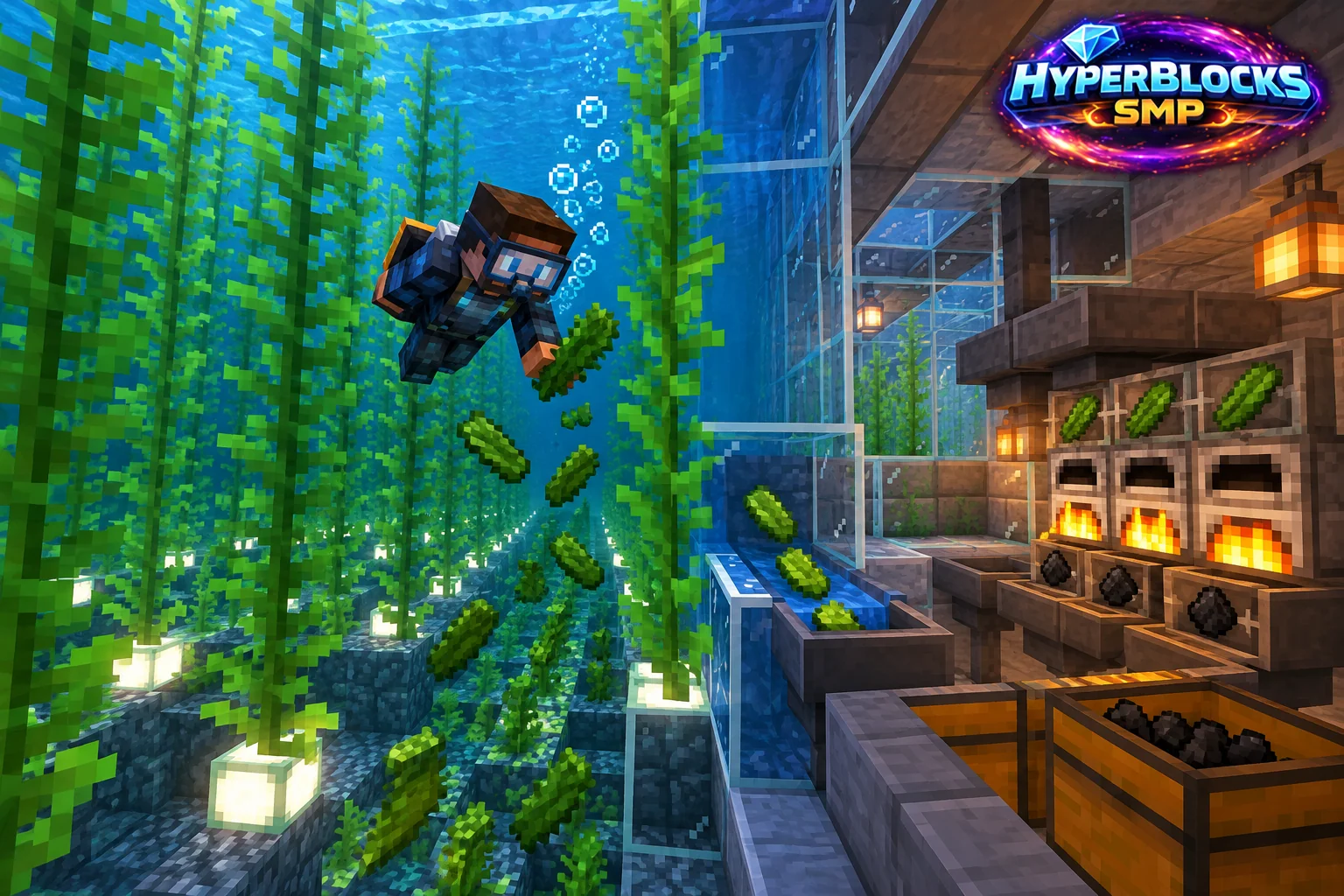
What to Know
Kelp grows underwater, so reaching the crop safely is part of the farming task. Choose a location where you can return to the surface easily and see the harvest area. Do not turn the first attempt into a deep underwater construction project. Establish a small accessible patch before expanding the collection footprint.
A Practical Approach
Harvest with a plan to preserve the growing base and collect the released material. Keep track of your air and inventory space rather than staying submerged for one more item. Once ashore, separate planting or expansion stock from the portion you intend to process. Raw kelp, dried kelp and crafted outputs are different inventory forms.
Make It Work for Your Base
Place the processing area near dry storage so the trip from water to furnace is straightforward. Check the current recipe and fuel requirement before converting a large batch. On HyperBlocks, inspect ownership and rules around the site, and compare offers for the exact item form. An underwater resource routine works best when the safe route is obvious even during a busy session.
Plan Access from the Surface
Create a manageable water area with a clear entry and exit, then establish kelp on valid submerged support. In manual harvesting, preserve the base needed for regrowth and collect the floating output from a readable position. Keep the underwater task short enough to match the breathing plan. Drying the harvest adds a processing step, so label raw kelp and dried output separately.
Related planning: Minecraft Bamboo Farming: Harvest Access and Useful Stock; Minecraft Underwater Preparation: Plan and Practice.
Put This Into Practice on HyperBlocks
HyperBlocks adds a player economy to your farm planning. Prices and demand can change, so check the current menus before choosing what to sell.
Reference and Further Reading
Use the current HyperBlocks menus and linked reference for server-specific requirements.
Your Next Adventure
Make Your Next Harvest Part of a Bigger Plan
Build a farm that supplies your next project. On HyperBlocks Survival, compare current shop prices and player auction listings before deciding what to keep or sell. Start with one crop and a storage chest inside your claim.