Farming
Minecraft Composters: Sort Farm Surplus into a Useful Routine
Use a composter for eligible organic surplus while keeping planting stock and valuable crafting ingredients out of the input pile.
Start Your Survival Farm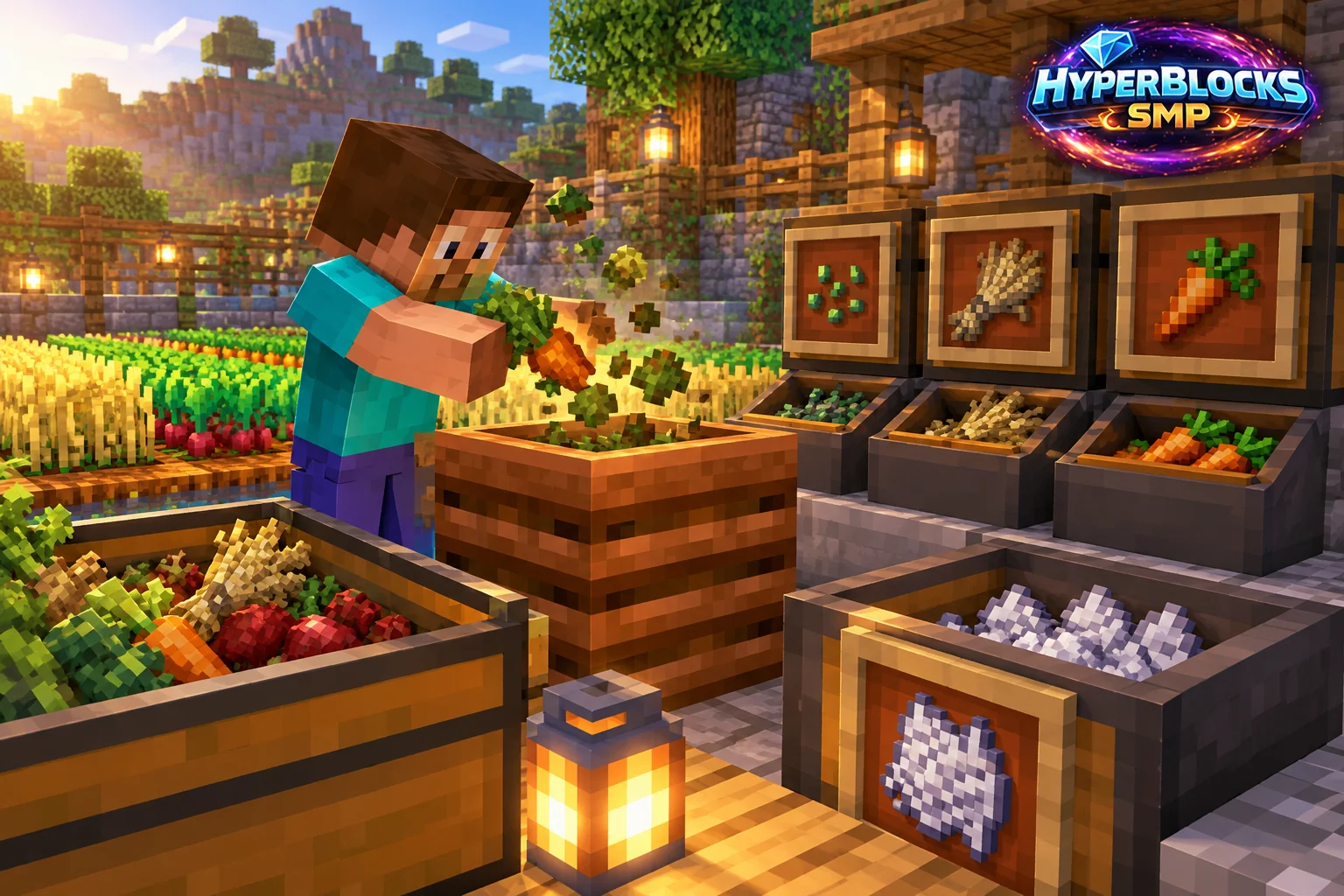
What to Know
A composter accepts eligible organic materials and can produce bone meal as its contents progress. Not every item belongs in it, and different inputs should not be assumed to behave identically. The key planning decision is what counts as surplus for your base. Seeds reserved for replanting are not surplus simply because they are sitting beside the farm.
A Practical Approach
Set up a labeled input container and try a small amount of the material you intend to use. Keep food, planting reserves and sale stock separate. Watch the composter’s state so you understand the process before building a larger collection arrangement. Avoid feeding mixed valuables into an automated route you have not inspected.
Make It Work for Your Base
Place the composter beside the harvest-sorting area rather than across the base. That creates a clear sequence: replant, keep food and ingredients, then process genuine leftovers. On HyperBlocks, claim the work area and verify current machinery rules if you add automation. Bone meal production should support the farm instead of quietly consuming the supplies required to keep it running.
Separate Surplus from Essential Stock
Put the composter beside the sorting area, but keep seeds and food reserves in clearly different storage. Feed only the chosen compostable surplus and collect the finished bone meal when the process completes. Acceptance and fill chances differ by item, so test the material you actually plan to use. A full planting chest is more useful than converting the last seeds into a small amount of fertilizer.
Related planning: Minecraft Bamboo Farming: Harvest Access and Useful Stock; Minecraft Potato Farming: Planting, Cooking, and Sorting Drops.
Put This Into Practice on HyperBlocks
HyperBlocks adds a player economy to your farm planning. Prices and demand can change, so check the current menus before choosing what to sell.
Reference and Further Reading
Use the current HyperBlocks menus and linked reference for server-specific requirements.
Your Next Adventure
Make Your Next Harvest Part of a Bigger Plan
Build a farm that supplies your next project. On HyperBlocks Survival, compare current shop prices and player auction listings before deciding what to keep or sell. Start with one crop and a storage chest inside your claim.